



Why did Adobe Color change?
Reposting this from my CC Desktop feature request. Please vote if you feel the same!
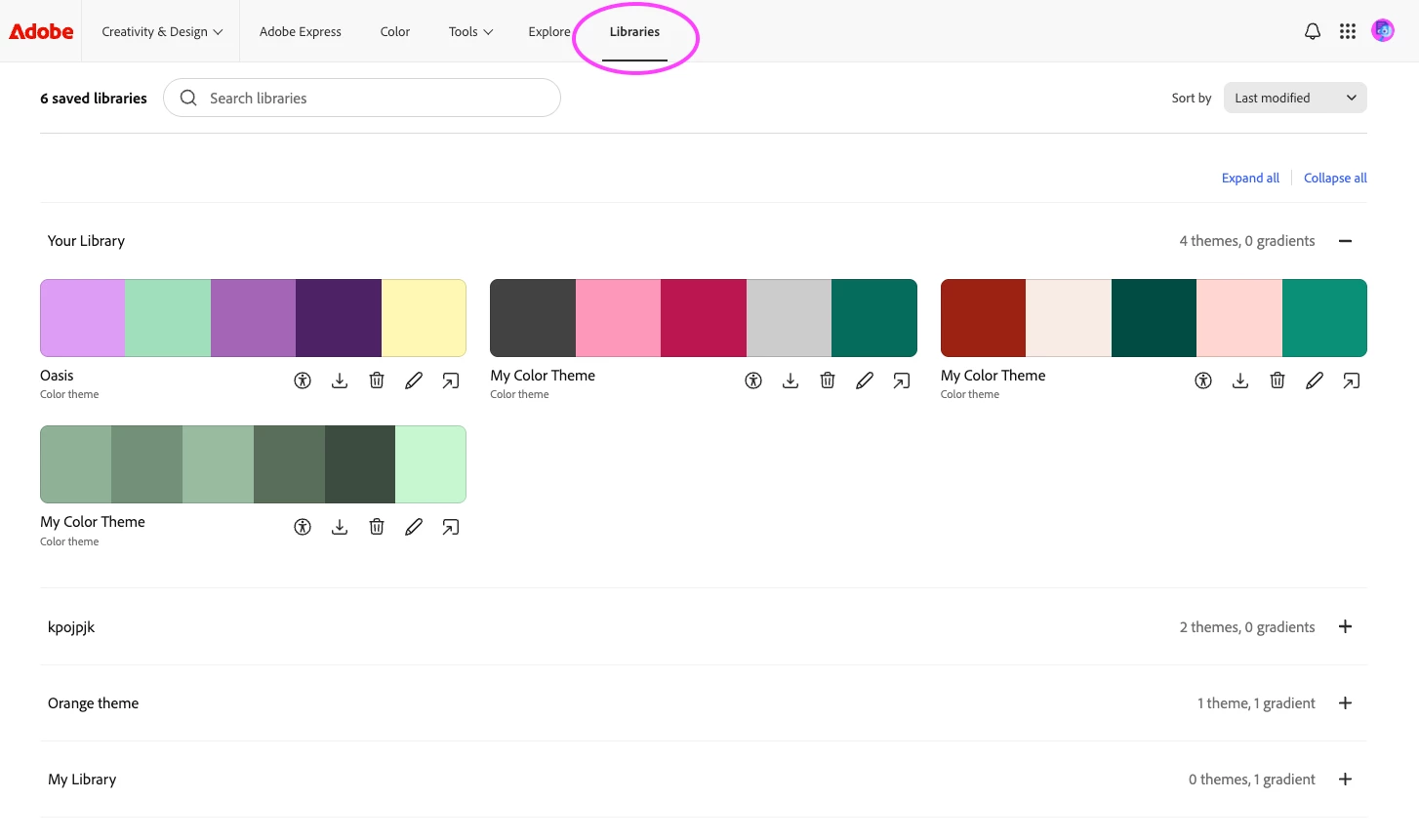
In the past few days, Adobe Color (formerly Kuler) at color.adobe.com has disappeared and been replaced with something that lacks the flexibility and usefulness of the previous interface. I’m hereby begging you to bring the previous interface back, in its entirety.
I’ve been a paying subscriber to Adobe CC and an instructor of Adobe CC apps for many years, and while I haven’t been happy with the recent price increases, my overall satisfaction with the service and the useful generative AI features in Photoshop have been enough to offset the pain of paying more every month. However, Adobe Color was one of the most useful creative tools of its kind available anywhere, and the fact that it integrated with all my apps was a huge bonus. Why on earth would I want to be forced into Adobe Express while I’m trying to fine-tune and experiment with a complex color scheme? I’m really struggling to understand the purpose of this downgrade.
There are many other users with similar sentiments: https://www.reddit.com/r/Adobe/comments/1t5heav/adobe_color_redesign/
Please bring back Adobe Color, now! This change is killing my productivity.

 AdChoices