allenzuk
Participant
May 9, 2026
Question

Why did Adobe Color change?

  • May 9, 2026
  • 26 replies
  • 1012 views

Reposting this from my CC Desktop feature request. Please vote if you feel the same!

In the past few days, Adobe Color (formerly Kuler) at color.adobe.com has disappeared and been replaced with something that lacks the flexibility and usefulness of the previous interface. I’m hereby begging you to bring the previous interface back, in its entirety.

I’ve been a paying subscriber to Adobe CC and an instructor of Adobe CC apps for many years, and while I haven’t been happy with the recent price increases, my overall satisfaction with the service and the useful generative AI features in Photoshop have been enough to offset the pain of paying more every month. However, Adobe Color was one of the most useful creative tools of its kind available anywhere, and the fact that it integrated with all my apps was a huge bonus. Why on earth would I want to be forced into Adobe Express while I’m trying to fine-tune and experiment with a complex color scheme? I’m really struggling to understand the purpose of this downgrade.

There are many other users with similar sentiments: https://www.reddit.com/r/Adobe/comments/1t5heav/adobe_color_redesign/

Please bring back Adobe Color, now! This change is killing my productivity.

    26 replies

    Participant
    July 11, 2026

    Whatever the priority/intent/thinking was behind this ill-conceived change by Adobe, we the community, were not a factor. Someone in the community should build what we have lost from scratch… since what we need seems to no longer be important to Adobe.

    Participant
    July 8, 2026

    I just saw the new color wheel. It is horrible useless for my work. 

    I see the intention: you can now use ist for Adobe Express, Mobile use – just simplified it.

    But i am a professional. I don't need a simple version. I want to see all the numbers, i want to fill the screen with that one work step. I don't use my mobile on every day work. Sure i can also use Illustrator, Photoshop and Indesign without any windows for color, sheets, links, etc – but that is not professional work. I use two monitors just to see all that stuff in front of me. Don't simplify all the things – it don't get better every time…

    Participant
    June 27, 2026

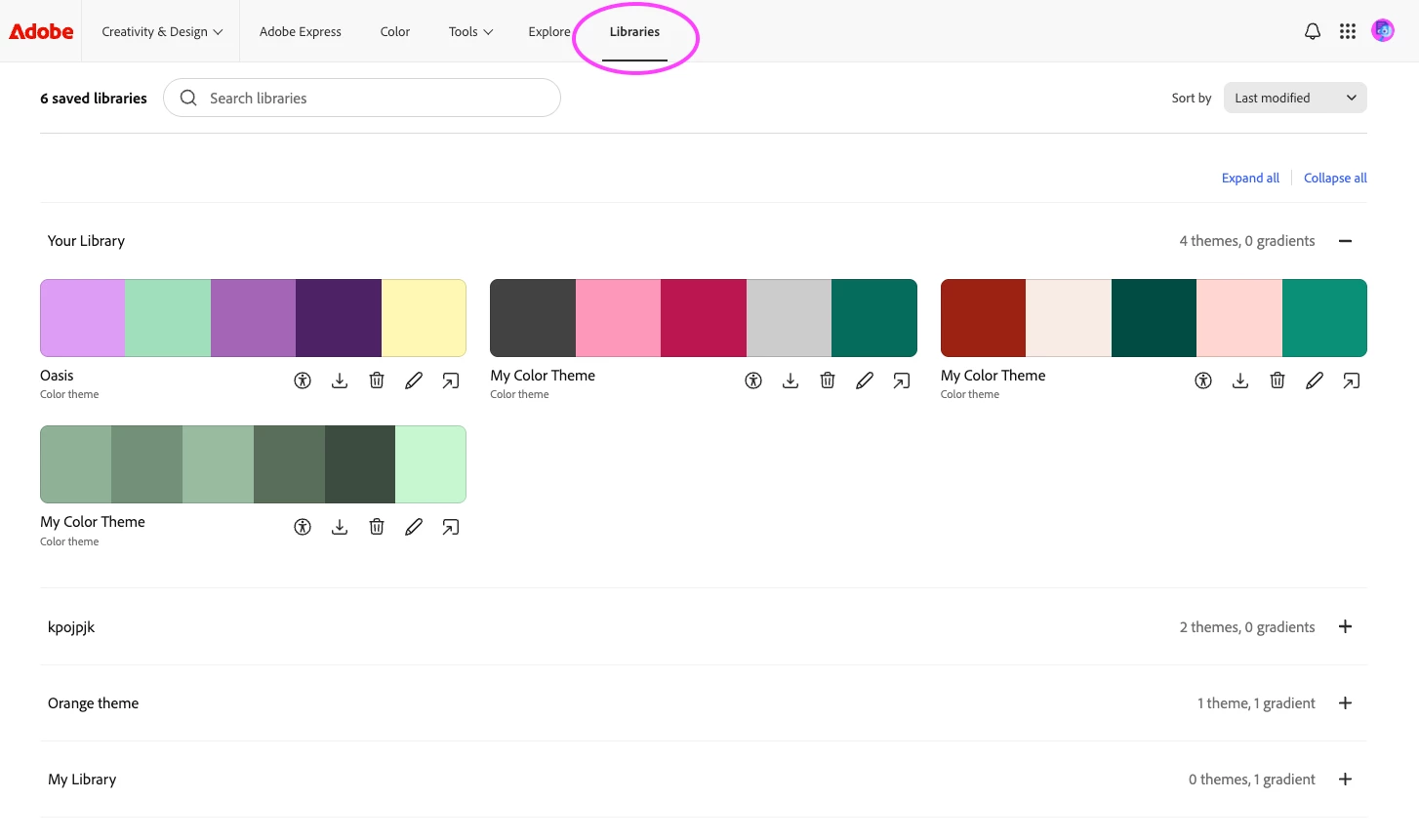
    I could not agree more that this redesign is a HUGE disappointment. What happened to my libraries with all of the palettes I previously created. Bring the old functionality BACK.

    June 28, 2026

    ​​​​Hey ​@OliveOakSmith 

    Have you looked in your Adobe Creative Cloud? (I m being captain obvious.) 


    Cheers

    Nate

    reg_milan
    Participant
    June 22, 2026

    This is such a horrible new interface. I wouldn’t even call it an update. I can’t believe this comes from Adobe. 

    OneFromZero
    Participant
    June 18, 2026

    Absolutely awful update 😭

    Participant
    June 11, 2026

    They have removed color trends completely. It is no longer available on the Express platform either. Fashion trends is completely gone, all the magazine covers and palettes, gone. Wow. What a terrible, terrible idea. 

    WaratahJay
    Participant
    June 4, 2026

    Why is it no longer possible to bring color palettes back into the wheel to make changes? It’s very frustrating

    Participant
    May 22, 2026

    The old color tool was one that I used CONSTANTLY in my workflow. The new one is a bad replacement. PLEASE MAKE THE OLD VERSION AVAILABLE AGAIN!

    mariah_expresso
    Community Manager
    Community Manager
    May 23, 2026

    Hi there, we’d love to learn more about your thoughts here. Reaching out via message!

    Tenebrous Nox
    Participant
    May 21, 2026

    I think that the removal of the picker just made this useless to me…

    Light can only shine if there's darkness.
    mariah_expresso
    Community Manager
    Community Manager
    May 23, 2026

    Hi there, the color picker can be found by clicking on the HEX value. Currently, HEX, RGB, HSB, and Lab color spaces are available there. 


    Tenebrous Nox
    Participant
    May 23, 2026

    Hi, thank you for the reply. I will reply in public so that more people can add in their comments on this as well.
    The previous color picker allowed me to pick any color on the screen and not just the color box.
    I would pick/sample the color on the image I was working on in lightroom.
    Another good thing would be an “main” option to set the color codes for all the colours we have in the palette. For example, I work mostly with HSB. Every time I need to see the HSB information I have to click on the color code that by default is HEX and always falls back to HEX (don’t assume everyone is doing web design :P).
    Having an option to set the default format and also to change the palette codes matching that would be great.
    I can’t remember any other topics but I’m pretty sure other people already shared theirs.
    Thanks again.

    Light can only shine if there's darkness.
    INSILC
    Participant
    May 21, 2026

    My favorite feature was how when you clicked on a swatch from a set theme, the hex code automatically copied to the clipboard. Now you have to click on the swatch which opens a panel and then you have to drag and highlight the hex code manually. This sucks!

    mariah_expresso
    Community Manager
    Community Manager
    May 22, 2026
    Copy HEX button

    Hi! Thanks for reaching out. The copy button is on the bottom right of each swatch.

    Please let me know if I can help with anything else!