
Participating Frequently
July 6, 2022
Question

Adding custom Header & Footer

  • July 6, 2022
  • 1 reply
  • 1341 views

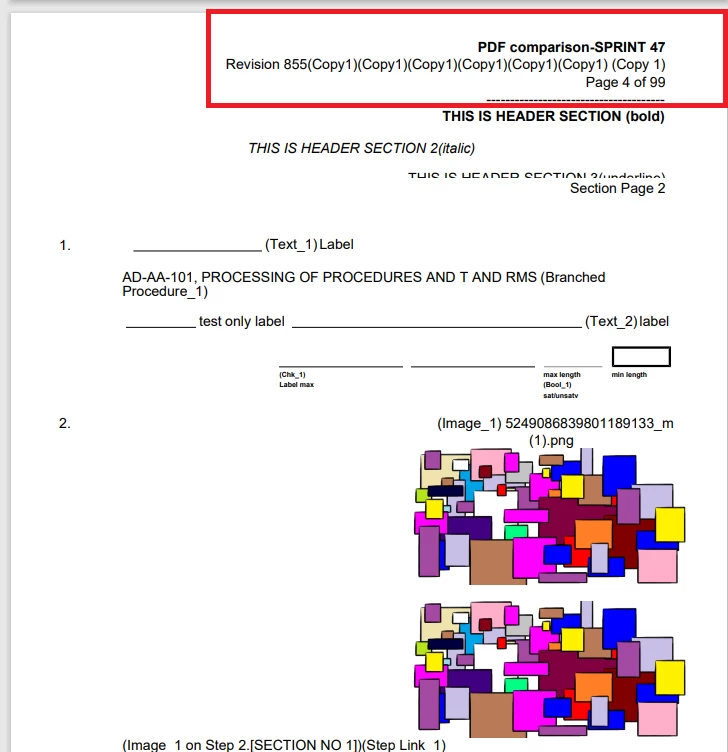
I am using Adobe PDFServiceSDK, using PDF Api Services. I am using static Html to pdf conversion functionality I am getting good result with default Header and Footer but it is Indented to be customized Header & Footer does Adobe PDFServiceSDK support customized Header and Footer in Html to PDF Conversion?


if you can share any guide or support related to this.


Thanks
    This topic has been closed for replies.

    1 reply

    Kyle Julé24692827
    Adobe Employee
    Adobe Employee
    July 18, 2022

    Hi there,

    The HTML file you're using as input dictates what content is to be presented in the document. Therefore, if you want the header to be different, you need to make it different in the HTML input file. Keep in mind that the HTML file is a single page, and therefore the header will only appear at the top of the first page of the resultant PDF document.

    Participating Frequently
    July 19, 2022

    Hi, 


    If i am not getting you wrong you are saying that Adobe doesn't provide the support for custom Header & Footer. Means whenever we'll use CreatePDFOptions.HtmlOptionsBuilder().IncludeHeaderFooter(true) method it'll come with default header and footer ?


    Kyle Julé24692827
    Adobe Employee
    Adobe Employee
    July 19, 2022

    It seems that only a default header/footer per PDF page is available. This is the documentation of the includeHeaderFooter method:

    Sets the includeHeaderFooter parameter. If true, default header and footer will be included in resulting PDF. The default header consists of the date and the document.title. The default footer consists of the file name and page number.