
Participant
August 7, 2024
Question

Can't actually get my PDF to show in the embedded viewer

  • August 7, 2024
  • 1 reply
  • 529 views

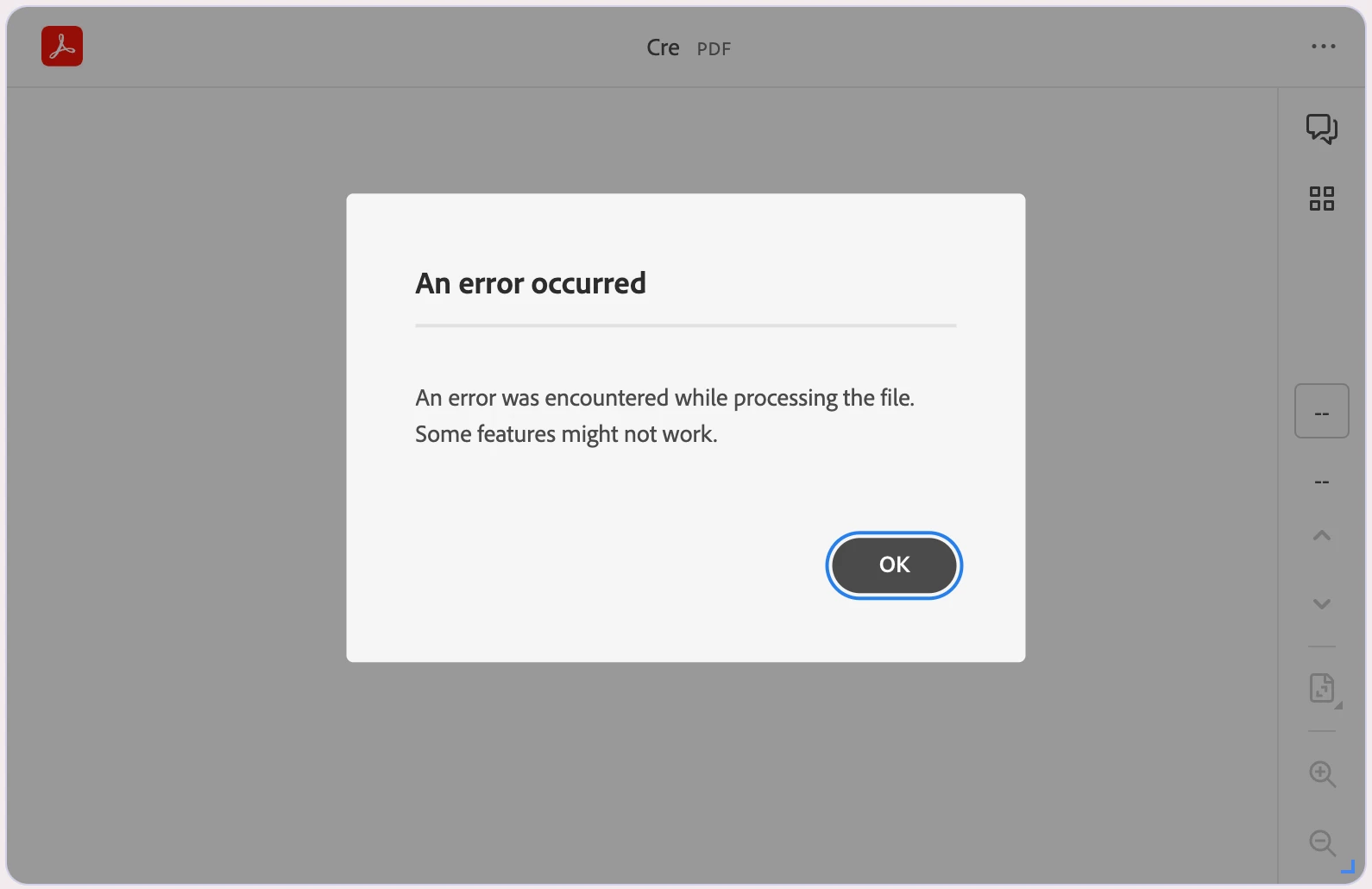
I've copied Adobe's demo code and replaced their demo PDF's URL with one of my own. The demo PDF shows fine but it won't show mine. I get "An error was encountered while processing the file. Some features might not work".


I'm not a developer, so I don't understand the URL CORS stuff. I've uploaded the PDF to Google Drive, my own Wordpress site, and Adobe Cloud. None of the URLs work. I compressed the file in case that's the issue and it didn't help.


What am I doing wrong?  (I can't share the actual page I'm embedding on because it's private and requires you to create an account to view it).

    This topic has been closed for replies.

    1 reply

    Raymond Camden
    Community Manager
    Community Manager
    August 7, 2024

    The PDF needs to be hosted in such a way that it can be opened in a browser directly. Google Drive lets you login and view it, but if you cant enter a URL that goes *directly* to the PDF, it won't work. Also, if the URL is on another domain from where you use Embed, you need to enable CORS. 


    Basically, if you have your HTML up on soandso.com/embed.html, the easiest thing to do is put it up on soandso.com/foo.pdf.


    Btw, don't go to that url, I just used it as an example and have no clue where it leads.

    LanoireeAuthor
    Participant
    August 8, 2024

    Hey Raymond! Thanks for your response. That seems so obvious but I'd only used a .pdf from separate domains and the one that WAS one the same domain didn't go directly to the file. I've fixed that and gotten it working now. 🙂

    Raymond Camden
    Community Manager
    Community Manager
    August 8, 2024

    Glad you got it!