
Question
defaultViewMode does not work correctly in mobile browsers
I have a problem with the defaultViewMode in the modern viewer on mobile.
The page is not rendered correctly with either FIT_PAGE
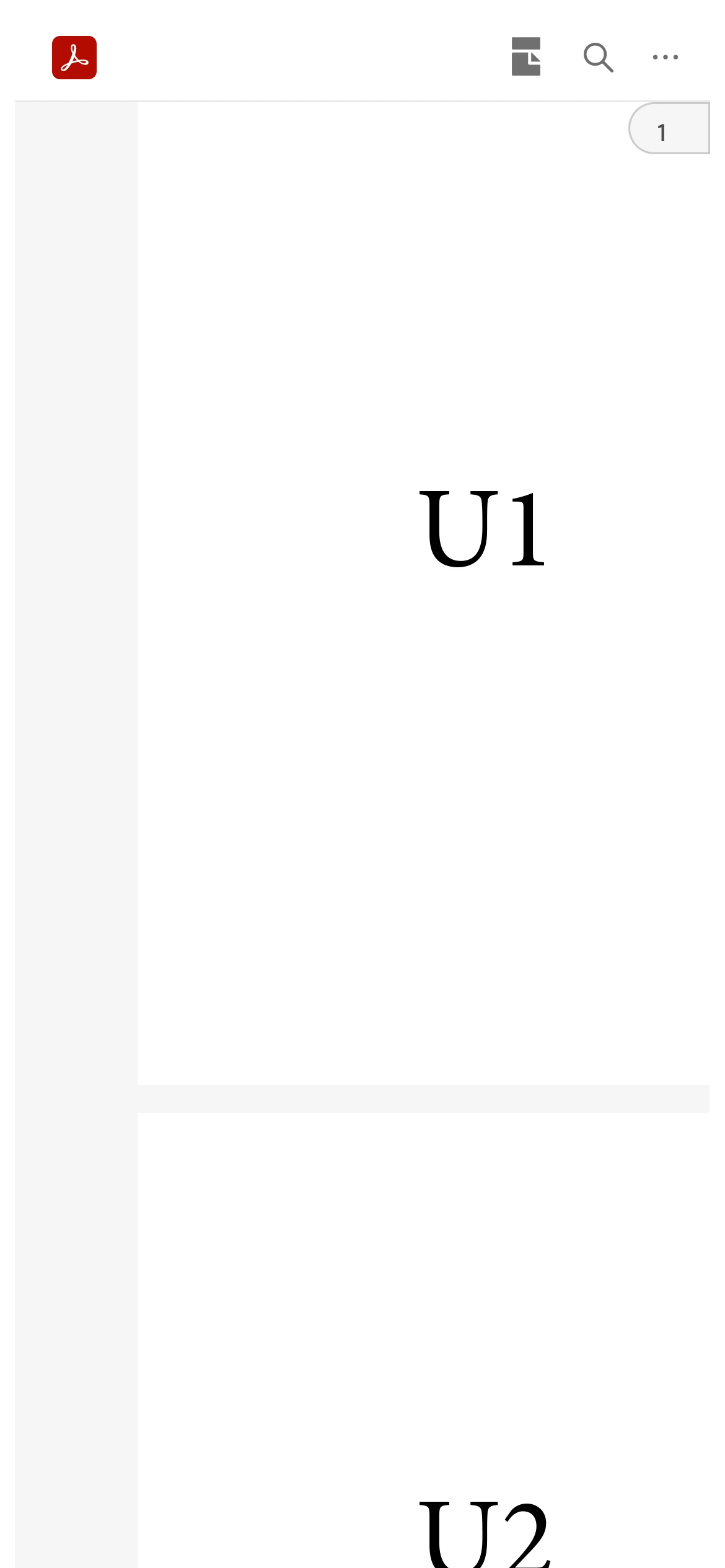
or FIT_WITH option.
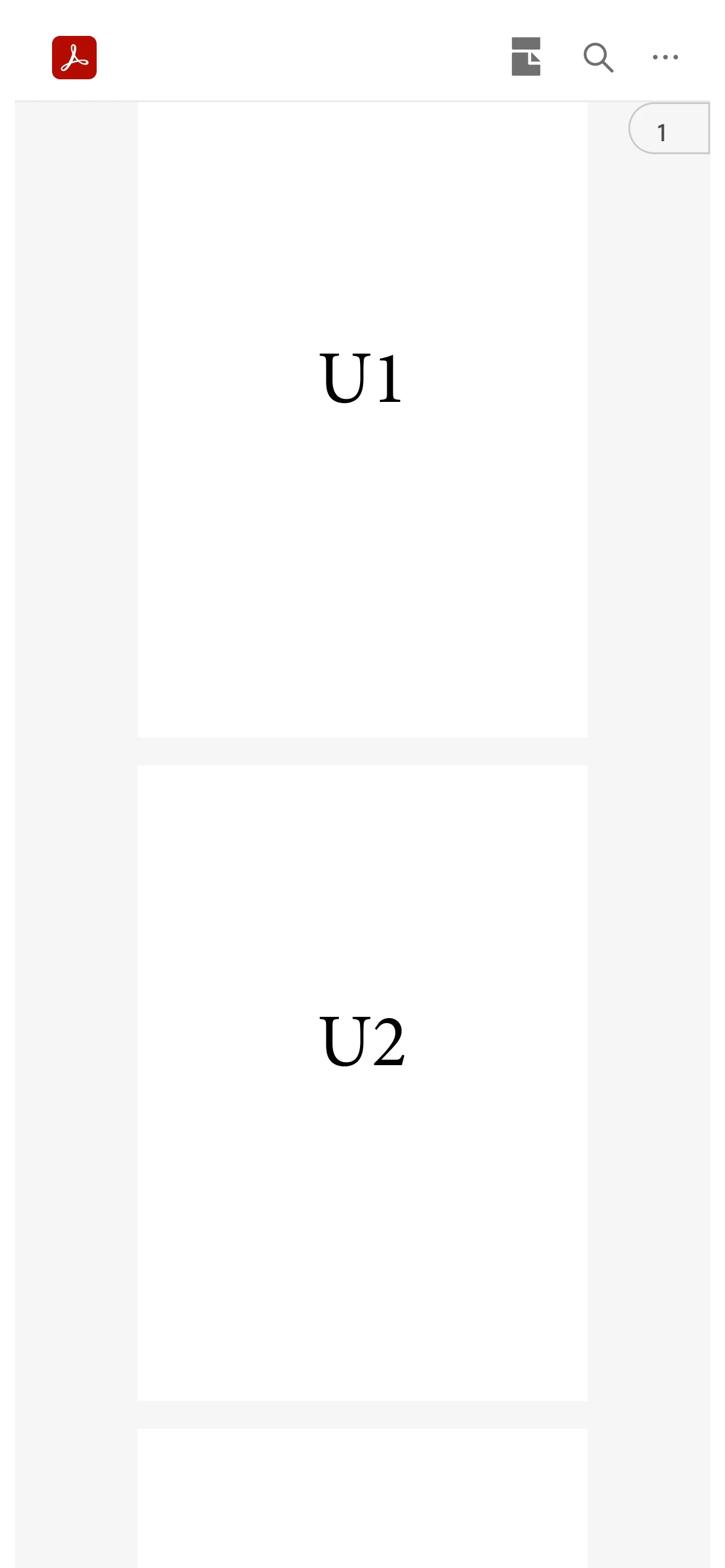
Both options work correctly in legacy viewer:
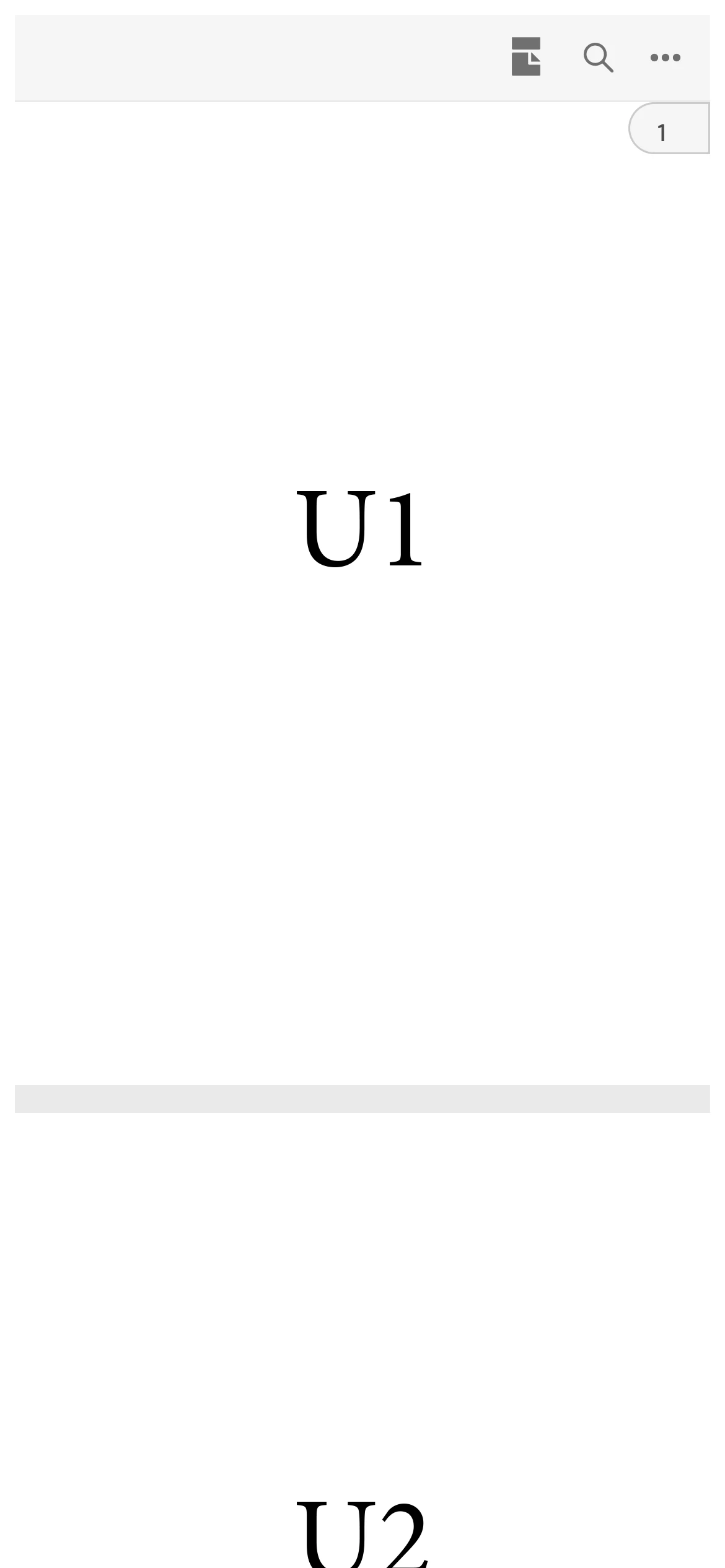
This is my sample:
    <div id="adobe-dc-view"></div>
    <script type="text/javascript">
        var urlParams = new URLSearchParams(window.location.search);
        document.addEventListener("adobe_dc_view_sdk.ready", function () {
            var adobeDCView = new AdobeDC.View({
		clientId: "",
		divId: "adobe-dc-view",
		locale: "de-DE" });
            adobeDCView.previewFile({
              content: { location: { url: urlParams.get('file') } },
              metaData: { fileName: "test" }
            },{
		embedMode: "FULL_WINDOW",
		defaultViewMode: "FIT_PAGE"
	     });
        });


 AdChoices