Participant
March 22, 2021
Question

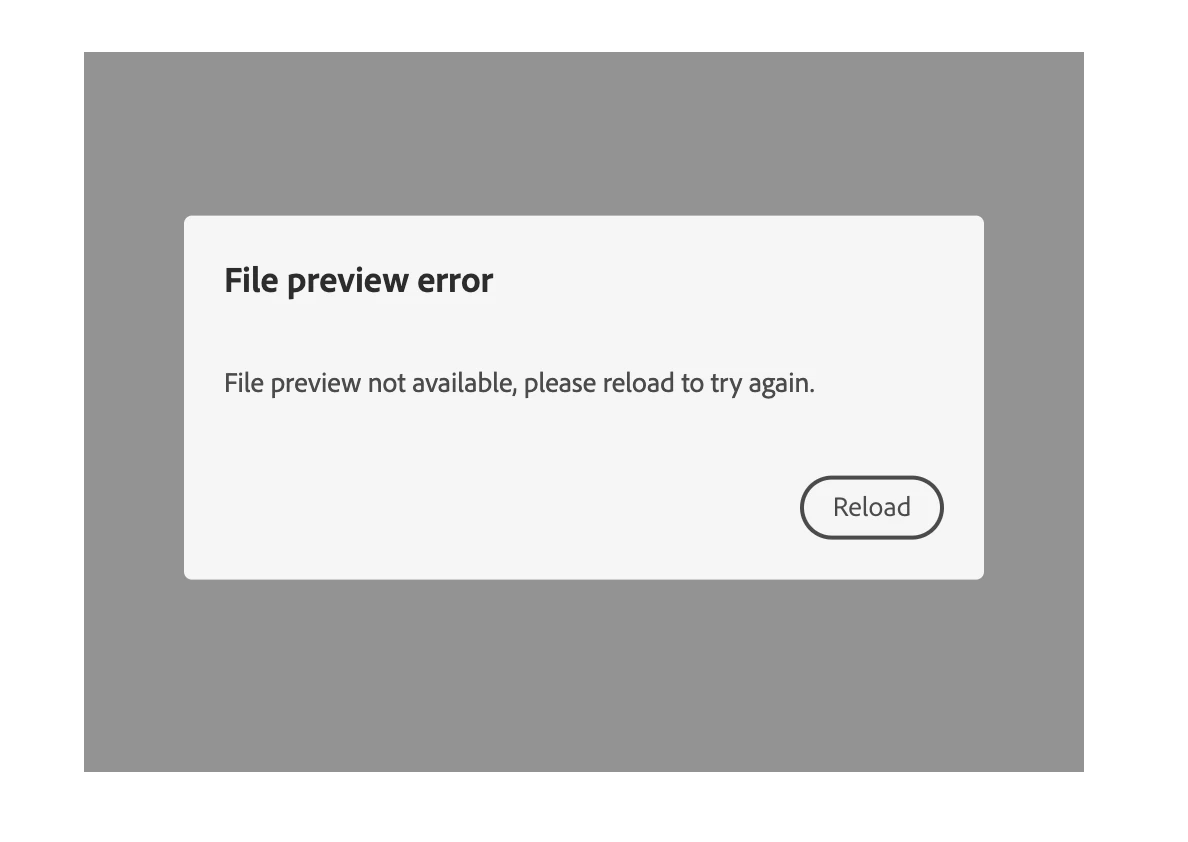
File preview not available, please reload to try again.

  • March 22, 2021
  • 1 reply
  • 4705 views

Hi, 


Getting the 'File preview error'. 

Here's my code:

<div id="adobe-dc-view" style="height: 360px; width: 500px;"></div>
<script src="https://documentcloud.adobe.com/view-sdk/main.js"></script>
<script type="text/javascript">
	document.addEventListener("adobe_dc_view_sdk.ready", function(){ 
		var adobeDCView = new AdobeDC.View({clientId: "9c33198fee83473a82173dc0b3b464b0", divId: "adobe-dc-view"});
		adobeDCView.previewFile({
			content:{location: {url: "https://static1.squarespace.com/static/59ca375d80bd5e1a6eaed324/t/600d8e3a8c87b41f30253201/1611501114873/UK-COVID-19.pdf"}},
			metaData:{fileName: "UK-COVID-19.pdf"}
		}, {embedMode: "SIZED_CONTAINER"});
	});
</script>

The URL to the file works fine. 


What am I doing wrong? Thanks!

    This topic has been closed for replies.

    1 reply

    Adobe Employee
    March 22, 2021

    Do you see any CORS error in the browser console?


    This is the information available in the PDF Embed API documentation:

    Cross-origin resource sharing (CORS) issues may occur when you pass PDF content as a URL and the PDF Embed API needs to download the file from the provided location in order to render it. To avoid this situation, you can choose one of two methods:


    Please see if this fixes the issue.

    howettAuthor
    Participant
    March 22, 2021

    These are the errors:


    Adobe Employee
    March 22, 2021

    These errors can be ignored for now. These won't impact the functionality.

    Could you please check that it's not due to CORS? Thanks!