
Participant
January 26, 2023
Question

FIT_WIDTH not working in full screen

  • January 26, 2023
  • 1 reply
  • 347 views

I've now updated to the new API for the full screen PDF reader, but unfortunately the FIT_WIDTH function isn't working in mobile. 

When you zoom in with the new API, the page then scrolls left and right.


I'm very frustrated with this mandatory update. 


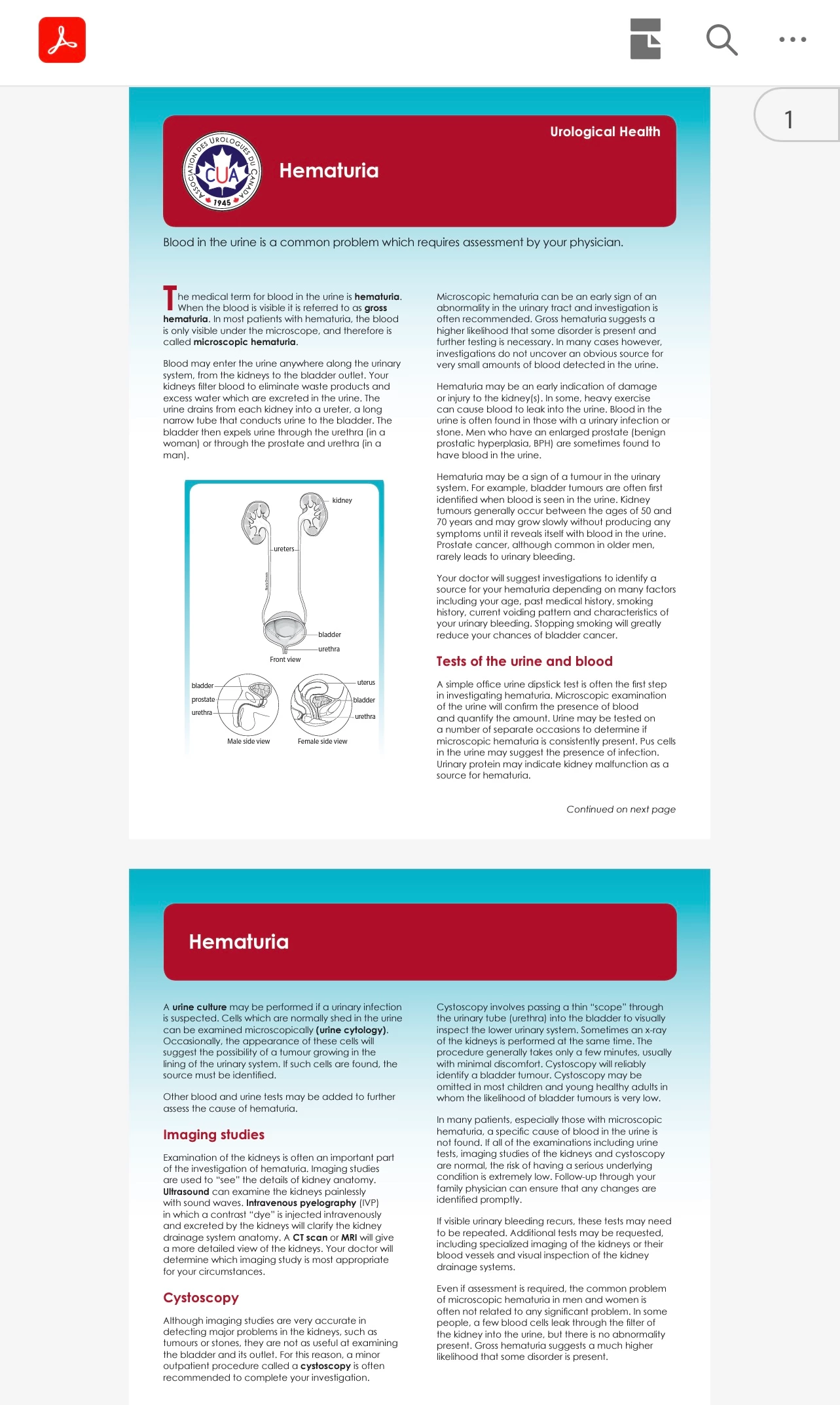
New API:
 

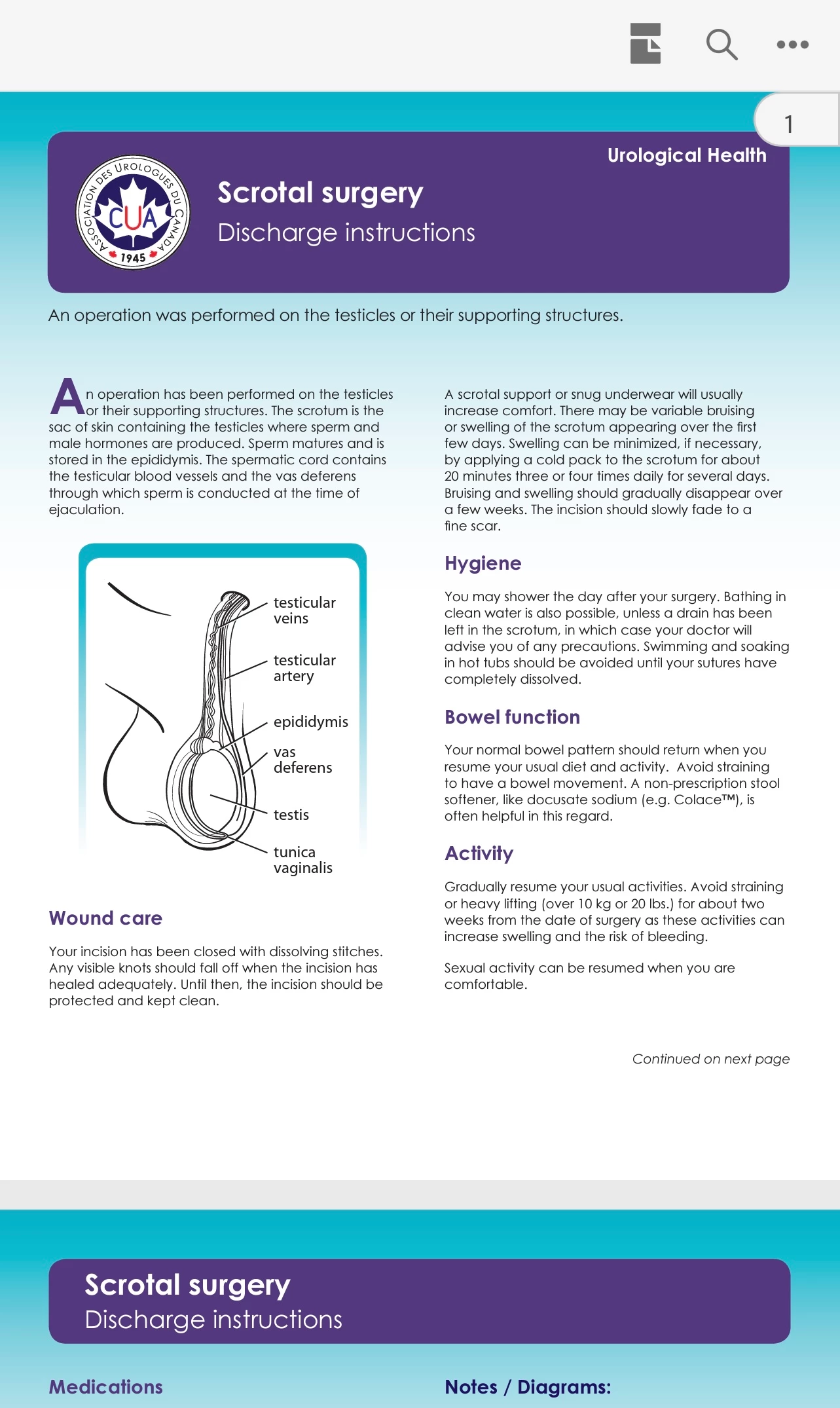
Old API:
 

This topic has been closed for replies.

1 reply

Participant
November 25, 2023

Hi, I do have a small fix for your problem...let me know if you are still interested.

Thanks

Participant
November 27, 2023

Yes please.


To be honest, I'm can't believe how this hasn't been updated by Adobe. 

Participant
November 27, 2023

Hi, I tinkered around with Adobe PDF Embed and decided not to implement it as I agree there is your issue and many more crucial issues which makes it unsuitable. Maybe have a look at PDF.js as this is what I ended up with.


I don't have a solution for your:

"When you zoom in with the new API, the page then scrolls left and right."


However as per your screenshot there is a way to display the PDF file initially the way it was in the old API:

1. You basically have to set the initial zoom level to a value to exactly fit into the PDF Embed container.

2. You can find it here:

https://developer.adobe.com/document-services/docs/overview/pdf-embed-api/howtos_ui/#zoom-apis 


So in my case I did:

previewFilePromise.then(adobeViewer => {
adobeViewer.getAPIs().then(apis => {

apis.getZoomAPIs().setZoomLevel(0.56)
.then(() => console.log("Success"))
.catch(error => console.log(error));
});
});


If you look at above I did "setZoomLevel(0.56)".


You also need to set the defaultViewMode to SINGLE_PAGE like this:

defaultViewMode: "SINGLE_PAGE"


And here is my full code:

<div id="adobe-dc-view" style="height:400px;width:96%;margin:auto;"></div>
<script src="https://acrobatservices.adobe.com/view-sdk/viewer.js"></script>
<script type="text/javascript">

const previewConfig = {
embedMode: "FULL_WINDOW",
showDownloadPDF: false,
showAnnotationTools:false,
showFullScreen:false,
enableFormFilling:false,
showDownloadPDF:false,
showPrintPDF:false,
showThumbnails:false,
showBookmarks:false,

defaultViewMode: "SINGLE_PAGE"
}


document.addEventListener("adobe_dc_view_sdk.ready", function()
{
var adobeDCView = new AdobeDC.View({clientId: "your client id", divId: "adobe-dc-view"});
var previewFilePromise = adobeDCView.previewFile({
content: {location: {url: "your pdf file location"}},
metaData: {fileName: "Bodea Brochure.pdf"}
}, previewConfig);


previewFilePromise.then(adobeViewer => {
adobeViewer.getAPIs().then(apis => {

apis.getZoomAPIs().setZoomLevel(0.56)
.then(() => console.log("Success"))
.catch(error => console.log(error));
});
});


});
</script>


Hope I could somehow help.


Thanks,

Richard