
How to downlaod Combined PDF.
I was trying to Combine multiple PDF files into a single PDF File, using PDF Tools API.Be;ow is the URL. https://documentcloud.adobe.com/document-services/index.html#post-combinePDF.
I am not getting final combined pdf file , How I will get it ,
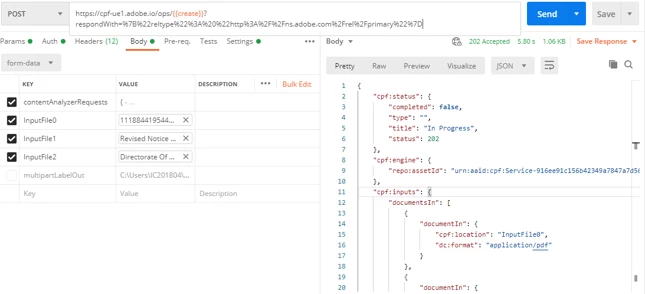
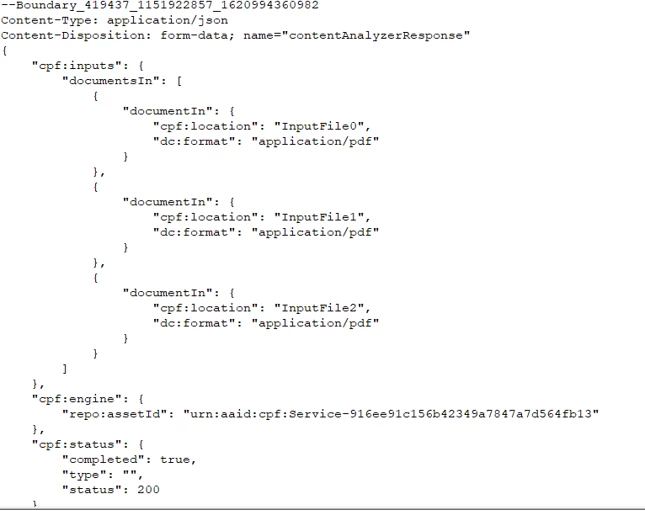
I executed the first api to create the document and it worked fine and I got a status 202 . I then used the Polling api to get the document and this one also the status is 200.
I now want to access the document which was combined
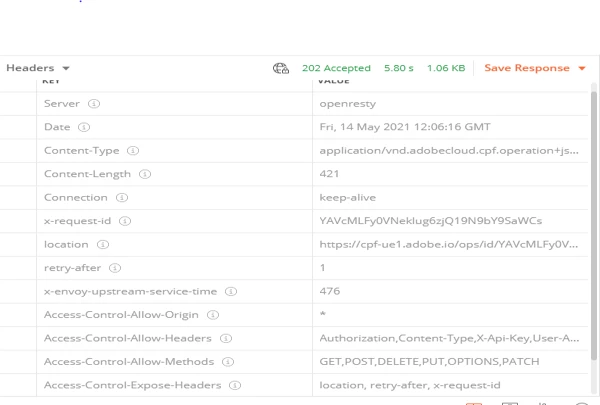
As per documentation, this will be available on the url provided in the location url in the “Submit” url header section.
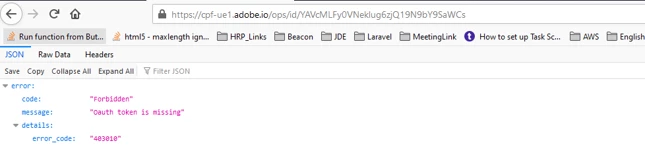
I tried executing it but this gives me an error.
Can someone help if I am doing something wrong?
Here are the steps.
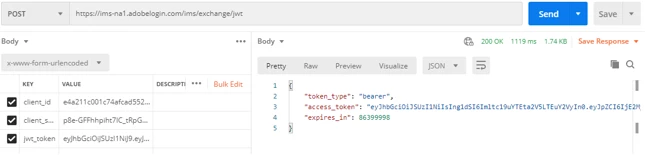
1.Get the token.
2.Post method: submit to combined pdf.
Response Header:
3. Get :combinePDF.status :
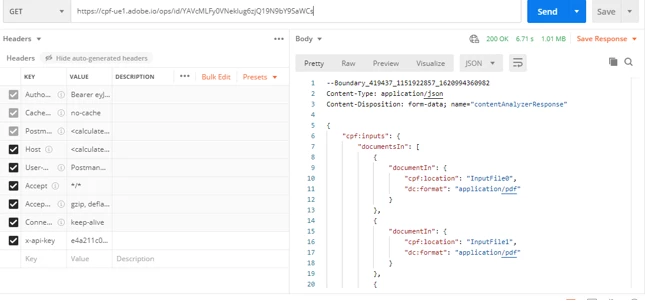
Response:
Step 4: Use the location form POST(submit) request header in browser.


 AdChoices