Participant
January 19, 2021
Answered

How to view password protected PDF using embedded library

  • January 19, 2021
  • 1 reply
  • 1562 views

I am able to view PDF using the "view-sdk" or embedded pdf viewer library (not sure of the name).  However when I try to load a password protected PDF, it displays nothing on the page and does not prompt for password.  Is there a way to view password protected PDF's using the embedded api?



This topic has been closed for replies.
Correct answer Joel Geraci

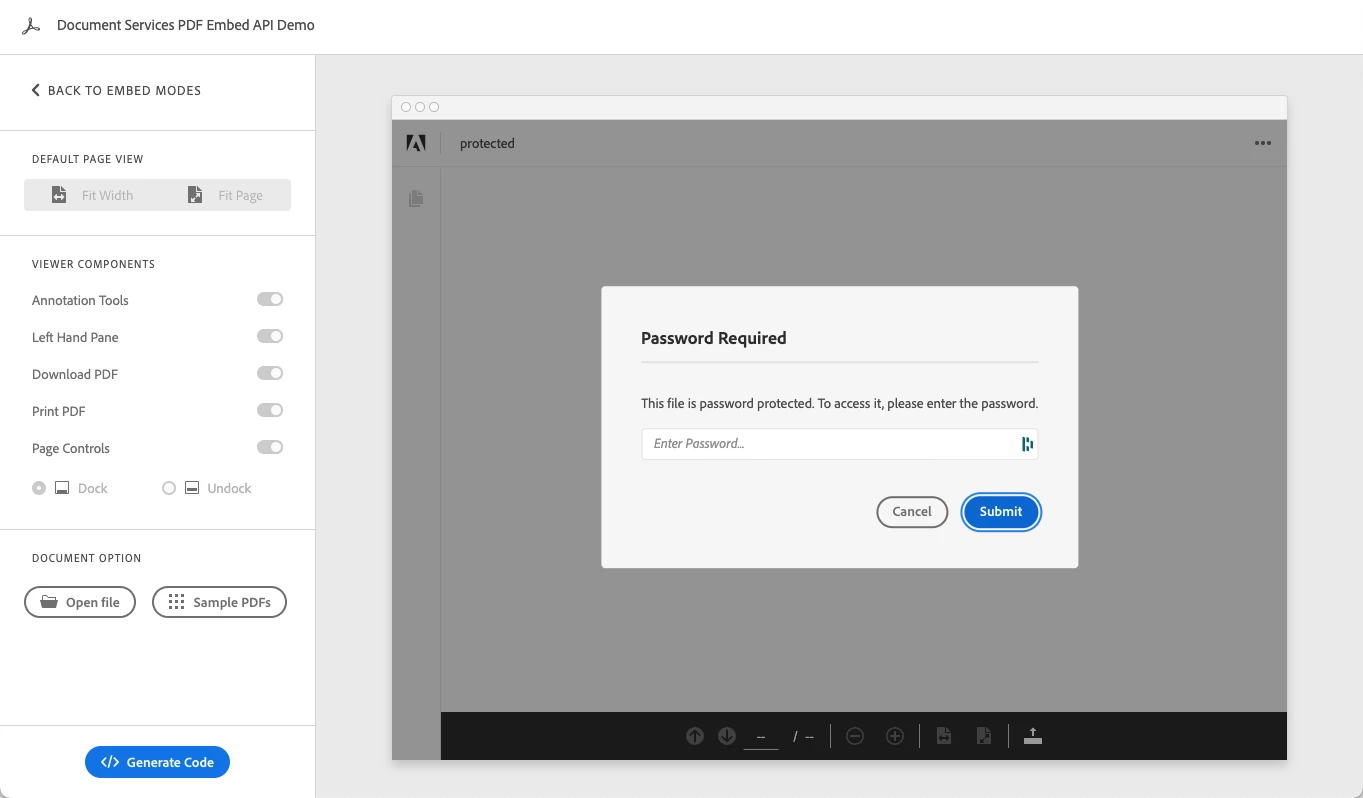
Embed API supports viewing password-protected PDF and you should see an on-screen prompt to enter the password. See image below. Also, please share your code and the PDF in question so we can further diagnose the issue.


1 reply

Joel Geraci
Community Expert
Joel GeraciCommunity ExpertCorrect answer
Community Expert
January 20, 2021

Embed API supports viewing password-protected PDF and you should see an on-screen prompt to enter the password. See image below. Also, please share your code and the PDF in question so we can further diagnose the issue.


Colby5CB8Author
Participant
January 20, 2021

I figured out that it was because we were hiding the pdf div until APP_RENDERING_DONE event was fired.  We were doing that technique in order to prevent the layered rendering effect that we were seeing.  


Do you know of a way to modify this code pen to work with password protected files too?  https://community.adobe.com/t5/document-services-apis/how-to-preload-pdf-to-avoid-layered-rendering-using-the-dcsdk/m-p/11755465?page=1#M1114

Joel Geraci
Community Expert
Community Expert
January 20, 2021

Yeah - Without the password, rendering will never even start. Unfortunately, there is no way to pass a password to Embed API. You won't be able to prevent the layered rendering but you can probably throw a <div> over it to prevent mouse clicks until rendering is done.