
PDF Extract Service API fails with Error Code 404 - Asset Not Found
HEllo,
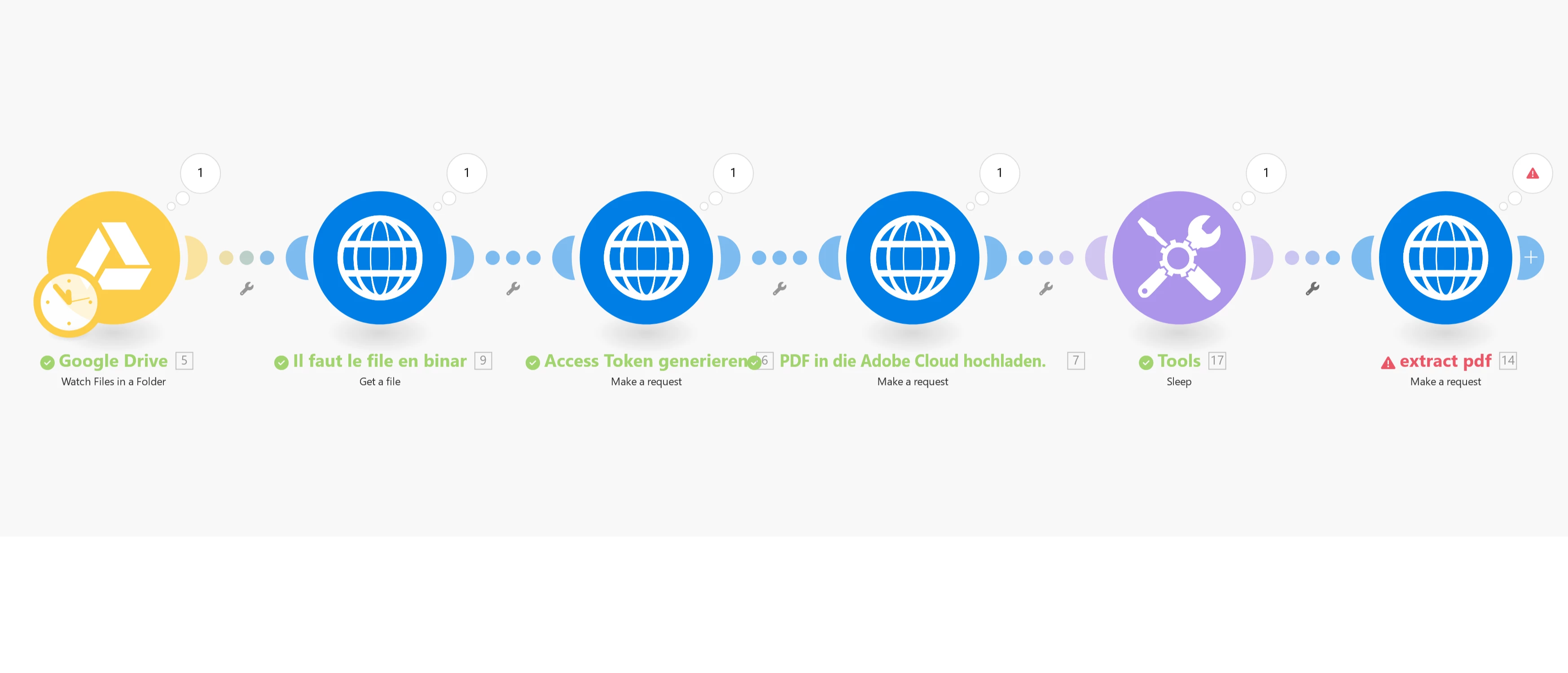
I’m trying to automate the process of extracting text from a PDF using make.com and the Adobe Services API. Here’s the sequence I’m following:
- Upload the PDF from Google Drive.
- Use the HTTP module to generate an access token to authenticate with Adobe Services.
- Upload the PDF to Adobe Cloud: After uploading, I receive an assetID and an uploadUri.
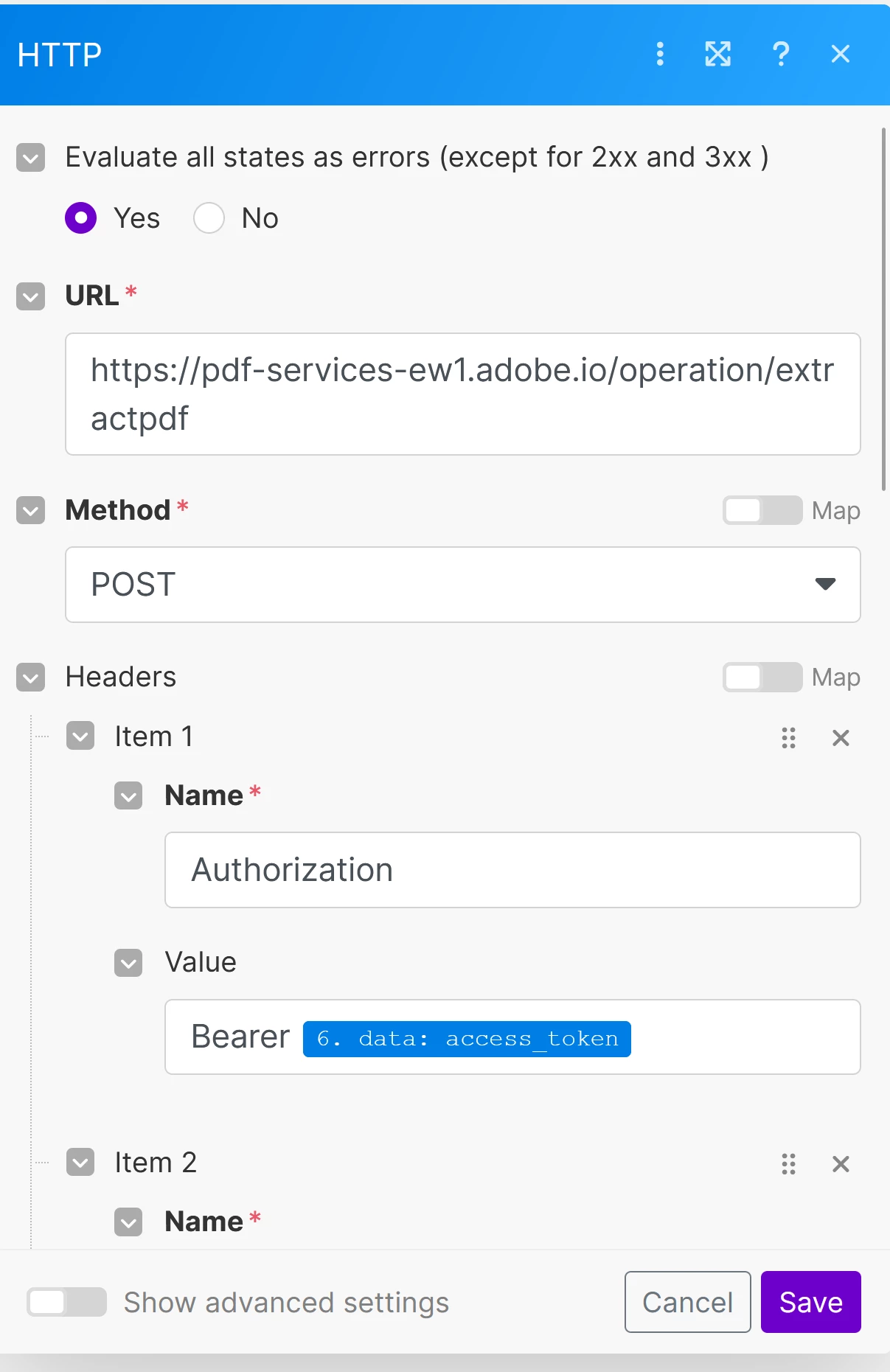
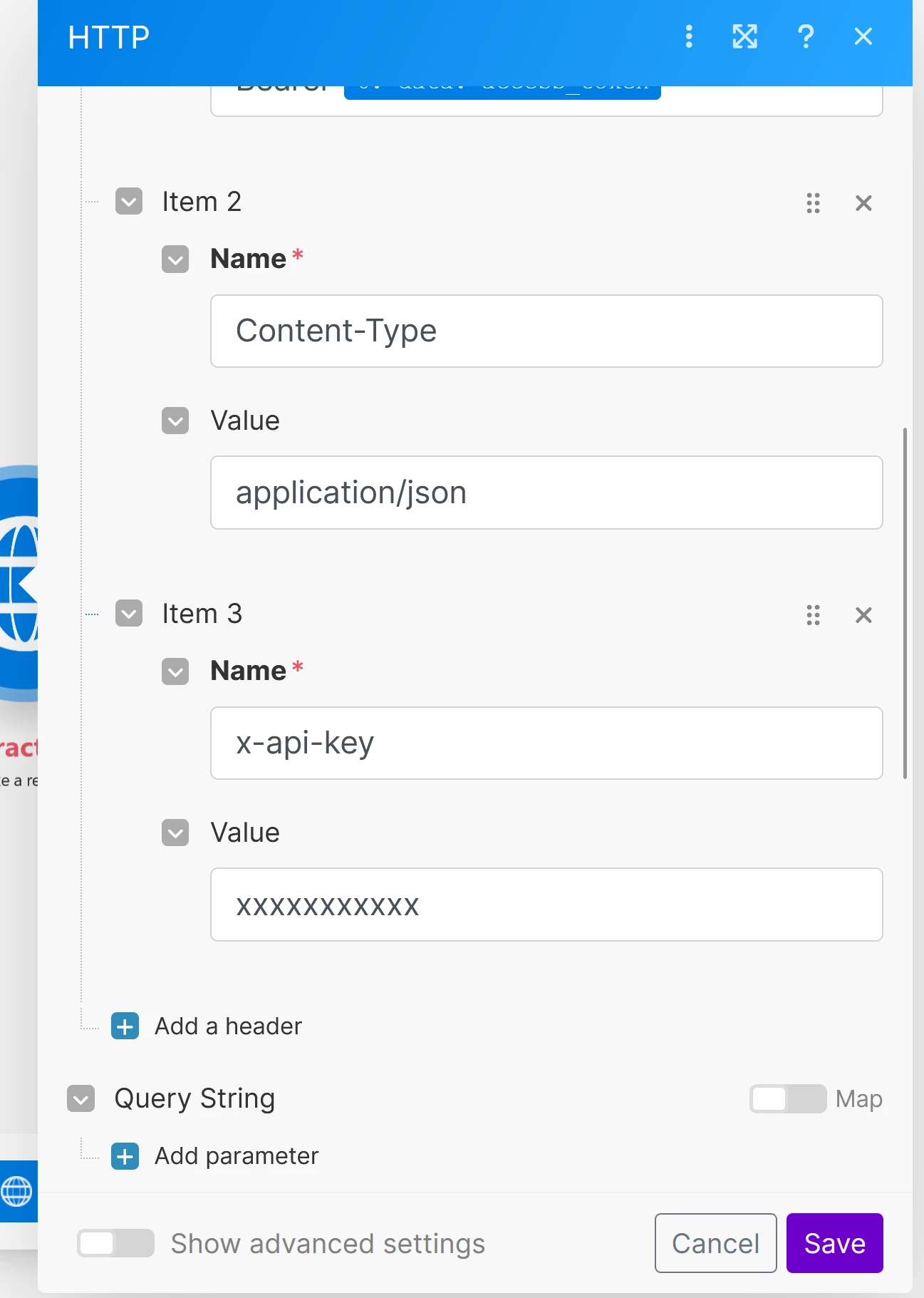
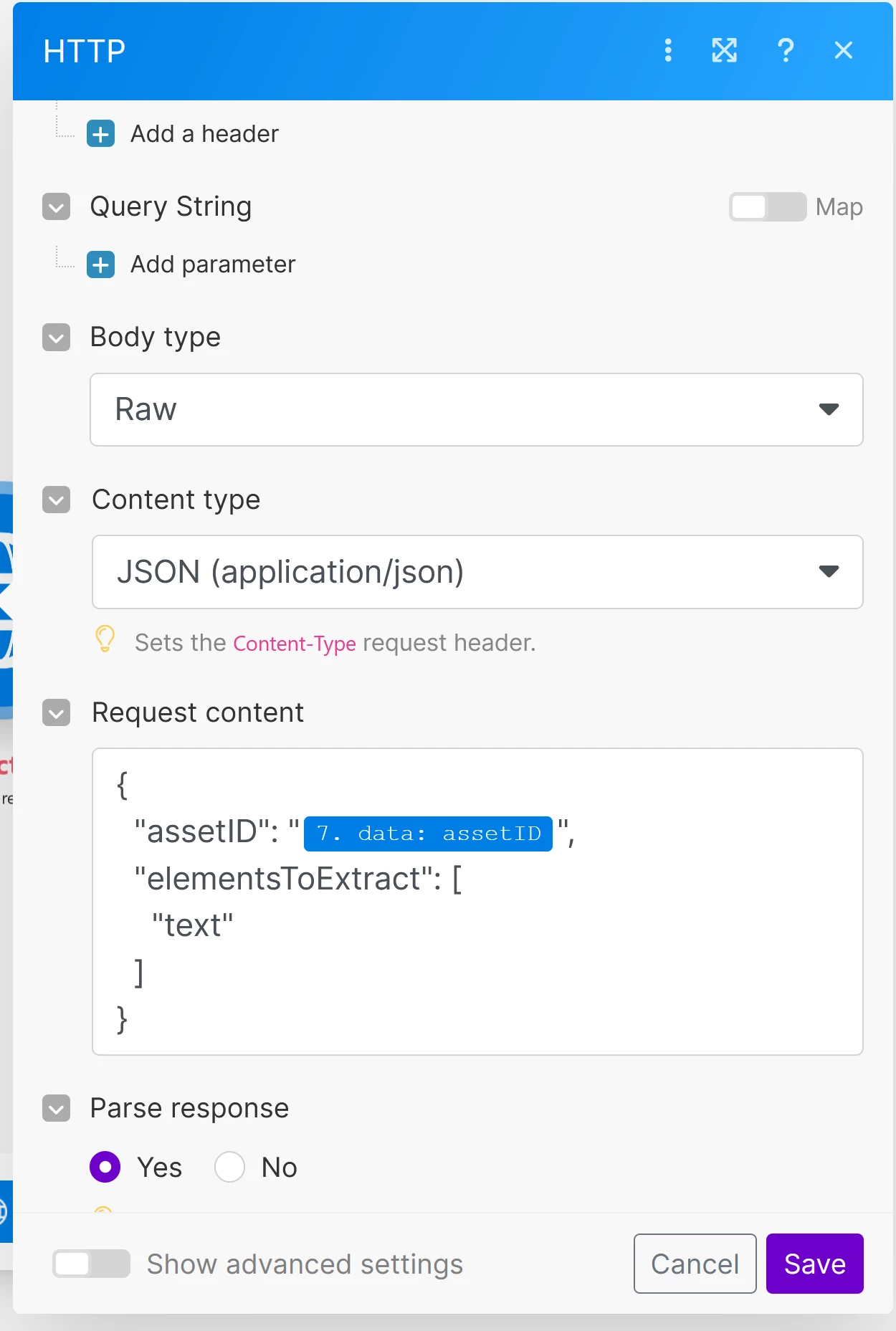
- Extract text from the uploaded PDF: I use the Adobe Services API to extract the text from the uploaded PDF.
However, when attempting to extract the text from the uploaded PDF, I receive the following error:
Error: 404 Not Found
- {"error":{"code":"NOT_FOUND","message":"Asset Not Found."}}
This error suggests that the document might not have been properly uploaded to Adobe Cloud, even though I have received an assetID and an uploadUri from the previous upload step.
I’ve tested all steps using Postman, and everything seems fine, as the file is successfully uploaded and I receive the assetID. However, when attempting to extract the text, I keep getting the 404 error indicating that the asset cannot be found.
I really don't know what I should do?
Could somebody help me please? thank you.


 AdChoices