
Participant
March 9, 2021
Answered

URL in PDF not working when embedding PDF through Adobe I/O API

  • March 9, 2021
  • 2 replies
  • 1027 views

We have a bunch of URLs in an PDF document.
If I open the PDF on my computer, all URLs can be clicked and they open in a browser. All works fine.

We have now integrated this PDF through Adobe I/O ond our webpage. The URLs can also be clicked, even a popup is getting displayed if I'd like to open the URL.
I click on "Open Link" but nothing happens... what is wrong?
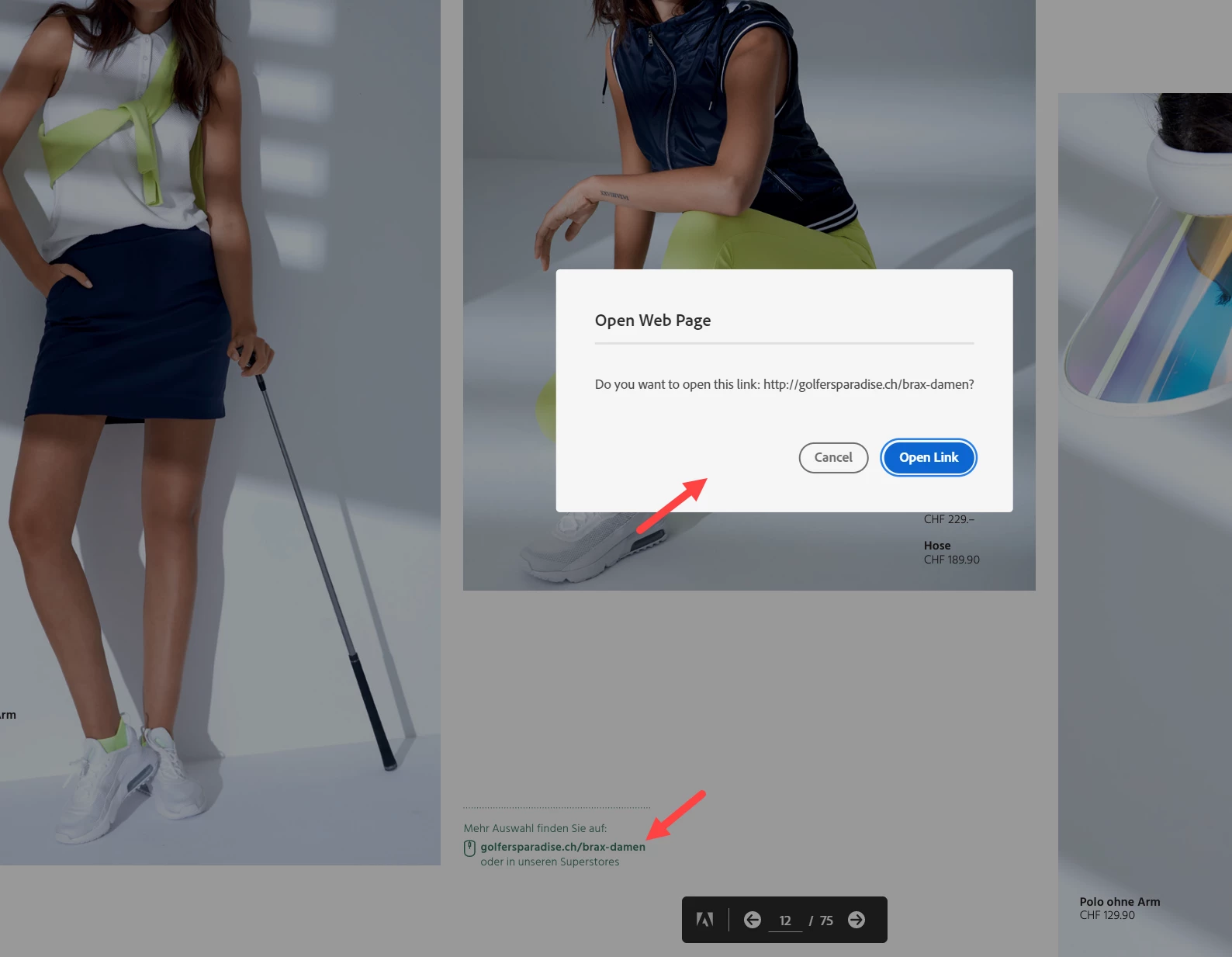
Help will be highly appreciated... and it's quite urgent. 😕😕
Thanks a lot!

    This topic has been closed for replies.
    Correct answer Olivier5F8A

    I just found the problem... the browser regognizes that kind of URL opening as popup and blocks it.

    2 replies

    Participant
    May 18, 2021

    Were you able to bypass the pop-up blocker?  I'm having the same issue.

    Participant
    May 19, 2021

    No, I wasn't and the Adobe support didn't reply.
    I needed the solution quite fast and therefore had to use another tool instead of going for the Adobe I/O integration.

    Community Manager
    May 19, 2021

    Hi,

    We are sorry for missing on this. It seems that the action is considered as pop up by browser and hence hyperlink doesn't open the file though it should ideally not have happened because the action was on explicit user click. I agree that this is an important bug. We have added it for our near term roadmap for resolution.


    Olivier5F8AAuthorCorrect answer
    Participant
    March 9, 2021

    I just found the problem... the browser regognizes that kind of URL opening as popup and blocks it.