
Participating Frequently
March 1, 2024
Question

Error Message: Please login as an authorized signer to view and sign documents

  • March 1, 2024
  • 1 reply
  • 341 views

I am using the developer account and trying to sign the agreement but display the message like this: 
Please login as an authorized signer in order to view and sign this document.
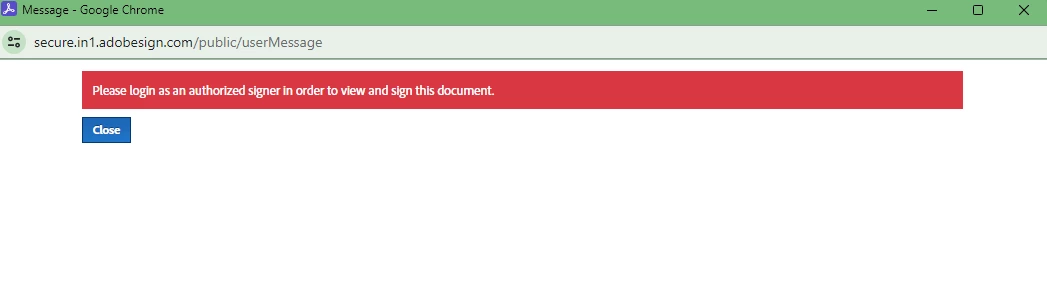


Note: I am preparing the agreement first using adobe sign view API and using EmbeddedCode sent the agreement from EmbeddedCode. The strange thing is that I can sign the agreement using a different browser and Incognito mode in chrome. 

Also verified for account-based settings.  Account > Account Settings > Security Settings.

There is a check box for Signer Identity Verification to "Require signers in my account to log in to Adobe Sign before signing." is unchecked.

Can anyone help me with getting this message?

This topic has been closed for replies.

1 reply

Meenakshi Negi
Community Manager
Community Manager
March 21, 2024

Hi sanjay32431314q6mn,


Thanks you for reaching out.


As you are using the Acrobat Sign Developer service and hence moving this thread to the Acrobat Sign Developer board for visibility.

If you have a question related to API integration, the experts can best answer it. With the developer account, you may also contact the pre-sales team. They will be able to provide you the pre-sales technical assistance and share the correct information.
Please refer to the following link to contact them: https://adobe.ly/3Vse2Or. You may use the Contact Us button for Adobe Sign Solutions under the team tab.


Thanks,

Meenakshi