



Question
A solution to spinning wheel in Chrome for Mac with Document Cloud
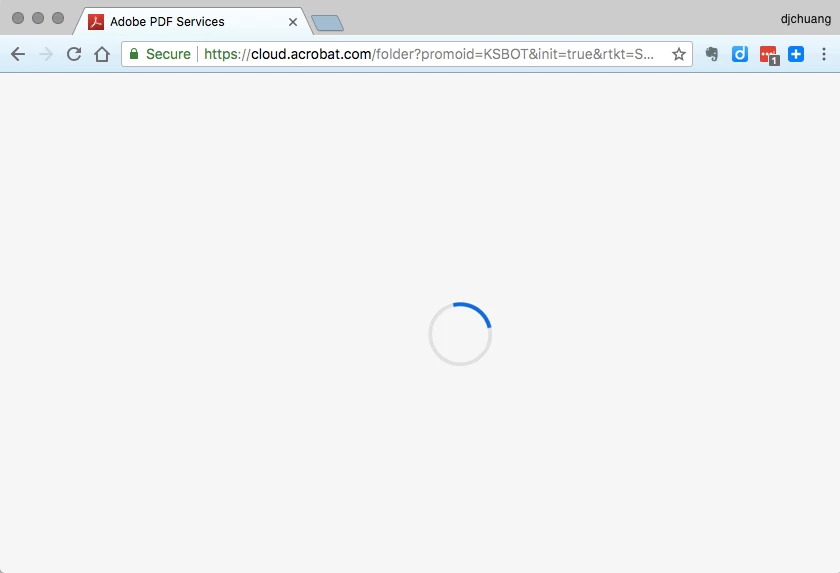
I got stuck at the spinning wheel of infinite loading when using Chrome browser on Mac to access Document Cloud Services at https://cloud.acrobat.com/
(I have an active account, so I did sign in a-okay). The same URL would work fine in Safari, but I wanted to use Chrome.
After much trial and error, found the solution: turn off the Evernote Web Clipper (7.0.2) extension in Chrome. Then the URL https://cloud.acrobat.com/ works fine in Google Chrome on Mac.
It took me almost an hour, more or less, to troubleshoot this, so hope this can help others who get stuck in this situation.
// Aside, here's my current setup:
MacBook Air, OS X 10.11.6
Google Chrome, Version 66.0.3359.81 (Official Build) beta (64-bit)
Safari Version 11.1 (11605.1.33.1.3)
 AdChoices