










Collaborate with Adobe Acrobat Online community.
Als letztes aktiv
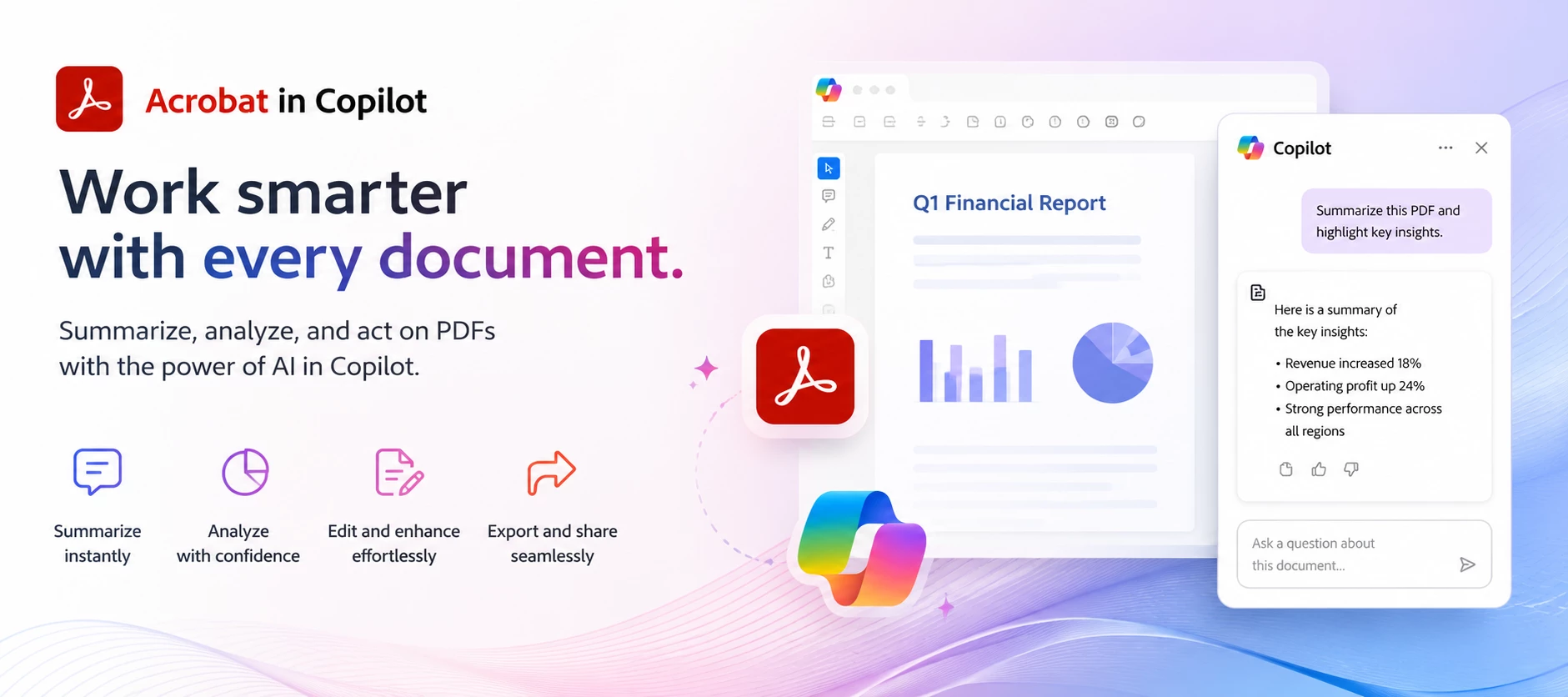
ABOUT THIS ARTICLE · 4 min read · Published June 30, 2026 TL;DR: Acrobat for Copilot lets you create, edit, organize, and extract information from PDFs using natural-language prompts inside Microsoft Copilot. No switching apps. It's available to all Adobe Acrobat users, including the free plan, in English across all regions where Adobe products are offered. You activate it by typing @Adobe Acrobat followed by your request. Adobe Acrobat for Copilot is a Microsoft Copilot extension that lets you handle PDF work without leaving the chat. If you've ever had a document task interrupt your flow: combining files before a meeting, redacting a name before sending something along, converting a scan into something editable. This is built to close that gap. You stay in Copilot, type what you need in plain language, and Acrobat picks it up from there.This post walks through what the extension does, how it works, a few real use cases from Adobe's own documentation, and where to go if y
Why does Adobe Acrobat PDF keep freezing? It frequently becomes unresponsive, and many times I'm unable to open my PDF files.
I'm converting PDFs to JPGs but instead of asking me where on my computer to save the JPGs, they are going into a zip file. I don't want compressed images, I need high resolution. I can't find a settings area to stop zip files from being created.
Hi, we faced all Mainland China’s account can’t use the Add-in in Word, but Hongkong account no issue. does the service not available for Mainland China? Thanks!
Hi,I have an Individual user paid subscription for acrobat pro windows since last few years. Since a couple of days, it has stopped working and the acrobat keeps showing as a free user license. I have tried all the below but the problem persistssign out and restart the windows machinecheck my subscription and it shows the plantry to subscribe again but the website says you can't subscribe to the acrobat pro since you already have ituninstalled everything adobe from machine, restart and reinstall acrobatWhen i login to website, i can still see my paid subscription and paid membership till jul 10 ! but when i open the app section, i still see the message to updgrade to paid membership !appreciate your help, as i really need to use the acrobat to submit an application !thanksAijaz
We are experiencing a regression with Adobe Acrobat Chrome extension version 26.7.2.0.Environment:Adobe Acrobat Chrome extension: 26.7.2.0 Google Chrome: 150.0.7871.129 Source application: Power BI Web PDF repository: OpenText Cloud OpenText URL format: https://otac.sg59.opentext.cloud/archive?get...Expected result:Selecting a PDF link in Power BI should open the document in the Adobe Acrobat Chrome extension viewer.Actual result:The document begins loading in the Adobe viewer, but Acrobat then abandons the operation and falls back to Chrome’s native PDF viewer.Acrobat telemetry captured during the failure reports:DCBrowserExt:Viewer:Error:FallbackToNative:FileDownload:FailedThe same event is classified as:non_mimeControl test:A direct public PDF URL ending in .pdf opens correctly in the Adobe extension:https://web.mit.edu/dvp/Public/butters-lululu.pdfTroubleshooting already completed:Confirmed “Online PDFs” is enabled in Acrobat preferences Confirmed Adobe has site access on all sites
I have a file of 50+pages that I want to copy some whole pages from this file to a new blank file. Do not suggest extract, because I may require copying and pasting from multiple files into a blank file. I have the option to copy, but no option to paste. Is this feature not included in my version of Acrobat Pro?
I purchased PDF edit software, 1 month. my bank account was charged. I still dont have function on my computer. Has adobe ripped me off?
Hi, I want to save a signature so that when I open adobe next time I only have to select the signature or initials. but saving doesn't work anymore. I already tried the option to click on the save button. This works in Adobe Acrobat but not Adobe Acrobat Online. Is there a solution for this
Numéro de client : 549235113Numéros de factures : 3485755901 et 3455645397Tarif 91,99$ à la place de 45,99$ avant taxe pourquoi une augmentation pour ces deux licences ?
When opening PDFs using Adobe Acrobat Online, I will try to post comments to the PDF and be met with the error “We were unable to post your comment, please try again.” This will continue until I close and reopen the PDF, then I can post comments again for a while until the error comes back.
On Adobe Acrobat webpage, after organising my PDFs and splitting the PDFs into multiple files, when I select all files and click download, the download error in the screenshot pops up. I have been able to do this all the time previously and this error started popping up 2 weeks ago so I’m unsure what has changed. I have to now manually download all the PDFs one by one. The error even pops up after I tried downloading just two of the files with each file being less than 500KB. My workflow is: Put the large PDF into Organize Pages, deleting the pages I don’t want, then save, then click organize pages again shown on the side bar under other tools, then split into multiple files shown on the side bar, then split, then select all and download.
i want to edit inline
When New Acrobat Experience is enabled, the sidebar is visible when I first open the document (see image). First Image (Sidebar Menu Visible)First Image (Sidebar Menu Visible) Second Image (Blank Sidebar Menu)
Hej Er der nogen, der kan fortælle mig, hvor jeg opsiger mit abonnement ? Susanne Madsen
I converted a P'DF to a word document. Now I need to download to my computer to work with it . There is no save file to or download to instructions.
Acrobat’s Google Chrome extension is not respecting page-specific PDF links (My specs: Mac Book Pro 2021, Monterey 12.6, Chrome 105.0.5195.125). This is really bad for my field, since we often have to link to specific pages of Federal Codes of Regulations, legal and public policy docs, etc. by page number. Normally, I can link to an online PDF by page number by adding the suffix "#page=X" after the .pdf at the end of the url. Without the extension activated, it works just fine. But the activating the extension results in the user being taken to the first page of the PDF, which defeats all our efforts in trying to be accountable and creating an online paper trail. I am begging you devs to fix this glitch, because we can't anticipate whether policy wonks will have the featured turned on or off. Thanks for listening.
開啟PDF文件檔畫面會反白,如圖.. 電話詢問了客服..沒有即時解決,只能等待回信!!...
Using the Adobe extension on Microsoft Edge, how to copy and paste from one file on a tab to another file. Please use picture and very clear instructions. Ctl+C and Clt+V does not work.
I frequently need to turn Word documents, reports, and meeting notes into PowerPoint presentations. Creating slides manually takes a lot of time, especially when formatting content and adding visuals.I'm looking for a tool that can automatically convert a DOCX file into a well-designed PowerPoint presentation with proper slide structure, titles, and images.Has anyone found a reliable solution for this? Ideally, I'd like something that works online and can generate a presentation in a few minutes instead of rebuilding everything from scratch.Thanks in advance for any recommendations!
Every time I clear out old files, almost every unnecessary file disappears. But I can't get rid of Vivino, Food Bank, and Fisherman's Worf Square
I’ve been unable to access Acrobat online for a few days now but can access my other products fine. I’ve tried both Edge and Chrome browser but there is no difference, is the online version down?
I'm trying to split pdfs into separate pages using the supposedly "free" adobe acrobat pdf splitter tool. I was able to do it with one file, which required me to log in. I used to have an Adobe subscription but no longer do because it was a waste of a LOT of money & I never really learned much with the different programs. Every help thing or search engine thing I find claims the splitter tool is free for use in a browser. But after I did the first one, every time I try to do the next one it tries to make me sign up for a subscription & doesn't let me get to the actual tool to split the document. Adobe is simply not worth the money for me as I am not really a designer & as far as I know they started doing a lot of unethical things that screw over their customers/creatives. Just trying to use the free version of Canva for the moment. What am I missing? Adobe's own help articles claim that the splitter is free to use. I'll look into finding another free splitter but this is dr
How do I disable cloud storage in the admin console? If it's not currently possible to disable it in the admin console, Acrobat should inform us when this feature will be reinstated.On the other hand, pls. provide the uploading url of the cloud document and let me block it directly in the firewall.This problem has existed for several years, but Acrobat has not taken any action.It is very funny indeed.
I just changed to Acrobat Pro NEW EXPERIENCE. It will only send a pdf as a link, not as an attachment. I have googled the issue and tried every suggestion, and yes, I went into Preferences>email accounts> and unchecked always send files as a link.I have changed my registry.I have made sure my settings in outlook are correct, and the Acrobat cloud add in Outlook is disabled.Any ideas?Thanks,Clutter-bug
Remix with Firefly Community Gallery
Thousands of free creations to fall in love with and remix in Firefly.
Sie haben bereits einen Account? Anmelden
Noch kein Konto? Konto erstellen
Enter your E-mail address. We'll send you an e-mail with instructions to reset your password.