


Sidebar menu/tools Disappears in New Acrobat Experience
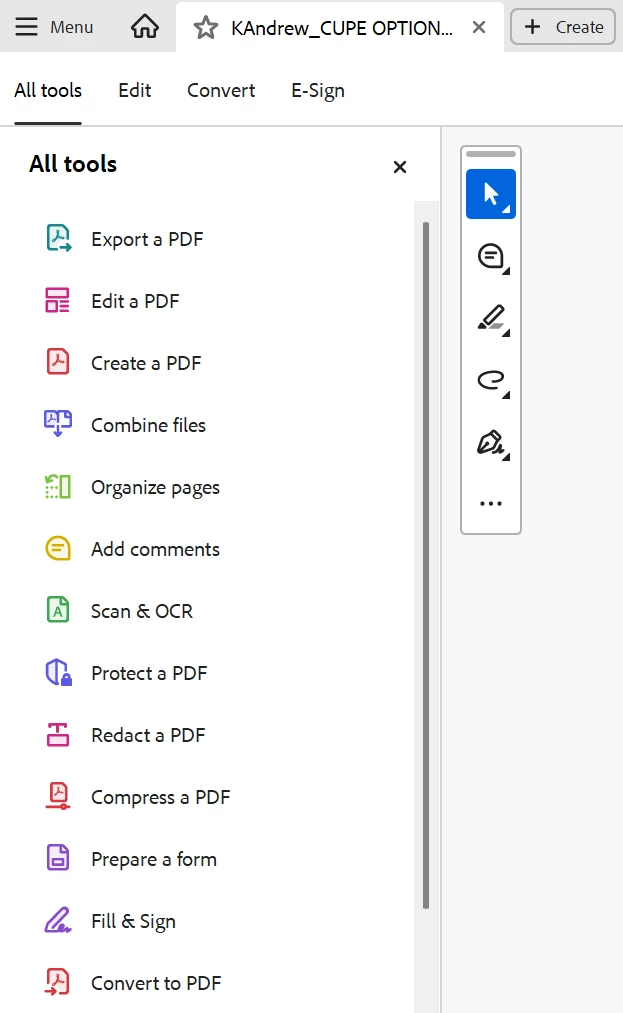
When New Acrobat Experience is enabled, the sidebar is visible when I first open the document (see image).
First Image (Sidebar Menu Visible)
Second Image (Blank Sidebar Menu)
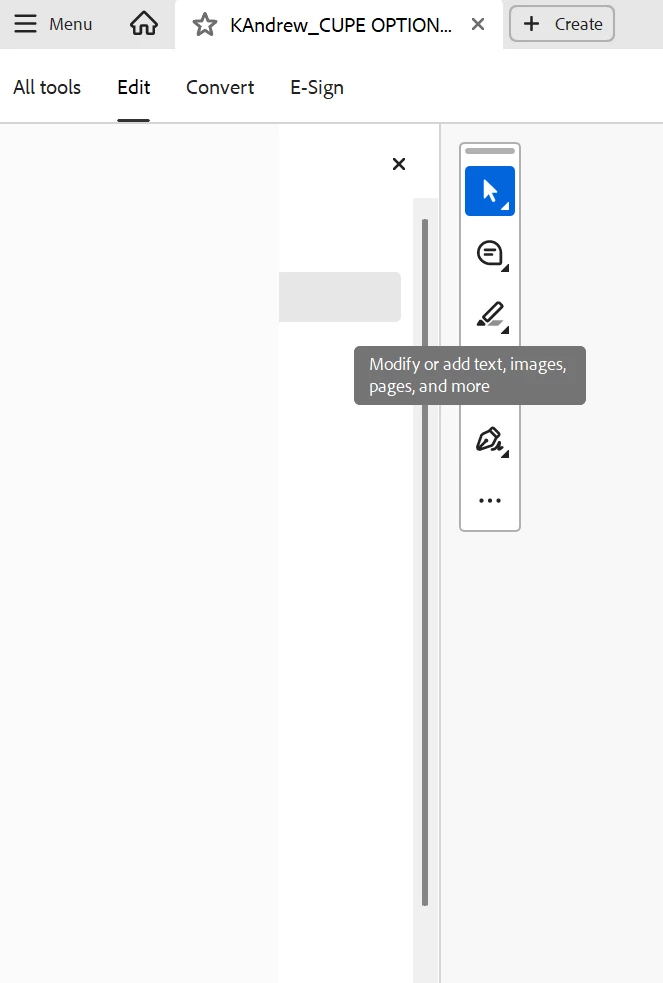

When New Acrobat Experience is enabled, the sidebar is visible when I first open the document (see image).
First Image (Sidebar Menu Visible)

Second Image (Blank Sidebar Menu)

Hello @HappySoSnappy
Thanks for your patience and cooperation on this.
Please try the following suggestions, and let us know if this fixes the issue for you.
Please note: Create a backup of the registry settings before making any changes. To create a backup, check this article: https://adobe.ly/4eiL6Bu
Go to the registry location: "Computer\HKEY_LOCAL_MACHINE\SOFTWARE\Policies\Adobe\Adobe Acrobat\DC\FeatureLockDown"
Right-click on the right blank space > select New > DWORD 32-bit value.
Rename it to: bGenCoverPagesLabelStrings
Right click on the new value > Click Modify > add the value as ‘1’ (numeric one)
Restart the Acrobat and the machine and check the performance.
Let us know if you experience any issues.
Regards,
Anand Sri.
Already have an account? Login
Enter your E-mail address. We'll send you an e-mail with instructions to reset your password.
