Participant
January 5, 2022
Question

Adobe will not Save or Print to PDF more than one time when combining multiple files

  • January 5, 2022
  • 1 reply
  • 444 views

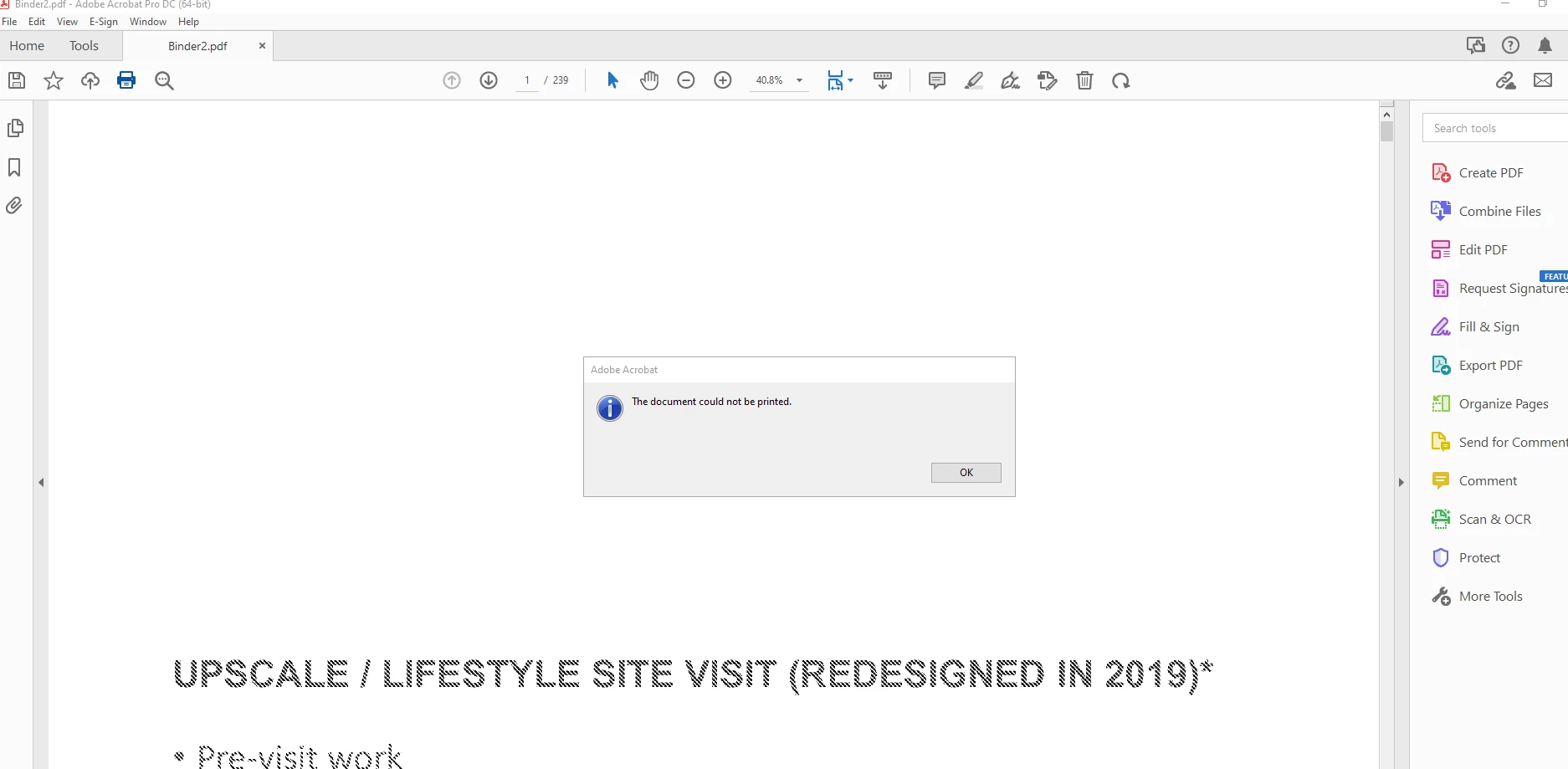
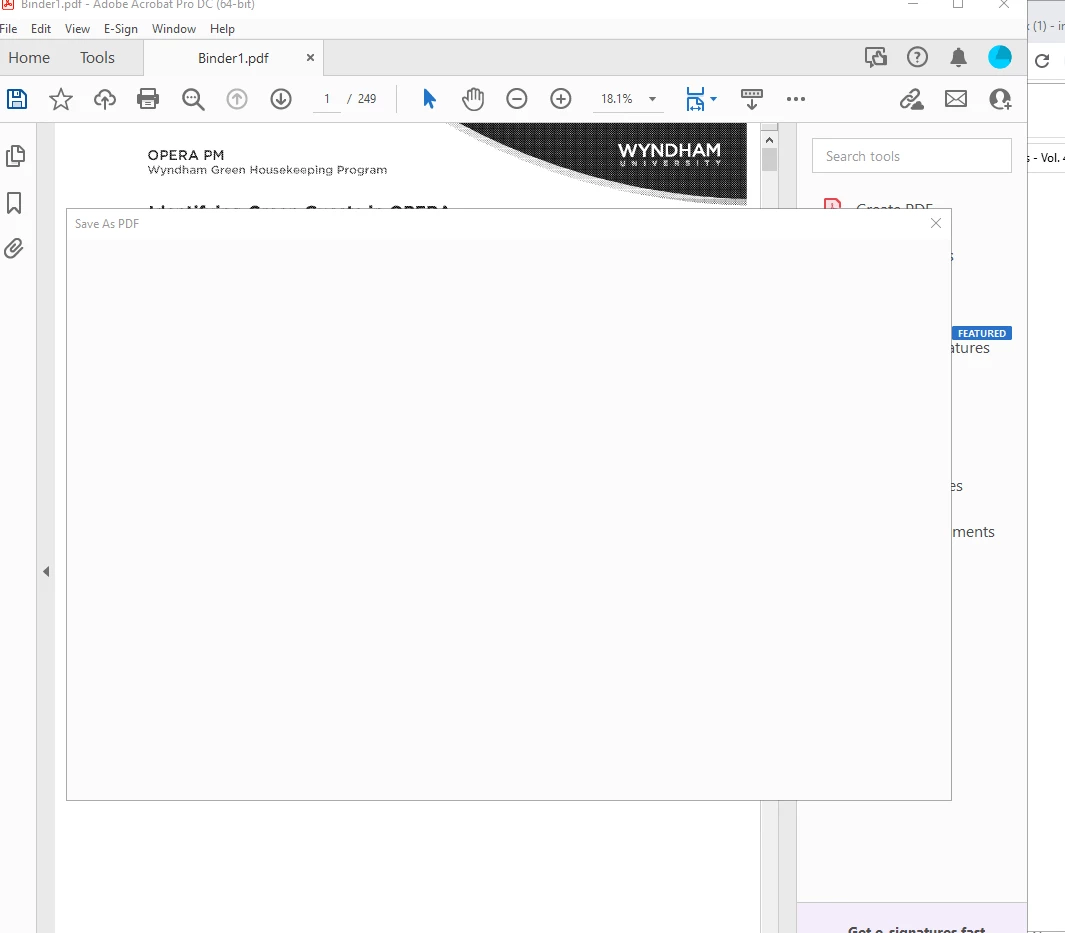
Please help. Adobde will not Save or Print to PDF the files that I combine. Instead it makes me close out of the entire program and redo the process over again after creating one binder that will Print to PDF. I've uninstalled and reinstalled the program and have been troubleshooting for two days now. I can't keep having this happen as I use this program for work every day. Photos have been attached to show examples of the error messages I receive. This is extremely frustrating. 
This topic has been closed for replies.

1 reply

Meenakshi_Negi
Legend
January 6, 2022

Hi Cierra,


Thank you for reaching out and sorry about the trouble.


As the Save as windows open blank, please use the suggested in the following help document: https://helpx.adobe.com/acrobat/kb/blank-save-as-dialog-mac.html


For the print-related issue, could you please confirm if the document is not secured? Would it be possible to share the PDF with us? Check if the issue occurs with other files too.


Let us know how it goes.


Thanks,

Meenakshi

Participant
January 6, 2022

Good morning,

Unfortunately, I cannot share the documents as it would break
confidentiality. I will let you know that the documents are TIF files
before being converted to PDF and combined. It will allow me to combine
about 249 files at once, but will not save any binders created, or print
more than one binder before getting the error messages that you saw. .

Cierra Farley
[Personal details removed by moderator: Please do not share your personal information on public platform]

Meenakshi_Negi
Legend
January 7, 2022

Thank you for sharing the information.


Did you try the troubleshooting steps as suggested in the help document shared above?

Also, please let us know if the issue occurs only with these files. Did you check with other files?


- Meenakshi