
Participant
August 28, 2013
Question

Can I view my PDF Portfolio online?
  • August 28, 2013
  • 2 replies
  • 4157 views

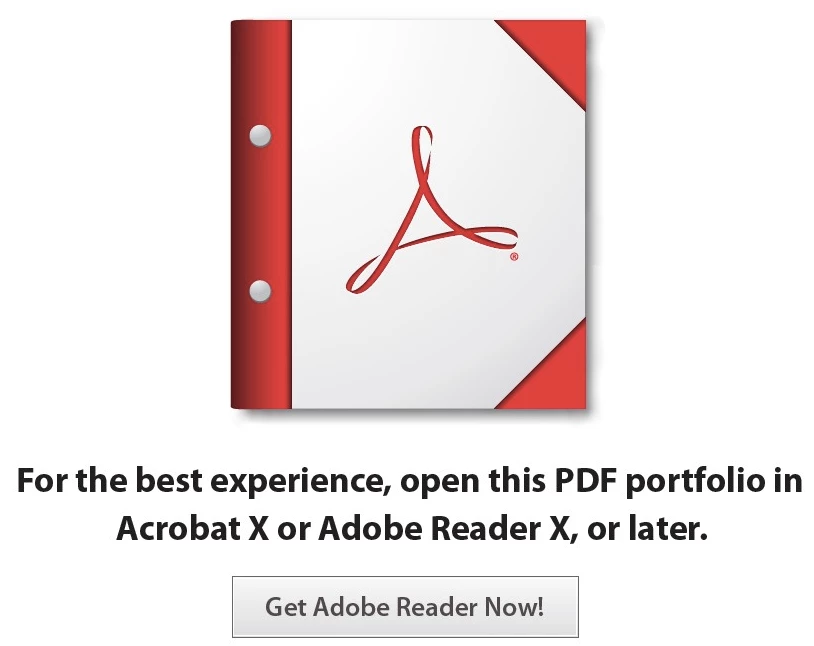
I get this screen when I try to open a PDF Portfolio file that I have uploaded to my Acrobat.com account.  The "Get Adobe Reader Now!" link does not work and I'm using the latest version of all CC programs, so I don't know why I'm being prompted to get something else.  I've tried on Windows and Mac with IE, Safari, and FireFox.

    This topic has been closed for replies.

    2 replies

    October 20, 2013

    I have this problem too. I've been searching for weeks and there isn't information about how to do it. Please, if somebody could help us, I will be very pleased.

    Thanks

    Legend
    October 20, 2013

    What you're seeing is the Cover Sheet, because the preview doesn't support Portfolios.

    PDF Portfolios, under the hood, are a single-page Cover Sheet with all your files added as attachments. Only in compatible software (the desktop version of Acrobat or Adobe Reader 9 or later) will the Flash-based layout with animated cards appear. Everything else ignores the Flash 'navigator' and just presents the regular page. It's also used whenever software needs to show a thumbnail of the file (e.g. in Explorer/Finder or when a website generates a preview image). There's nothing you can do to change that behavior.

    The simple answer is that unless it's opened in Acrobat or Reader, you can't see a PDF Portfolio in the way you designed it.

    Inspiring
    October 11, 2013

    I wish I could provide an answer....because I have the exact same question.  I wish my PDF Portfolios, stored online at Acrobat.com, would open and display in a browser.  I have seen PDF Porfolios display nicely in a browser, but I have no clue as to how it is done.  I wish somebody could offer some guidance.