


Answered
Converting word doc to pdf shows a blue shaded text box
Hello-
This one has me stumped. When I convert a Word doc to PDF, the PDF shows this blue shaded text box that I don't want to appear (see below). I've tried everything from deleting all track changes in Word, to ensuring "convert comments" is unchecked in the Options when printing to Adobe PDF. I even uninstalled/reinstalled Word and Adobe. I matched up my Adobe settings with a colleague, who has no problem converting the doc to PDF without the blue box showing. Both of our Adobe preferences matched.
I am not sure what else to try. Does anyone have any idea or have seen this before? I should note that in the Word doc, you cannot see the blue box until you go to the Print Preview.
Any and all help is greatly appreciated. Thank you!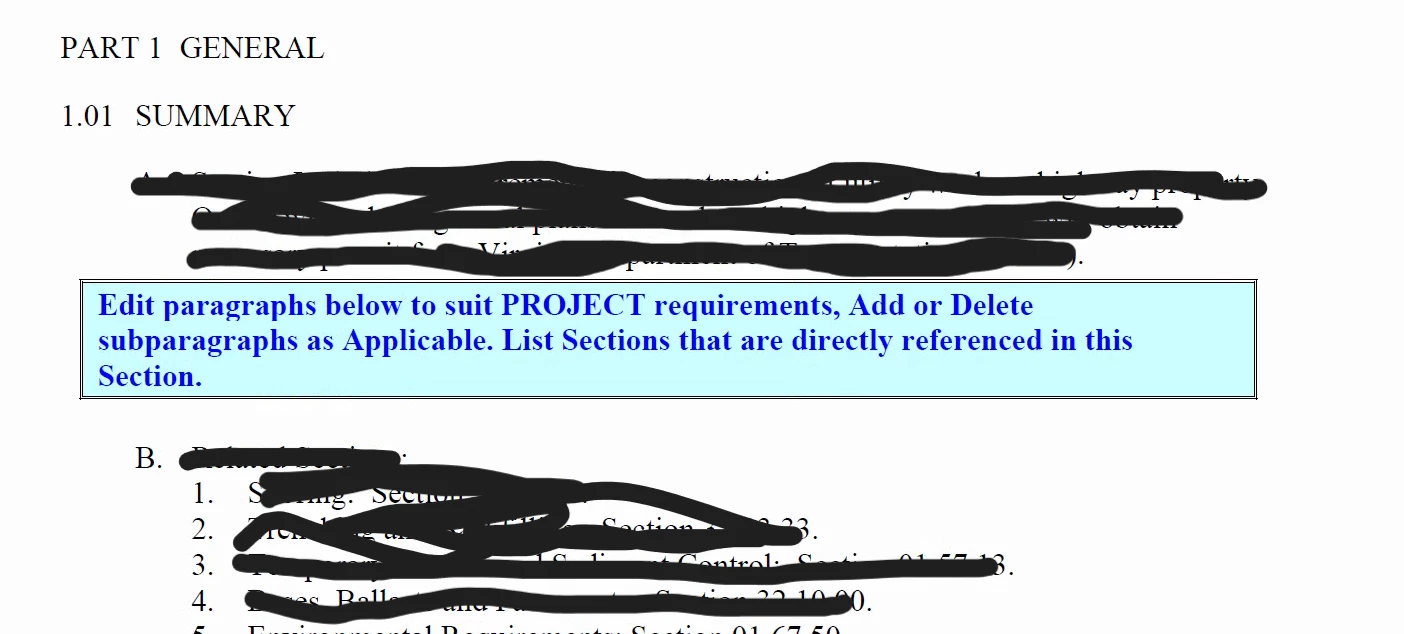
 AdChoices