Participant
November 7, 2017
Question

Date picker drop-down not working

  • November 7, 2017
  • 4 replies
  • 2275 views

Hi,

Upon adding a 'Date' field, we are unable to see the date-picker drop down.

Any solution to this?

In edit mode
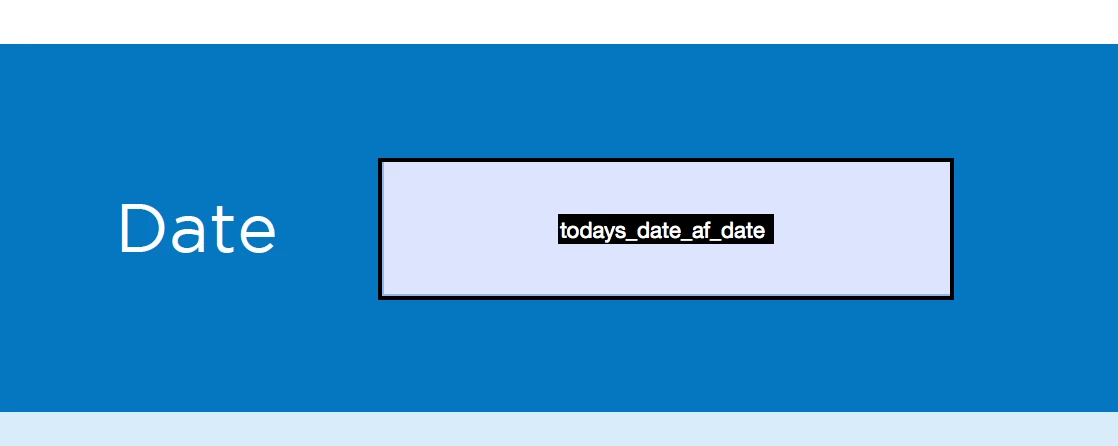
In preview mode


This topic has been closed for replies.

4 replies

jbm007
Community Expert
Community Expert
November 25, 2017

The preview mode in Acrobat has a visual bug in it.

If you click on the right edge of the box you should see a drop down date tab as shown in my screen shot.

Jim

chanaart
Community Expert
Community Expert
November 7, 2017

Please provide the Software you are using and post the question in the related software.

Go to the Product Tab and choose the one you need help!

We will be happy to answer it since our forum is based on product specialists!

Hope this helps?

Chana

Nancy OShea
Community Expert
Community Expert
November 7, 2017

Is this question related to Muse, Dreamweaver, Business Catalyst or something else?

Nancy O'Shea— Product User & Community Expert
John T Smith
Community Expert
Community Expert
November 7, 2017

The Lounge Forum is not for technical help, please provide the name of the program you are using so your message may be moved to the correct program forum... A program would be Photoshop or Dreamweaver or Muse or InDesign or ???

sgg_imacAuthor
Participant
November 8, 2017

Sorry, forgot to mention the program is Adobe Acrobat Pro DC 2017 Release (Continuous)

Ussnorway7605025
Legend
November 8, 2017

moved to document cloud forum
