Hi Brian_M_59,
Well, you can clear recent files list from Acrobat DC using the 'Clear recent files' option. Please refer the screenshot below :
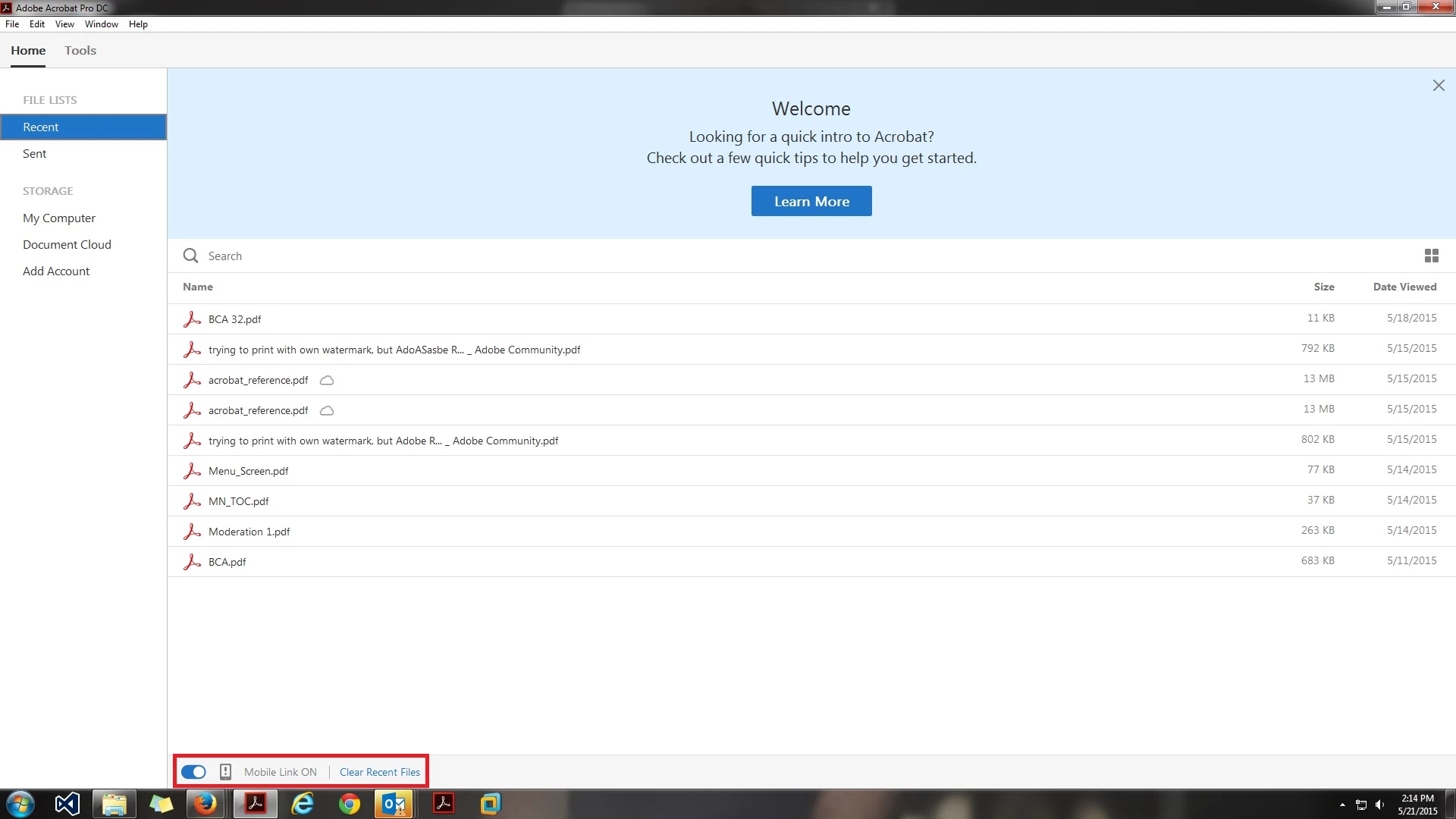
Moreover, to clear recent places in 'My computer', i would need to know the version of OS which you are using so that i can assist you more accurately. However i would still recommend you to go to your 'recent places' folder and right click anywhere on the empty space and you would probably see a option 'Clear recent files list' in your context menu, if its there, you have to click it and your recent item list will be deleted.
Recent files list feature is like a 'Quick access' feature, it helps a person to access the most recently used files, it also lets one keep track of what files one was last working upon.
Regards,
Rahul




 AdChoices