
Download error after trying to download PDFs from Organize Pages
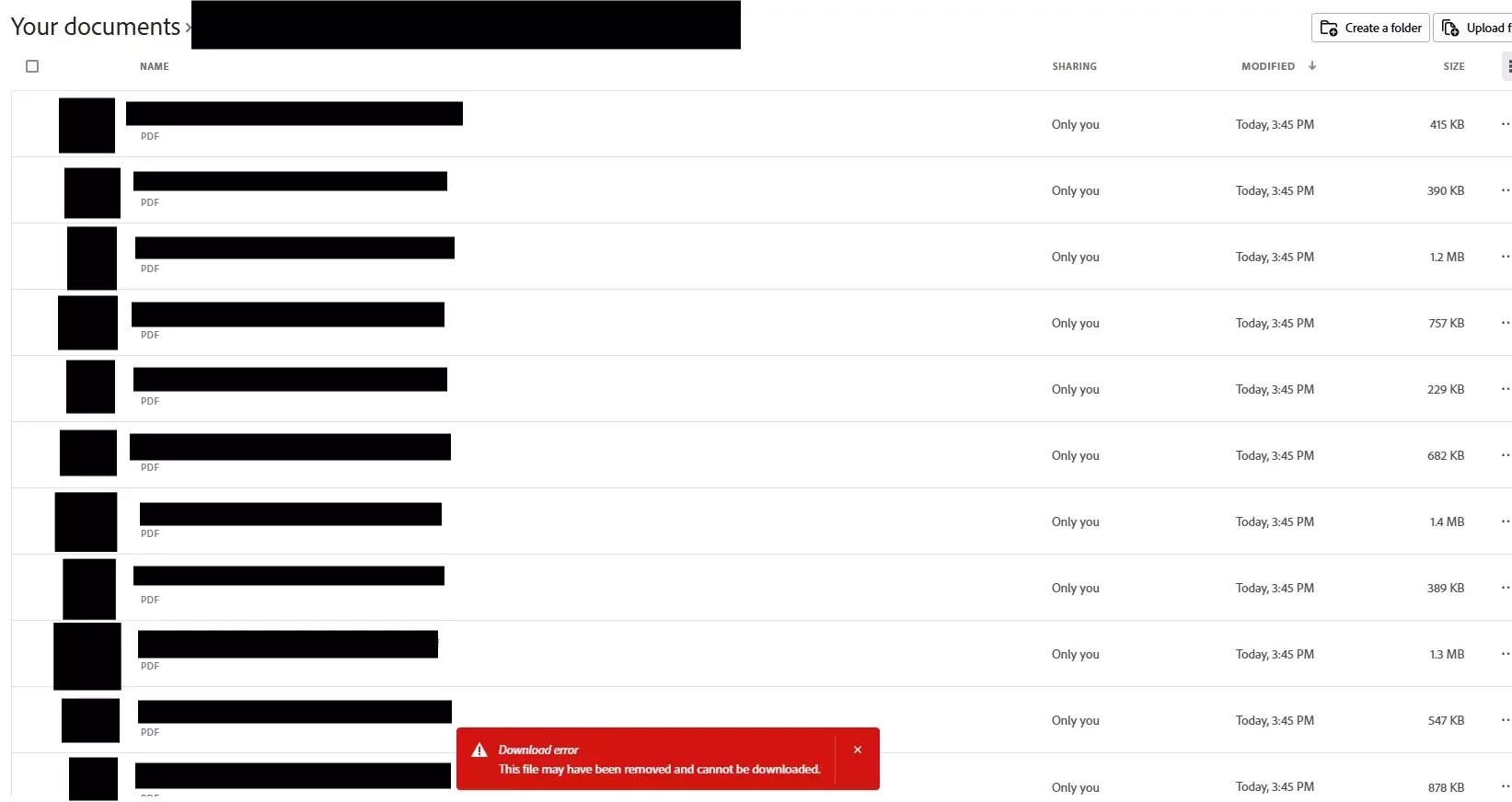
On Adobe Acrobat webpage, after organising my PDFs and splitting the PDFs into multiple files, when I select all files and click download, the download error in the screenshot pops up. I have been able to do this all the time previously and this error started popping up 2 weeks ago so I’m unsure what has changed. I have to now manually download all the PDFs one by one. The error even pops up after I tried downloading just two of the files with each file being less than 500KB.
My workflow is: Put the large PDF into Organize Pages, deleting the pages I don’t want, then save, then click organize pages again shown on the side bar under other tools, then split into multiple files shown on the side bar, then split, then select all and download.


 AdChoices