

passegua
Participant
May 11, 2018
Question

Fill & Sign Android App not saving Personal Info

  • May 11, 2018
  • 1 reply
  • 738 views

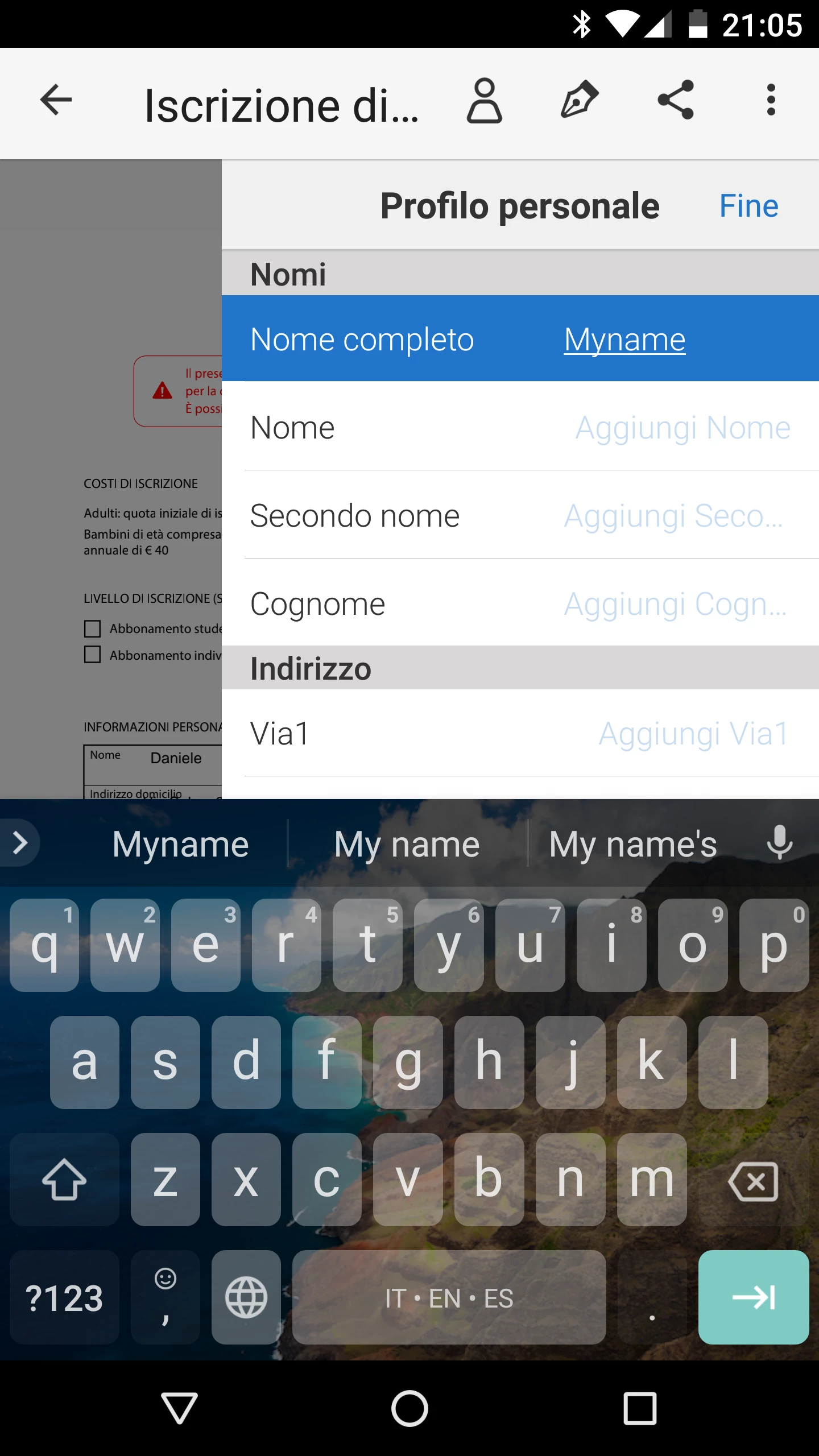
If I compile personal info I cannot save ! I click on "Fine" (=End) but these info are gone, not saved!

This topic has been closed for replies.

1 reply

AnandSri
Community Manager
Community Manager
May 24, 2018

Hello Passegua,

We apologize for the inconvenience caused, as per the description above, I can understand that you are not able to save your personal information details under "My Profile" section in Adobe Fill&Sign app on your android phone, Is that correct?

Try filling any PDF form and sign it and see if this gives you the option to complete the personal profile details and gives you the option to save it.

Check for any pending updates of the Fill&Sign mobile app from PlayStore and install it. Reboot the device and try completing the profile details and saving it.

If the issue persists, please uninstall the Fill&Sign mobile app and reinstall it from the PlayStore.

If you still experience any issue, please help us with the following pieces of information so that we can help you better:

  • The version of Android OS installed?
  • Make and Model of the Mobile device?
  • Dot version of Adobe Fill&Sing app installed?

Let us know how it goes and share your findings.

Regards,

Anand Sri.