


Participant
November 17, 2018
Answered

How to move edit blank boxes within a pdf

  • November 17, 2018
  • 1 reply
  • 949 views

Hi there,

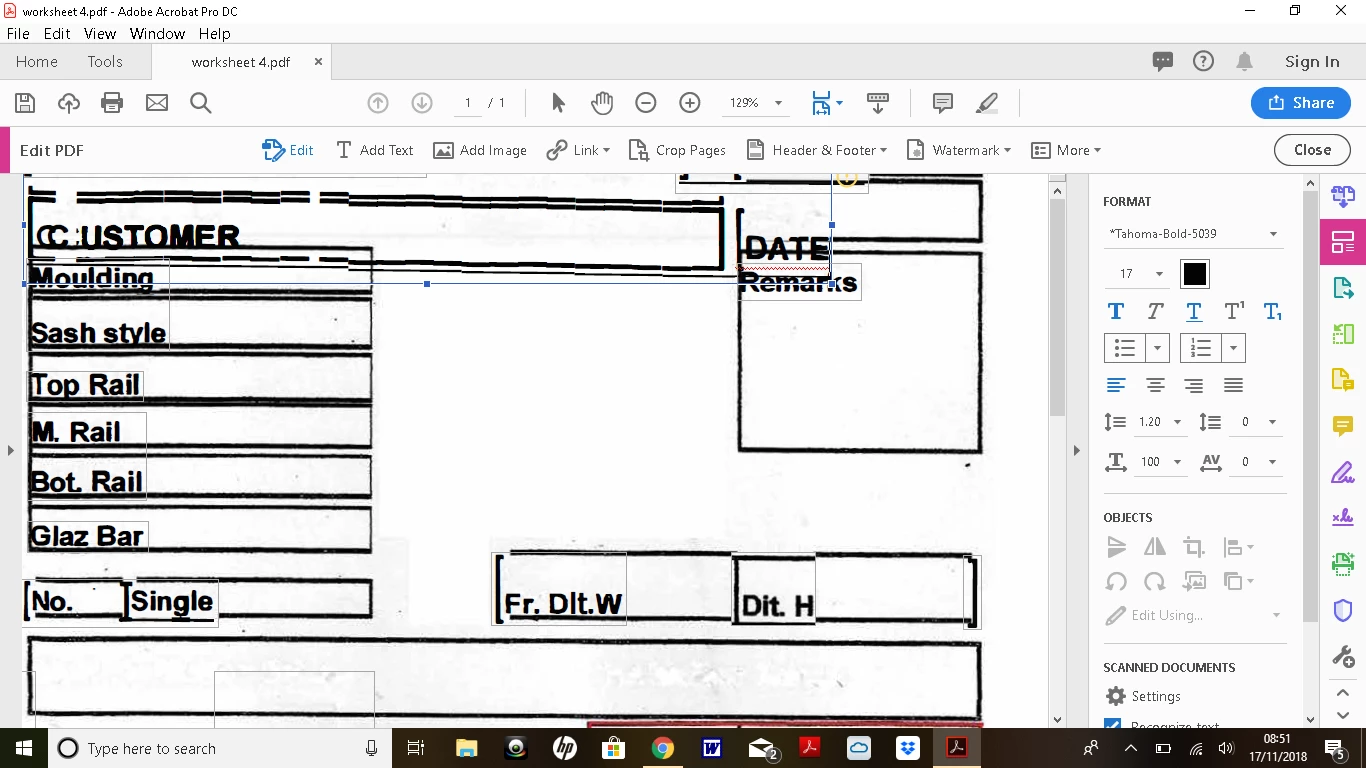
I have a workshop cutting list which i have converted to pdf, and wish to edit. There are a number of boxes (some blank) i wish to move and redivide. However when i try to do this it highlights part of the document i do not wish to edit and so starts merging boxes. In short i end up with a bit of a mess !

Can anybody help ? it would be much appreciated.
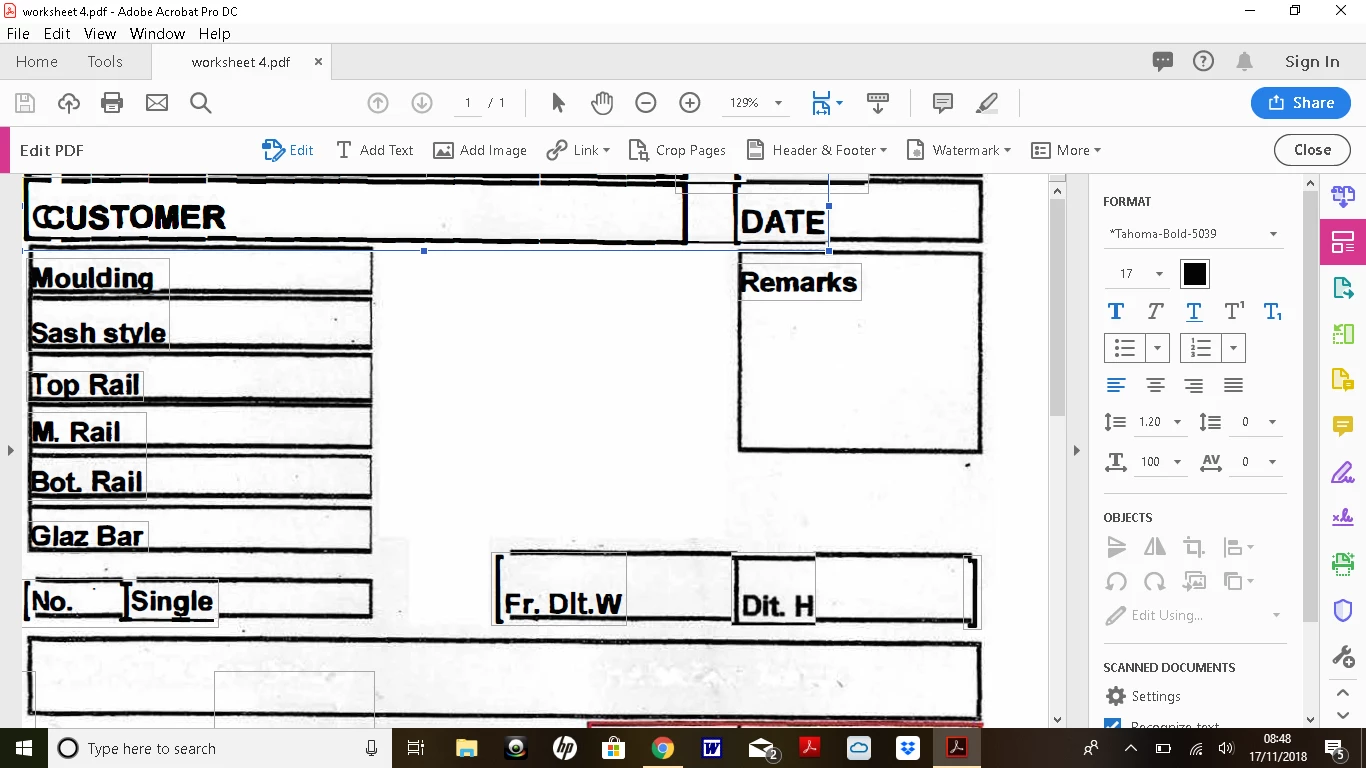
I want to move the whole page down slightly and maybe slim down text boxes in order to do so. This is the sort of thing i am experiencing when i try to do this.
This topic has been closed for replies.
Correct answer Test Screen Name

Acrobat's editing features are primitive and annoying, except for the simplest text. This job is far beyond it. You need to edit before getting into PDF.  To be honest, remaking this from scratch in Word is likely to be less frustrating than trying to fix it. Once you've made it in Word, it will take only seconds to make a PDF.

1 reply

Test Screen NameCorrect answer
Legend
November 17, 2018

Acrobat's editing features are primitive and annoying, except for the simplest text. This job is far beyond it. You need to edit before getting into PDF.  To be honest, remaking this from scratch in Word is likely to be less frustrating than trying to fix it. Once you've made it in Word, it will take only seconds to make a PDF.