


Question
How to remove password protection on pdf file in Adobe acrobat pro
I know the document password sent to me by the sender and I am able to open the document.
I would like to remove the password so I dont need to enter it everytime in future.
I followed below steps:
1. Buy Adobe Acrobat.
2. Open in Adobe Acrobat.
3. Use File > Properties
4. Go to Security tab
5. Set Security method to None
6. Give password when prompted
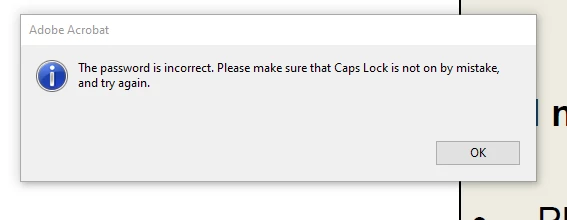
It says 'The password is incorrect. Please make sure that Caps Lock is not on by mistake, and try again'
I have made sure that I am entering the correct password, however still it gives me the same error message
 AdChoices