
I’m trying to send a file from Adobe Reader, but I can’t access my computer’s address book to find my contacts. Why not?
If you’re using Adobe Send through the Tools pane of your free Adobe Reader software, you might notice the option to use your local Address Book. When you use this option, you can send the file to email contacts from the local contact list on your computer. This makes it even easier to send a personalized link to your file because you don't have to manually type each email address into Reader. Just open up your address book and pick one or more email addresses from your contact list. Easy peasy.
Please note: The ability to send personalized links with Adobe Send requires a subscription. Once you’ve subscribed to Adobe Send, you’ll be able to send personalized links to contacts stored in your Address Book. Click here for information on how to subscribe.
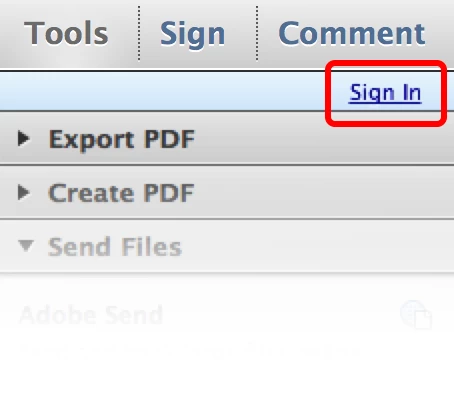
If you’ve already subscribed to Adobe Send and still can’t access your Address Book, please sign into Adobe Reader to enable the Address Book feature. To sign in, click the “Sign In” link at the top of the Tools pane. You can identify yourself in the dialog box that pops up, and use all the available Adobe Send features in Reader.


 AdChoices