Hi Adams,
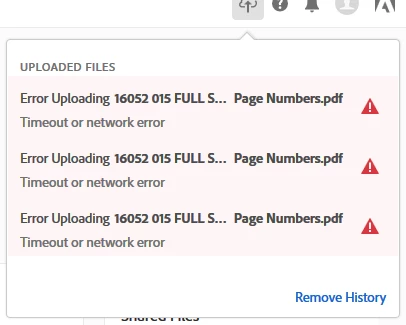
Looking at the information shared above, it seems that the error message appears because of the internet connectivity.
You may try the troubleshooting steps suggested below and see if that makes a difference-
1- As you are working on https://cloud.acrobat.com/ so you may check with a different web browser or reset the current web browser delete cache and cookies.
2- If you are using any internet security software, then you may turn it off for a while and check again.
[Antivirus software can help protect your computer against viruses and other security threats. In most cases, you shouldn't disable your antivirus software. If you have to temporarily disable it to install or activate other software, you should re-enable it as soon as you're done.]
3- Open the pdf using Adobe Reader and try saving it on Document Cloud storage. Adobe Acrobat Reader DC Install for all versions
Regards,
Akanchha




 AdChoices