Answered
PDF (non-scan) convert to Word = gibberish
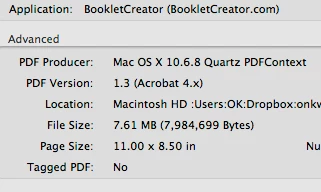
PDF properties are these:
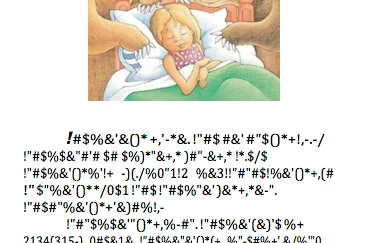
 I converted to Word .doc and .docx format. Both came out properly formatted with good graphic and gibberish:
 How to fix?

PDF properties are these:
I converted to Word .doc and .docx format. Both came out properly formatted with good graphic and gibberish:
How to fix?
Problem solved by by-passing PDF conversion and printing directly from Word using booklet creating plug-in. More details here: PDF won’t print properly - some letters squeezed together
Already have an account? Login
No account yet? Create an account
Enter your E-mail address. We'll send you an e-mail with instructions to reset your password.


 AdChoices