


Participant
August 22, 2018
Answered

Several users not able to use send and track. 404 errors

  • August 22, 2018
  • 2 replies
  • 407 views

I have about 4 users who use send and track but in the last few months none of the files are reachable
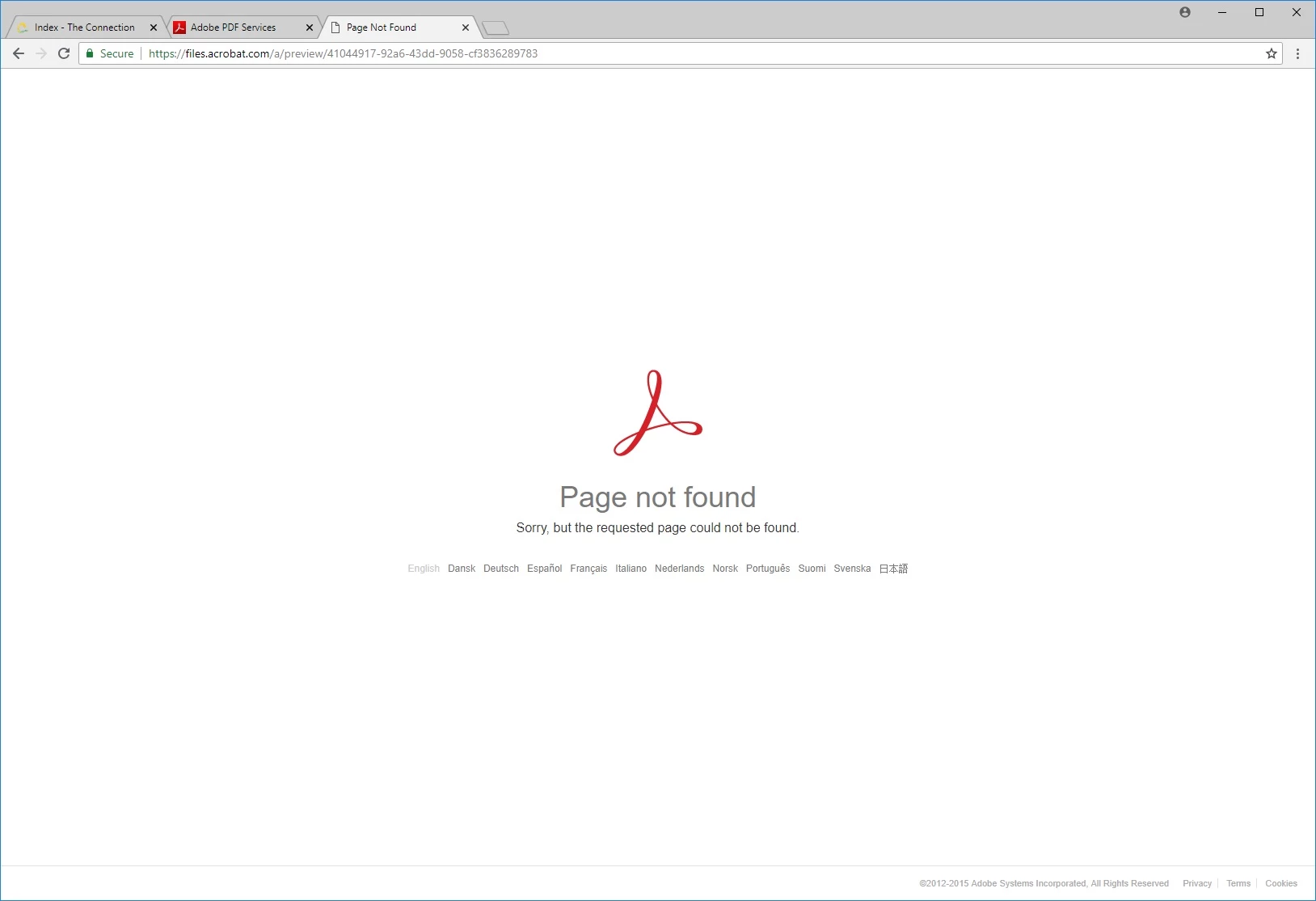
If I inspect the page it shows a 404 on the file.

I did have one user log into the website and I noticed that the broken documents don't have weblinks on this page.
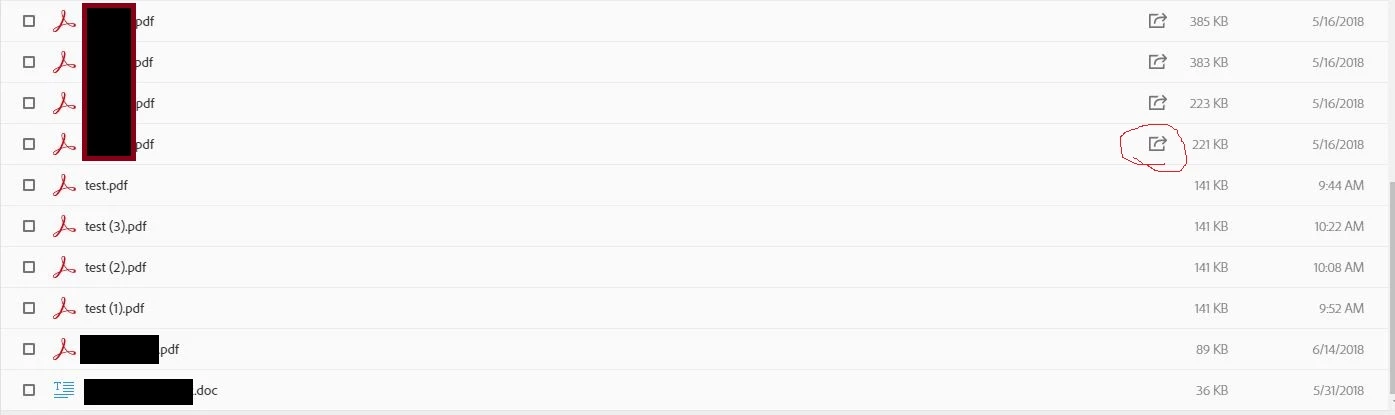
I've had my users try uploading from different computers and using the web to upload but it hasn't made a difference.

This topic has been closed for replies.
Correct answer AkanchhaS8194121

Hey Caseyw,

We request you to try the workaround shared below and see if that helps you too as it has helped resolving the issue of customer's who have been experiencing the same issue.

  • Clearing out old files by going to your sent files, scrolling to the bottom and deleting as many as you can.
  • Also by going to document cloud and cleaning out whatever can be deleted to lower down the data. This seems to have currently solved the issue.

Thanks,

Akanchha

2 replies

AkanchhaS8194121
AkanchhaS8194121Correct answer
Legend
September 29, 2018

Hey Caseyw,

We request you to try the workaround shared below and see if that helps you too as it has helped resolving the issue of customer's who have been experiencing the same issue.

  • Clearing out old files by going to your sent files, scrolling to the bottom and deleting as many as you can.
  • Also by going to document cloud and cleaning out whatever can be deleted to lower down the data. This seems to have currently solved the issue.

Thanks,

Akanchha

AkanchhaS8194121
Legend
September 26, 2018

Hey Caseyw,

We apologize for the delay in response to your query.

If your users are still experiencing this trouble and unable to access the Send & Track service, then could you please share their Adobe account (Email address) information via private message?

Are they using individual service of Send & Track or is it Adobe Acrobat DC subscription? Also, it seems they are accessing the service online via web. So would you please ask them to try with Adobe Reader DC desktop application?

Adobe Acrobat Reader DC Install for all versions

If it doesn't make any difference, then you may attach the screenshot of the error received through Adobe Reader- https://forums.adobe.com/docs/DOC-7043#jive_content_id_How_do_I_attach_a_screenshot 

Regards,

Akanchha