
Answered
Unable to access files.acrobat.com
Hello,
Using a google chromebook and the chrome browser, I am unable to access my files saved on files.acrobat.com, or advance past the login screen for files.acrobat.com.
After typing in my username and password, the following page is displayed, and I am unable to access any further pages or my files.
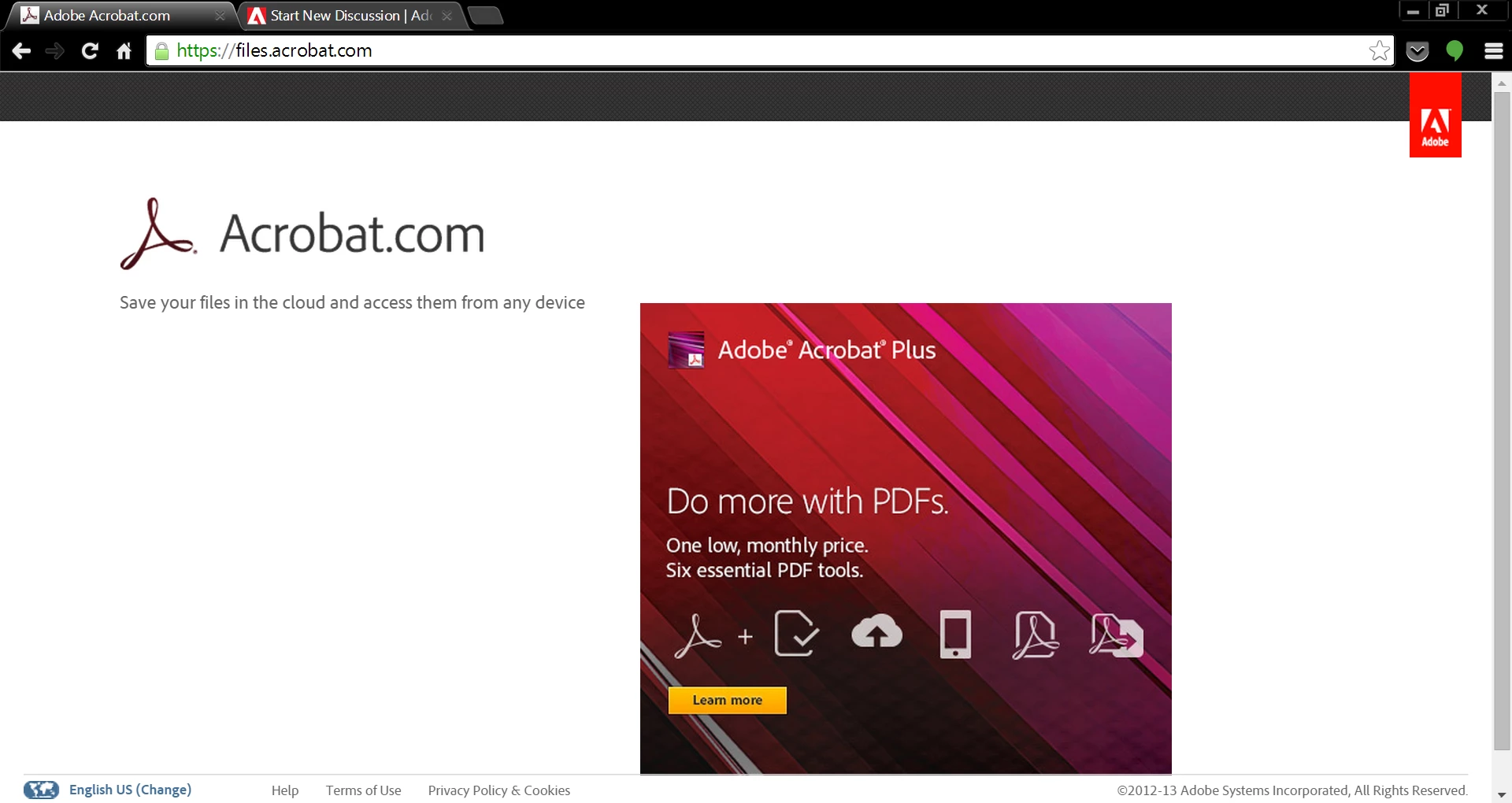
This problem does not exist when I log on using internet explorer on a different PC, but persists using chrome on PC. I have cleared cookies for acrobat.com, and have attempted using the chrome browser "incognito", to no avail.
How can I access my files using chrome on chromebook?
-CM



 AdChoices