@ClareC43832942
We dug into this with the team, and the HAR file you shared was the key - thank you for that. Here's what's happening:
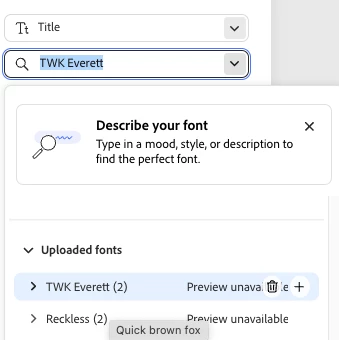
The fonts themselves upload and work fine. The problem is that when Express tries to load them in your browser, the requests to Adobe's font server (faster.typekit.net) are being blocked before they reach us - the HAR shows the requests failing with a "blocked by client" error. That's why the same fonts work in Acrobat (desktop app, different path) but not in Express in the browser.
"Blocked by client" almost always means something on your side is stopping the connection... most commonly a privacy browser extension (Privacy Badger is a frequent culprit), an ad/tracker blocker, or a network firewall. A few things to try:
- Open the affected Express page in an incognito/private window (extensions are usually off there). If the fonts load, an extension is the cause - allow-list faster.typekit.net (and adobe.com) in it, or disable it for Express
- If you use Privacy Badger, uBlock, or similar, add faster.typekit.net to its allow-list
- If you're on a work/school network, your IT team may be filtering that domain. This Adobe article lists the domains that need to be reachable - sharing it with IT usually sorts it: https://helpx.adobe.com/business/enterprise/manage-services/configure-services/network-endpoints.html
If none of those change anything, let me know what you tried and we'll keep digging.
Rose




 AdChoices