




Access Photoshop and Illustrator assets using Adobe Express
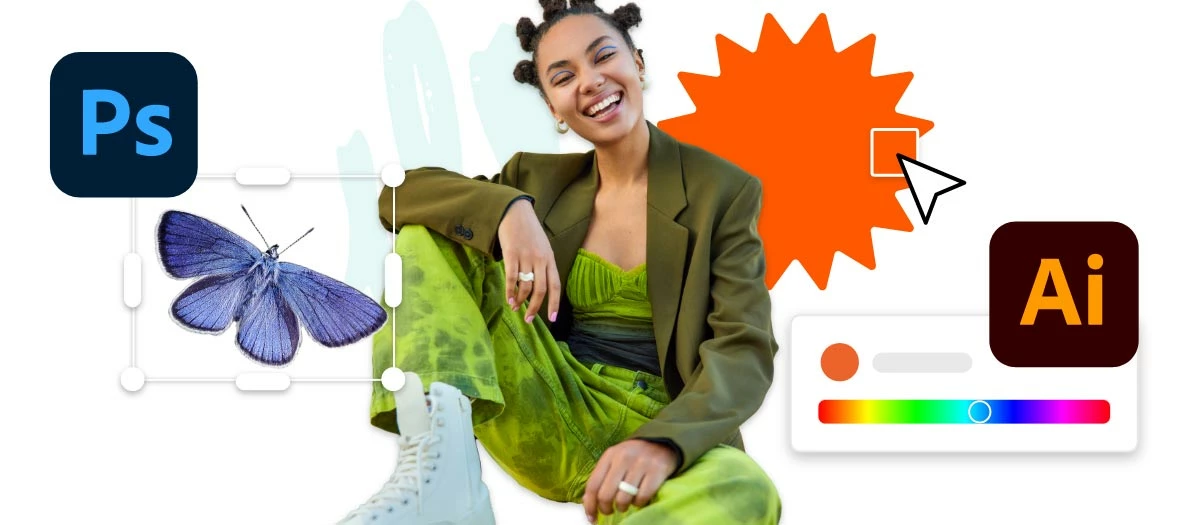
Seamlessly work with Photoshop and Illustrator creative assets in Adobe Express.
You can now easily link and edit Photoshop & Illustrator assets within Adobe Express. Linking assets will ensure your designs stay in sync as you make edits in Photoshop or Illustrator or edit them directly within Adobe Express.
Check out the videos below on how to import, link, and edit Illustrator & Photoshop assets.
Getting started with Ai & Ps Integration with Adobe Express by @thejanebradbury
Adobe Express & Illustrator by @Andrew Hochradel
Adobe Express & Photoshop by @PaulTrani
Common Questions
Is it possible to individually move around different imported objects on the same layer instead of being grouped as an image?
Yes, select the single image layer & ungroup them. This should give access to all the individual objects (shapes, text, layers, etc.)
Why are Illustrator imports distorted in Adobe Express?
Scaling issues occasionally appear when the file contains extra white space. Try cropping the file as tightly as possible to the graphic.
Visit HelpX for information on related features.
- Work with Adobe Photoshop and Adobe Illustrator creative assets
- Get started with Adobe Express templates

 AdChoices