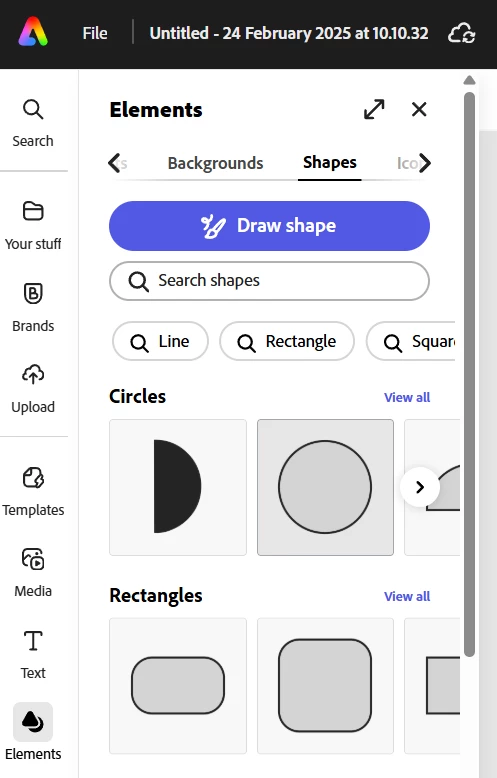
To have consistent colour of shapes is possible. Choose your shape from Elements>Shape.
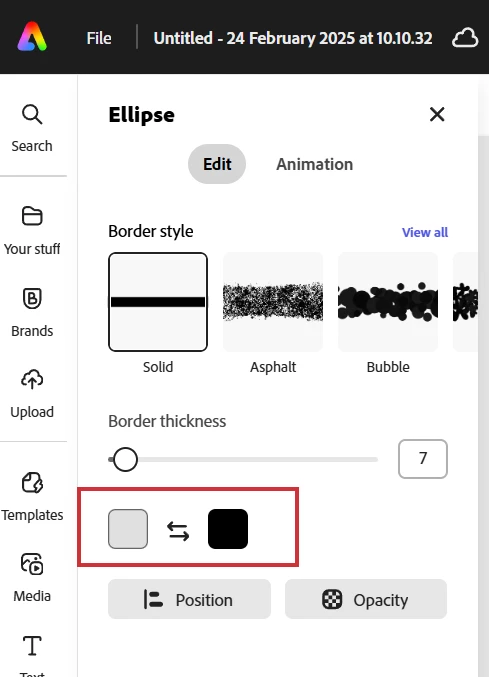
Select the shape on the canvas and look in the panel for the Fill and Border control squares.
Click Fill and when the pop-up appears yes, you can use colour themes or colours from your own libraries, but there is Custom tab that you can click too. There is also an eyedropper that you can use to pick up colour from anything on the project canvas.
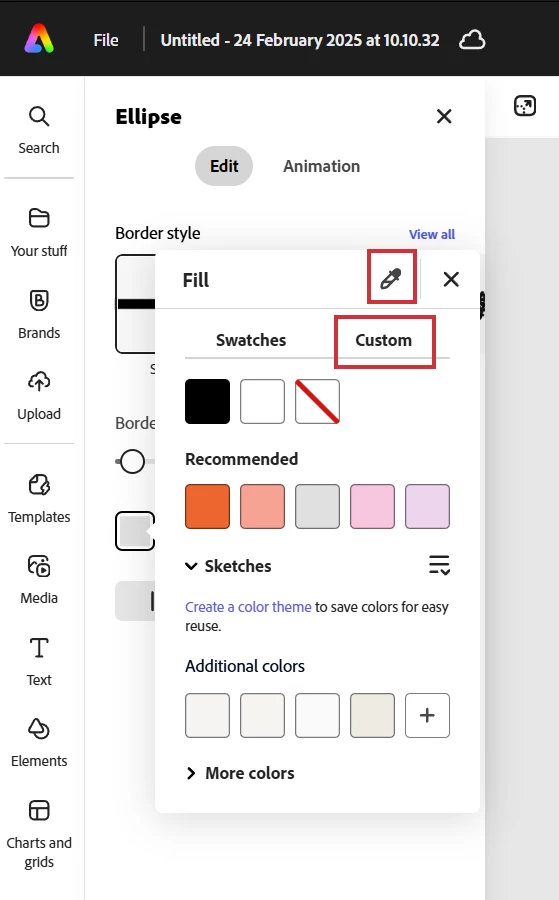
In the custom tab you can choose the colour by moving the selectors around the square, or type in a HEX code. Once you have one shape with the exact colour you want you cna use the eyedropper on any other shapes you want ot look the same, or simply copy the shape as needed.




 AdChoices