


JPHiggs
Known Participant
December 9, 2022
Question

Adobe Content Scheduler is showing cropped images pulled from Adobe Express.

  • December 9, 2022
  • 1 reply
  • 531 views

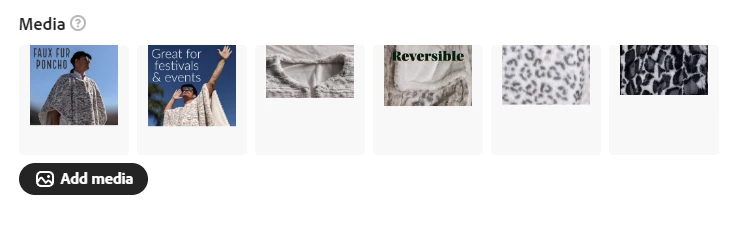
I have images edited in Adobe Express for Instagram. I have downloaded the edited images to my computer, fully intact & usable anywhere else so far, and then uploaded them to the Adobe Content Scheduler where it shows the images incorrectly cropped via the thumbnails as well as when clicking on the preview button. Several of the images are cut in half. Is this a known issue or are there any fixes??
 

This topic has been closed for replies.

1 reply

Amitej S
Community Manager
Community Manager
December 14, 2022

Hi @JPHiggs

I tried replicating this, and it worked fine. Does this happen with all the images or these selected ones only?

Also, could you try after clearing the cache/cookies of the browser you're working on? You can also try working on incognito/ private browser mode to check if that makes any difference.

Let us know about your observations.


Thanks,

Amitej

JPHiggs
JPHiggsAuthor
Known Participant
December 14, 2022

I had removed them and converted them from PNG to JPG and re-uploaded them and they still were cut off, though not very much. The final images are, in fact, the full images... for some reason this preview is the only thing that shows it cut off.

Participating Frequently
July 5, 2023

Thanks for sharing this! Going to try scheduling and see if it works for me as well. Currently in preview it shows the portrait images as cropped 1:1 squares for instagram, though facebook preview shows the full image.