


Participant
Dec 15, 2021 3:05 AM UTC
Question

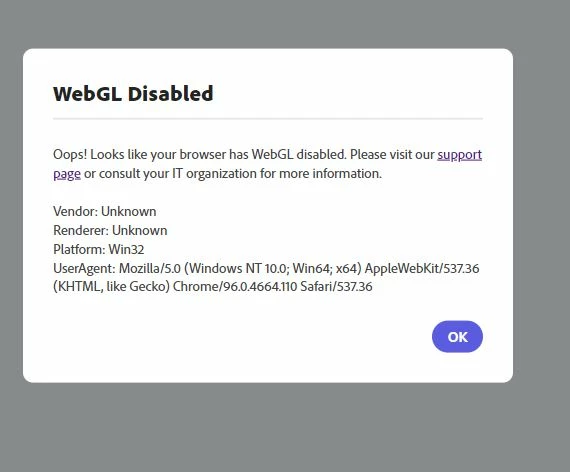
Adobe Creative Cloud Express - WebGL Disabled Error dialog box

I am having problems working on my content since the adobe sparks was replaced by adobe creative cloud express. This is what I am getting on my screen when I tried to click on a template.
This topic is closed to new replies. Start a new post to keep the conversation going.

6 replies

John T Smith
Community Expert
Community Expert
Dec 15, 2021 4:20 AM UTC

Do you mean Photoshop Express?

Translate
John Waller
Community Expert
Community Expert
Dec 15, 2021 5:38 AM UTC

Apparently Creative Cloud Express is a new product released this week to replace Adobe Spark.


Adobe launches Creative Cloud Express, an update to Adobe Spark


It's so new that this discussion cannot yet be moved to the correct forum since the forum does not yet exist in the Move Posts list.


The brand new Creative Cloud Express forum is here:

https://community.adobe.com/t5/creative-cloud-express/ct-p/ct-adobe-creative-cloud-express


Translate
Participant
Jan 21, 2022 4:06 PM UTC

Hi,

I've visited the Creative Cloud Express forum to obtain the answer and it directs me back to this post. I'm experienceing the same problem as mcgriff88. Do we have a solution yet?

Translate