


Question
Adobe Express issue with Chrome on a Mac
I work for a school and have a Spanish student that cannot get Adobe Express to open in Chrome on a Mac with Monterey. After going through the sign-in process, all she sees it the following view:
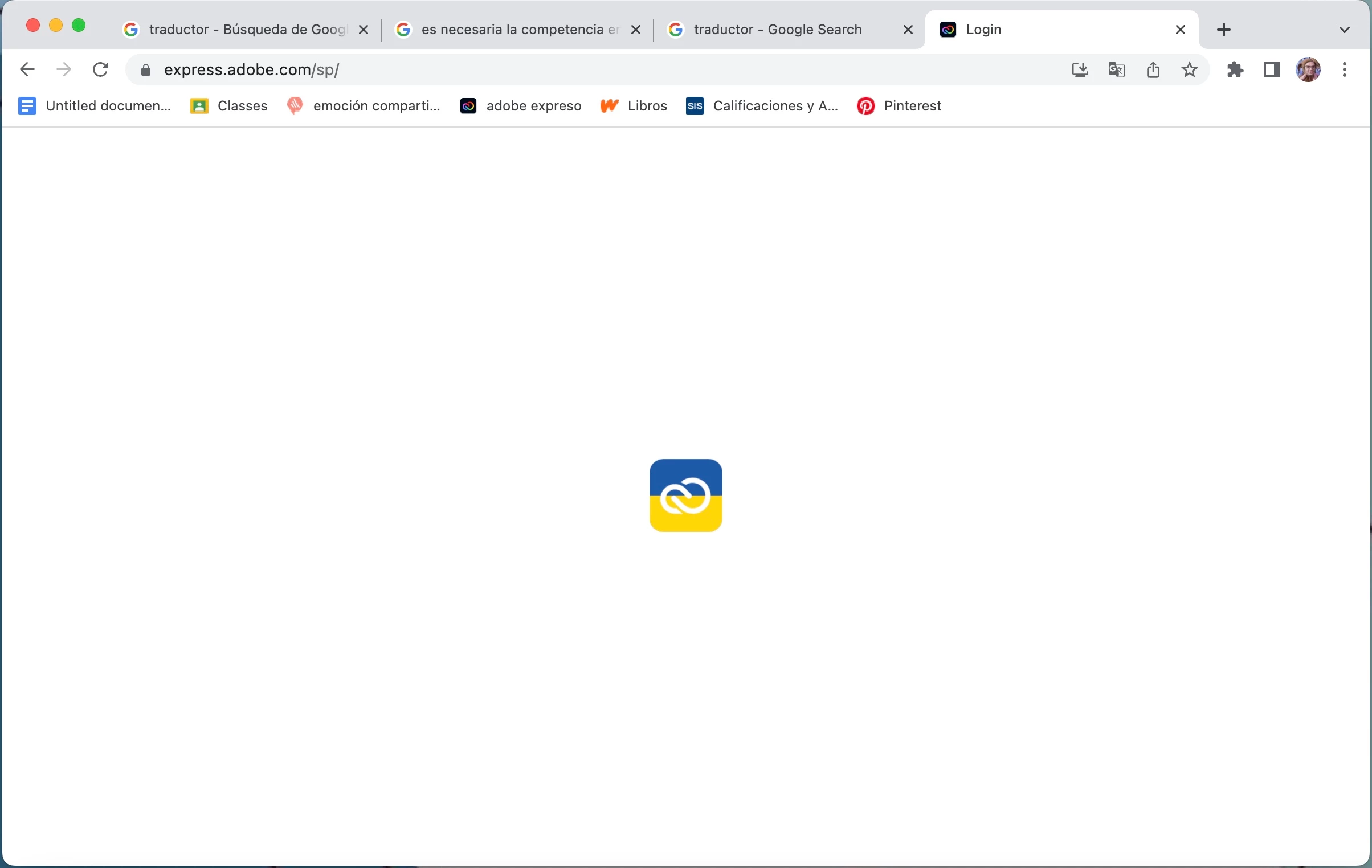
It will open in Safari on the same Mac. We don't have issues with any other students. It's appearing it's an issue with Chrome so I tried clearing cache and cookies, tried reinstalling the Chrome on Mac, tried removing Chrome and the files in Chrome folder located in ~/Library/Application Support/Google/Chrome. Any suggestions would be appreciated. Thanks.
 AdChoices