


Participant
September 3, 2023
Question

adobe express's access blocked!

  • September 3, 2023
  • 3 replies
  • 2935 views

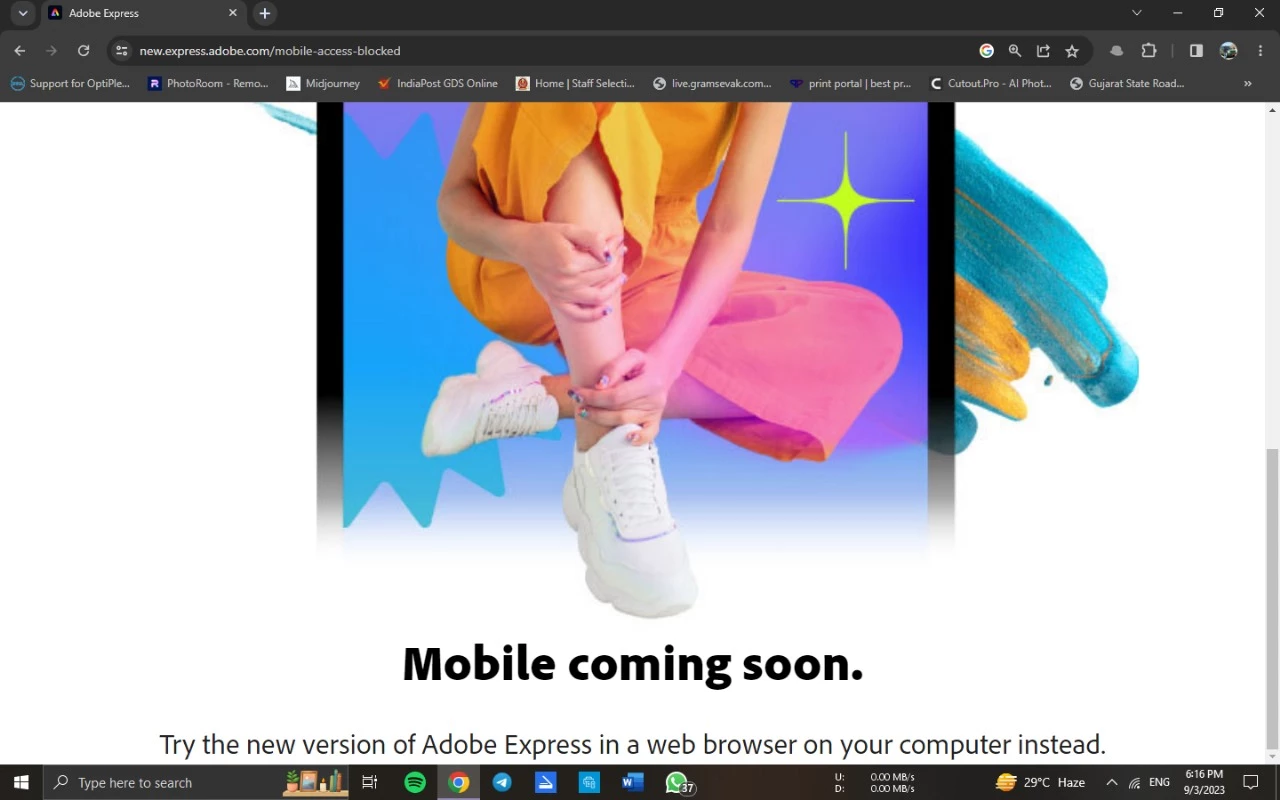
I am experiencing a problem accessing Adobe Express on my PC one day randomly showed me this error, I tried so many ways to access Express but it didn't work then I went to inspect section in the browser and changed the display setting I can use Adobe express but only in inspect section. What would I do? Also when I connect pc to lan network it blocks the Adobe Express.
3 replies

Participant
November 8, 2025

Yeah Im having this issue too, cant believe I pay these guys $40/ month just to have to spend hours trying to use their crappy apps. Would totaly go with someone else if there was a better option

Amitej S
Community Manager
Community Manager
November 10, 2025

Hi @Austin_Conaway2412,

Thanks for reaching out! Sorry to hear you’re having trouble accessing Adobe Express; that definitely shouldn’t be happening.

Could you please confirm the device you’re using, along with the exact message or error you’re seeing when access is blocked? Also, ensure you’re signed in with the correct Adobe ID and an active subscription.

If the issue persists, please share a brief screen recording (without including personal details) so we can better understand and investigate the cause.

Participant
September 5, 2023

I'm having the same problem the last two days. Every link to adobe express online redirects me to that same page as you.


Participant
September 5, 2023

If anyone has a fix, please help - I have tried all the things folks recommend, removing the cache, using a different browser ... none of it works.  I'm guessing it has somehting to do with the rollout of the "net" adobe express (which was Spark, right?) and since it's hard to figure it out perhaps they are going to just fix the bugs - or have fixed the bugs - and we are waiting for it to come across to us? LOL ... I hope it'll get fixed, cuz honestly I LOVE my Adobe Express!!

Participant
September 5, 2023

HEY - figure it out - for me. LOL. Get the Adobe Express Extension and load that, then open Adobe Express but be sure you are in the full screen (it wants a bigger screen than my little macbook, so if I just decrease the screen "-" size all of a sudden BOOM, my Adobe is back. They say extensions only engage when Adobe has the full screen.  Hope that helps!


Participant
September 4, 2023

YES! me too. I can not figure out how to fix it. I've done so many things - cache, updated Chrome, used Safari (so glitchy) ... what the heck, can someone help?