
Participant
July 7, 2026

Adobe Express Scheduler - Issues with Uploading Media

  • July 7, 2026
  • 2 replies
  • 18 views

Continually getting the same error message :
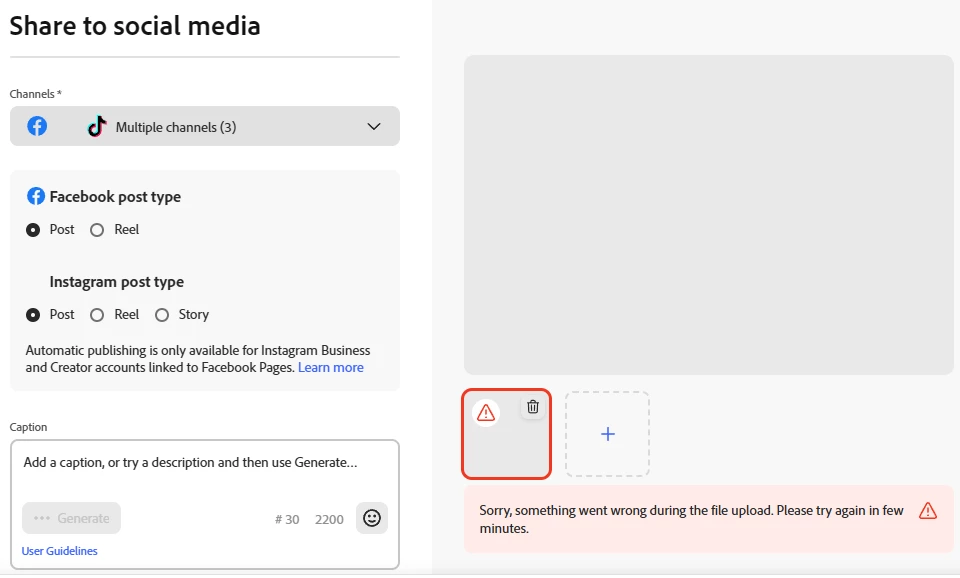
Sorry, something went wrong during the file upload. Please try again in few minutes.


I’ve tried multiple browsers - Rebooted Refreshed this is Day 4 to no avail.


PLEASE HELP

    2 replies

    Participant
    July 21, 2026

    What solved my issue was deleting all the cache / third party cookies - 

    Amitej S
    Community Manager
    Community Manager
    July 15, 2026

    Hi ​@JoeEndurus8! Thanks for reaching out. 

    Since you've already tried multiple browsers and restarted your system, let's try narrowing down the cause.

    Could you first disconnect and reconnect the affected social account in the Content Scheduler? An expired connection can sometimes cause uploads to fail. 

    It would also help to check that your media meets the platform requirements. For videos, try using an H.264 MP4 file (ideally under 250 MB), and for images, use JPEG or PNG files that match the target platform's recommended dimensions.

    As another test, try uploading the media to the regular Adobe Express editor first, export it, and then use the exported file in the Scheduler.

    You could also try uploading a small test image (for example, a 1080 × 1080 JPEG). If that uploads successfully, it may point to an issue with the original file rather than the Scheduler itself.

    If the issue persists, please let us know:

    • Which social platform you're publishing to.

    • Whether this happens with all files or only specific ones.

    • Whether you're on a home or workplace network, and if you're using a VPN or have an active firewall.

    We'll be happy to investigate further once we have those details.

    Participant
    July 21, 2026

    I am also having this issue. The videos I am trying to upload are all in the corrcet format, under 250MB and I am still getting the same issue. I have tried multiple browsers. I only have access to the one device so I can not test on a different device.


    I have also disconnected the social profiles and reconnected them. But I doubt that would have been the issue as I get this warning before I even select which profile I want to add the videos to.


    The videos upload fine to a canvas. So the issue seems to only be with the scheduler.