

Participant
August 25, 2023
Question

Adobe Express - Site can't be reached

  • August 25, 2023
  • 2 replies
  • 965 views

I can't access Adobe Express anymore, when I click on Adobe Express icon from my Creative Cloud app window it takes me to a Site can't be reached error page.
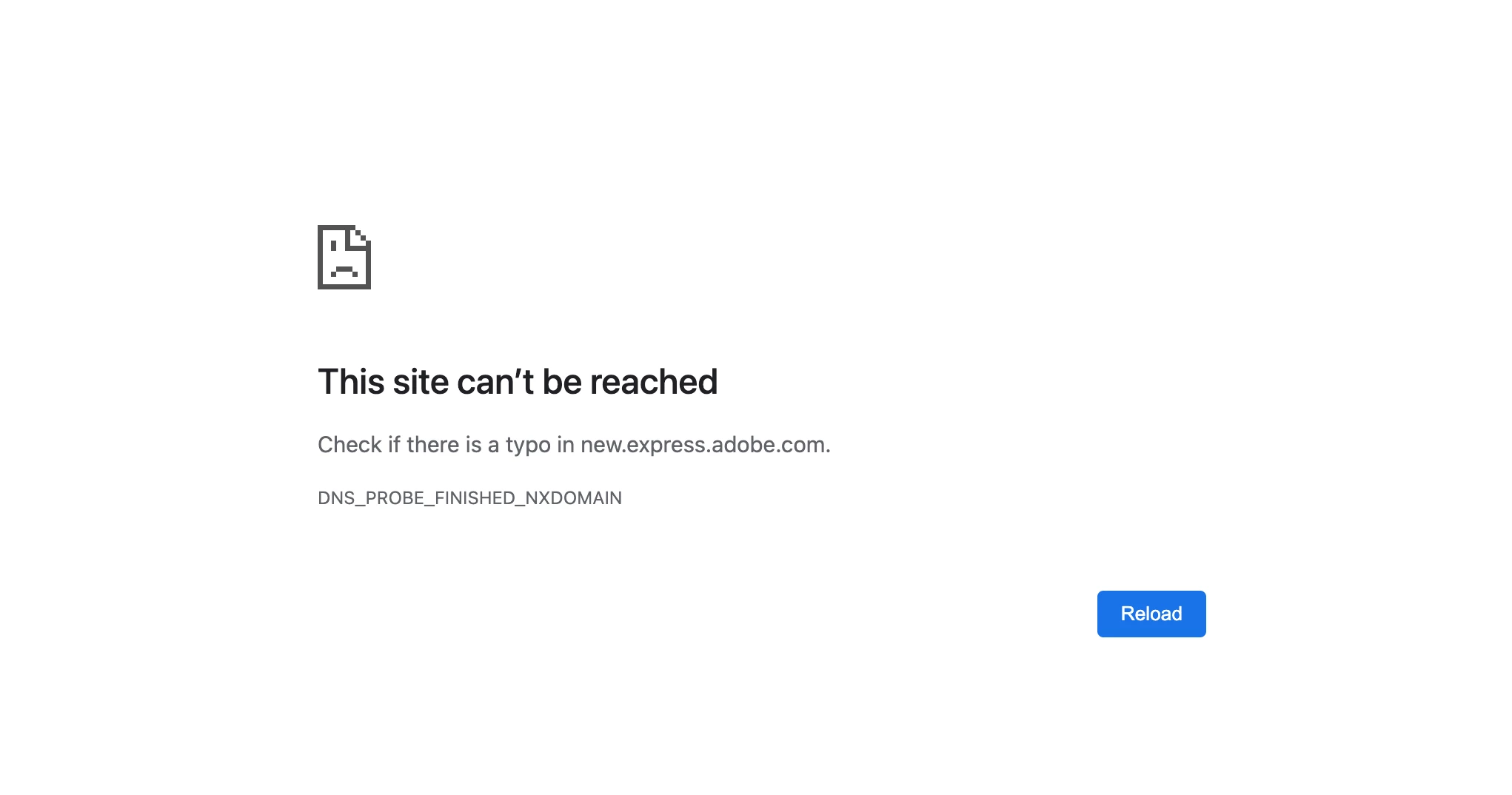



This topic has been closed for replies.

2 replies

Nancy OShea
Community Expert
Community Expert
October 25, 2023

@Ana I P,

Are you using a browser other than Firefox that supports JavaScript?

https://helpx.adobe.com/express/kb/known-issues-in-adobe-express.html#web


Are you in Canada?  If yes, this is a region specific issue.  See below for solution.


DNS address switch for Canada ISPs

I'm unable to access Adobe Express in Canada.

To troubleshoot this region-specific issue in Canada, switch your DNS address to 8.8.4.4. Read more about how to change the DNS address


Hope that helps.


Nancy O'Shea— Product User & Community Expert
Ana I P
Participating Frequently
October 25, 2023
Thank you,

Yesterday I entered the Chrome configuration and gave access to the web adress from Adobe Express in the Java permissions. It worked temporarily, but now I receive the same message:
This site can’t be reached

The webpage at https://new.express.adobe.com/webpage/7RNlTOWcIXfxH might be temporarily down or it may have moved permanently to a new web address.

ERR_FAILED


Also, I have this warning:


If this information helps:
I’m using Chrome Version 118.0.5993.117 (Official Build) (x86_64)
In an iMac ( Late 2013) with macOS Catalina 10.15.7
I’m located in Guatemala, Central America

Also, when I’m moving, I use a Macbook Air, 2020
Mac OS Ventura 13.4.1 (c) where I made the same configurations about the Java Script in Chrome and its working now most of the times, but eventualy, when I check the links shared, they don’t open always.

Is there something else I can configure in Chrome on the Imac? I’m worried because now it doesn’t work with the link to watch the pages created in Express from different mobiles. Is there any restriction in my area as in Canada?


Please, I need to work this urgently!

Thanking you in advance.

Ana Passarelli


pd.

Here are some of the links I’m need to share. This were made with the older version of Spark and I actualized them all to the new version past month:


https://new.express.adobe.com/webpage/7RNlTOWcIXfxH <>
https://new.express.adobe.com/webpage/kDe7ywMQvGx8X <>
https://new.express.adobe.com/webpage/rxmHcya1WovXz <>
https://new.express.adobe.com/webpage/dZiXuhnJIMVwv <>
https://new.express.adobe.com/webpage/eFdt79ba8Gp6I <>
https://new.express.adobe.com/webpage/N4MJWcGXeuj6k <>
https://new.express.adobe.com/webpage/mDgCAXEHwizQp <>
https://new.express.adobe.com/webpage/IRONjBulZ6A1f <>
https://new.express.adobe.com/webpage/uks54MWzRPDlY <>
https://new.express.adobe.com/webpage/P60WsghruteH9 <>
https://new.express.adobe.com/webpage/OiPVC0vr3Roh6 <>
https://new.express.adobe.com/webpage/w97ma6AQM0C8H <>
https://new.express.adobe.com/webpage/SfjXiZW67b5JE <>
https://new.express.adobe.com/webpage/J5PfMSHKgyDGR <>
https://new.express.adobe.com/webpage/iaRtJs5rqEQmB <>
https://new.express.adobe.com/webpage/9cQKR0d2gP8Jk <>
Nancy OShea
Community Expert
Community Expert
October 25, 2023

I did not check all links (too many).  I am in California and have a very fast & stable internet connection. This link works fine for me.

https://new.express.adobe.com/webpage/7RNlTOWcIXfxH


Speed Test Results from "How fast is my internet?"


Nancy O'Shea— Product User & Community Expert
Ana I P
Participating Frequently
October 24, 2023

Did you get any help to solve it? I have the same problem.