



Adobe Timeline Maker
After logging into my Adobe account, I just tried out the Adobe Timeline Maker online. It could be a really helpful program except it appears extremely limited—or I'm doing something wrong. And when I ran several searches for 'Adobe Timeline Maker' in the Support Community, there was NOTHING even remotely related to this.
I wanted to do a timeline of the events leading up to former President Trump getting indicted. I thought it might be helpful to see how many times the National Archives tried to work with Trump in getting the classified documents returned to them.
Here's what I saw before I searched 'timeline' and clicked on the Adobe Timeline Maker link:
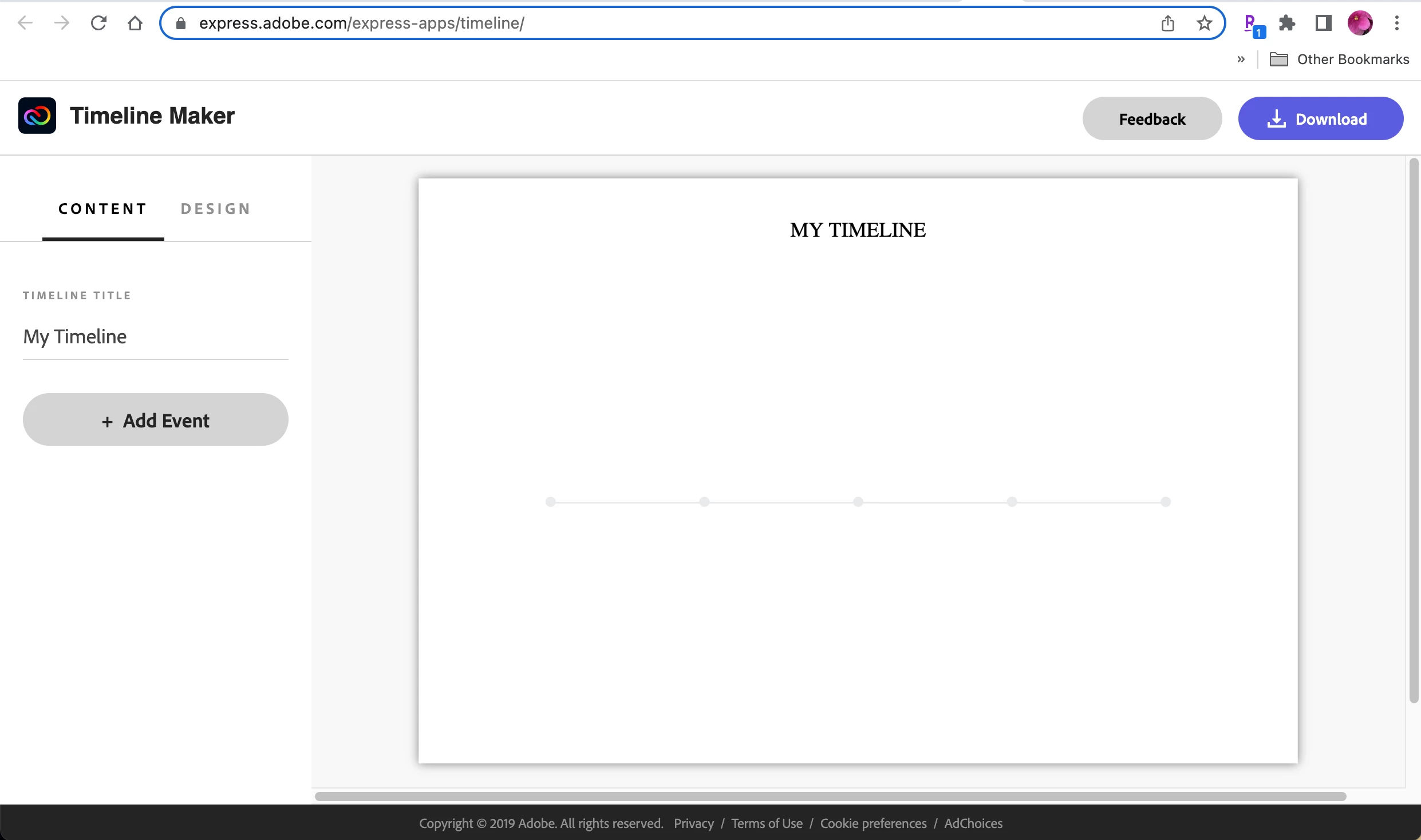
Clicked on "Create a timeline now" and got this:
Most of the information came from this site:
I began entering the data and was thrilled with what I saw developing. Clean and nice font choices.
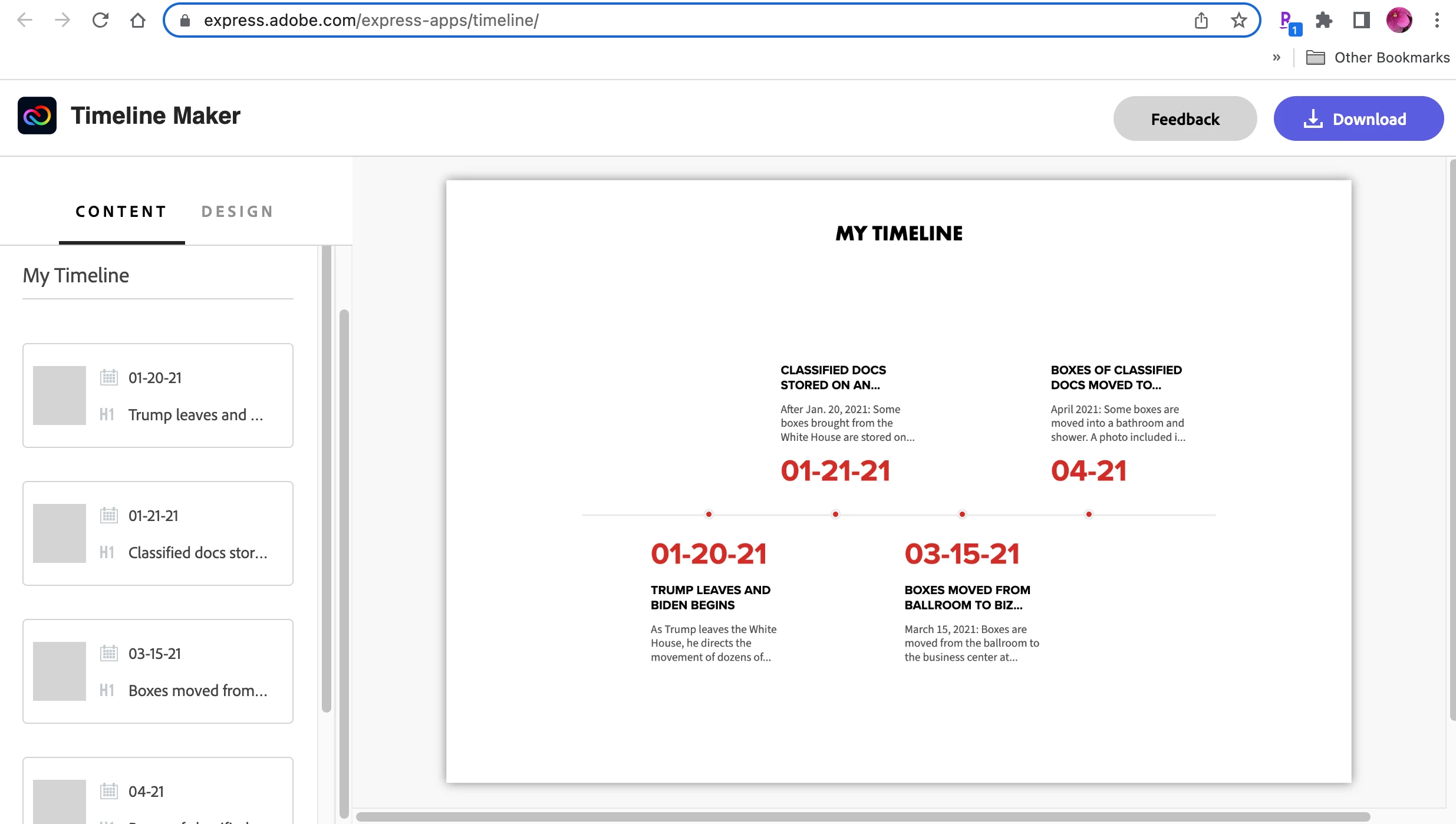
However, this is what I got when I finished loading the data up to this week:
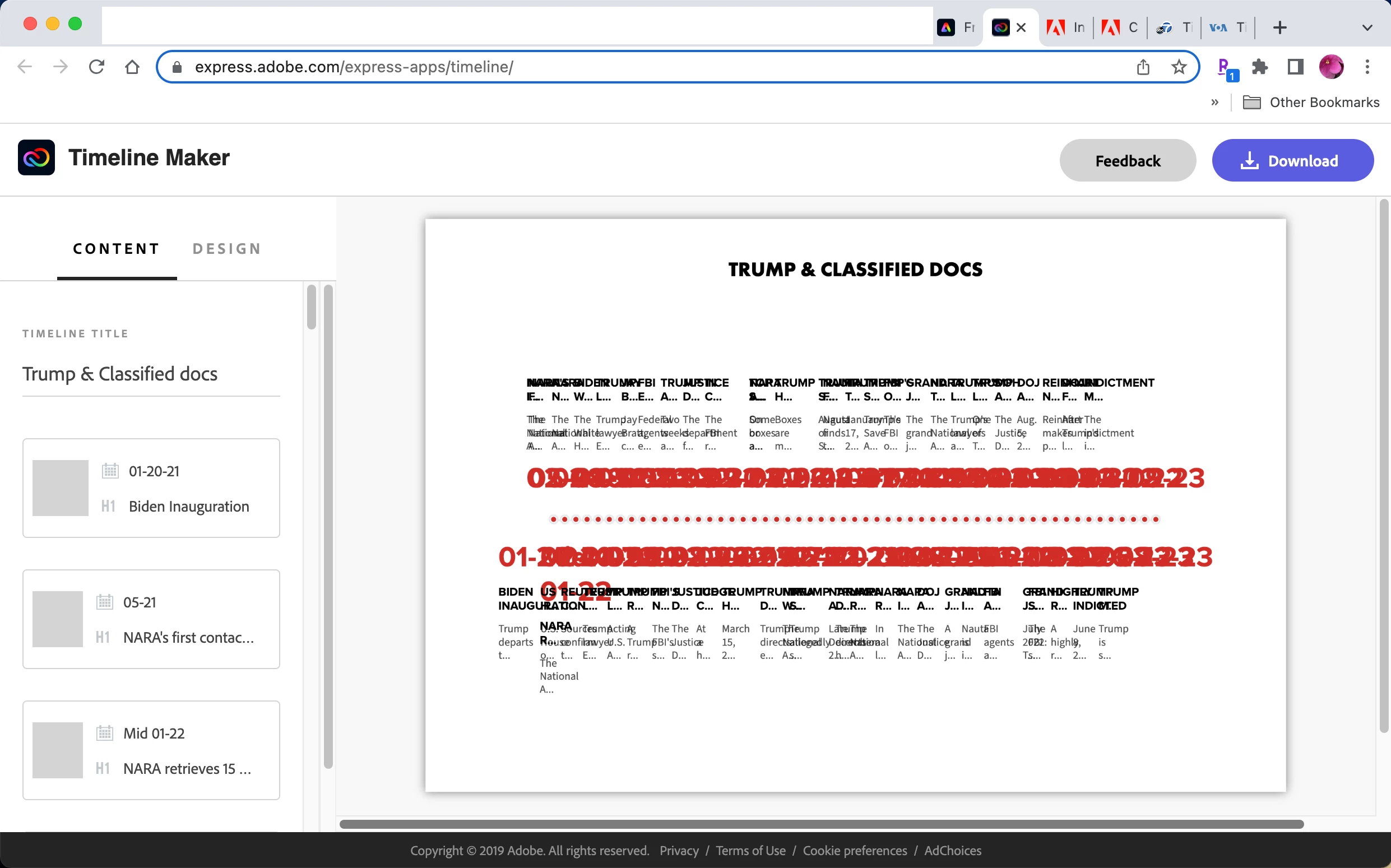
I had assumed that as the dates were added, the software would either reduce text size or make more pages or bigger pages. I couldn't find where I could make those changes manually—nothing.
So I clicked 'Download' to see the final document. Maybe it would sort out the issues when printing to a PDF? Nope. And no PDF. Only a PNG of one page. This is what the PNG looks like when opened: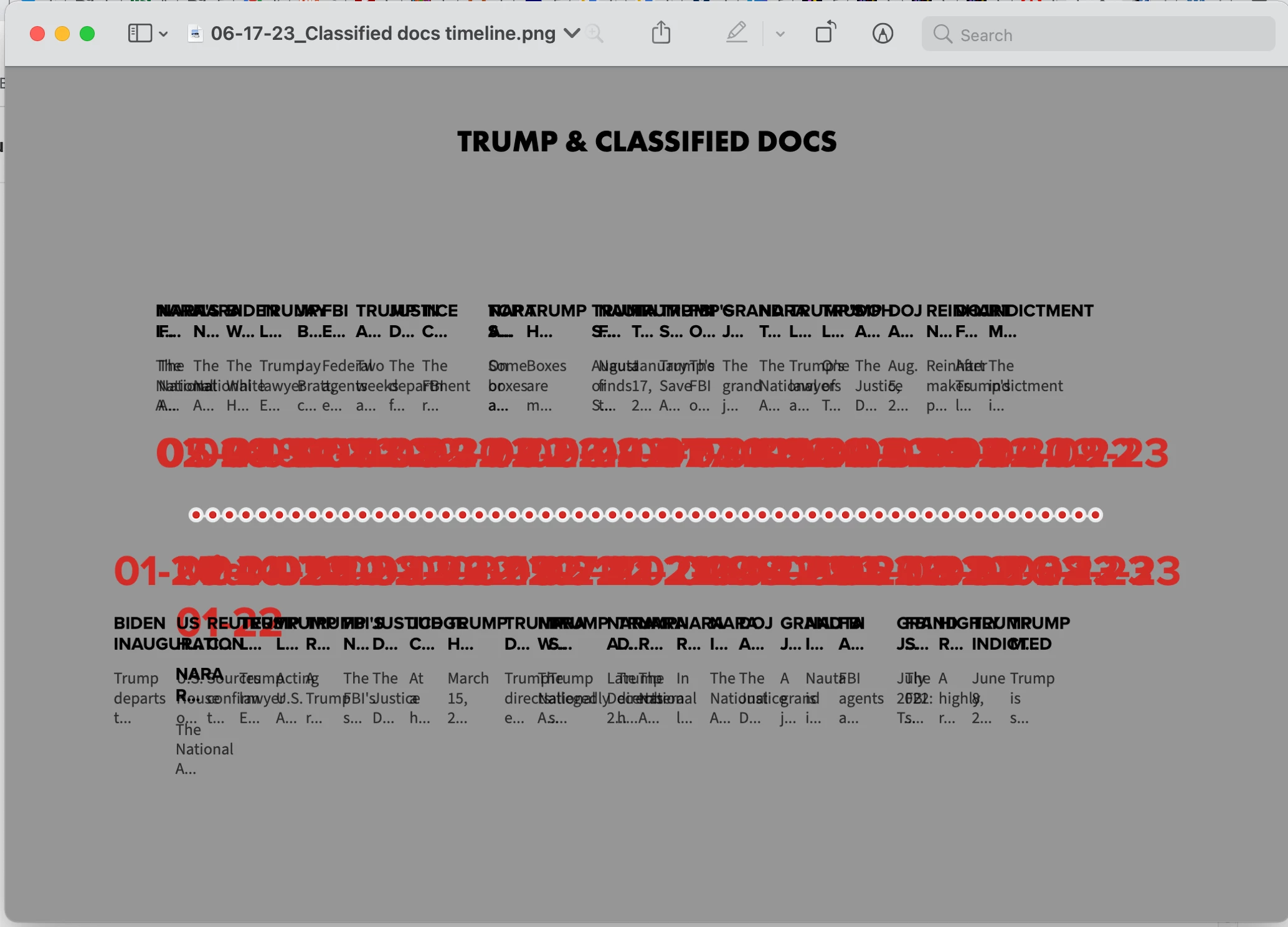
Grey background.... <sigh> Ok, so I clicked the 'Feedback' button at the top of the data entry page. I got the following:
I'm using a MacBook Pro 15" with OS Big Sur 11.7.7. Chrome browser is all I ever use to surf the Internet; Version 114.0.5735.133 (Official Build) (x86_64).
I thought maybe I was using a prototype or sales tryout and the full features would be available with that, but if there is, there seems to be no indication of anything.
So what's the deal?
 AdChoices