Participant
January 8, 2025
Answered

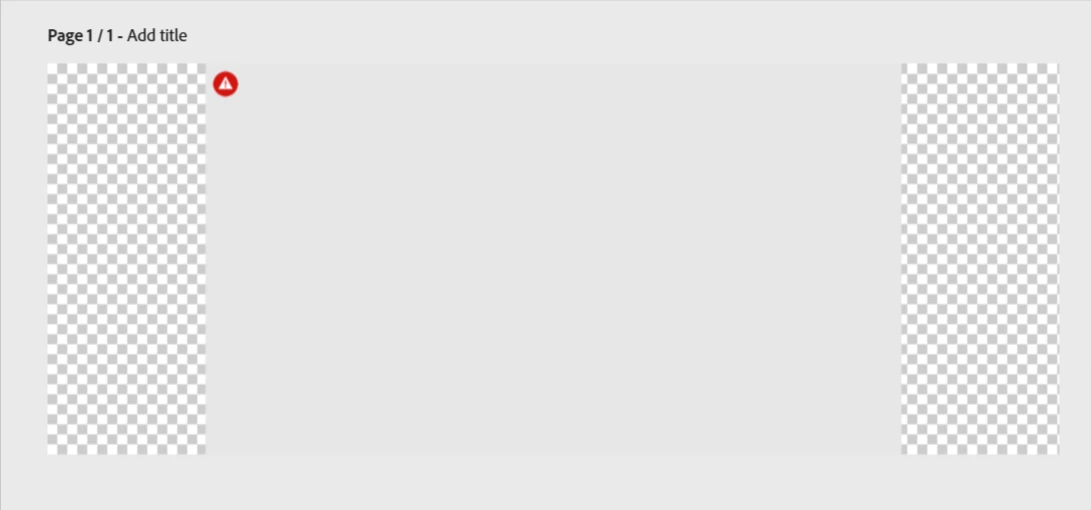
All images are grey & no image

  • January 8, 2025
  • 1 reply
  • 417 views

All images I add are grey. Image attached. What should I do? thanks

Correct answer Tarun Saini

Hi 

@sandra_8707

,


Welcome to the community! We're sorry to hear about the difficulties. Did you try using the other suggested browsers (Safari, Microsoft Edge, and Google Chrome) or incognito mode to see if it makes a difference? 


Also, try clearing the browser's cache and cookies, and restarting the browser and try again. For more information on how to clear cache and cookies check this link- https://adobe.ly/4a5ipUF and how to use incognito mode- https://adobe.ly/4a2UzZV 


If the above-mentioned steps don't work,  please make sure that the network endpoints listed on https://adobe.ly/4a7ZI2M are allowed.


Let us know how it goes.


Regards,

Tarun

1 reply

Tarun Saini
Community Manager
Tarun SainiCommunity ManagerCorrect answer
Community Manager
January 8, 2025

Hi 

@sandra_8707

,


Welcome to the community! We're sorry to hear about the difficulties. Did you try using the other suggested browsers (Safari, Microsoft Edge, and Google Chrome) or incognito mode to see if it makes a difference? 


Also, try clearing the browser's cache and cookies, and restarting the browser and try again. For more information on how to clear cache and cookies check this link- https://adobe.ly/4a5ipUF and how to use incognito mode- https://adobe.ly/4a2UzZV 


If the above-mentioned steps don't work,  please make sure that the network endpoints listed on https://adobe.ly/4a7ZI2M are allowed.


Let us know how it goes.


Regards,

Tarun