


Am I missing something with Brands in the new version of Express?
Previously I could set up a brand with multiple assets (Logos. fonts, colours etc.), I could also create multiple brands and assign one as the 'default' so that when creating new projects (Webpages, presentations, videos, infographics etc.) that brand would automatically apply to the asset in question. I also cannot find how to manually apply a brand, once created to the updated version of Express. There are many YouTube videos from Adobe and other third-party users that show how to set up brands but none show how to apply them...) Is this a feature that is still being worked on?
I don't see the point in setting up brands if they cannot be applied to projects, or am I missing something??
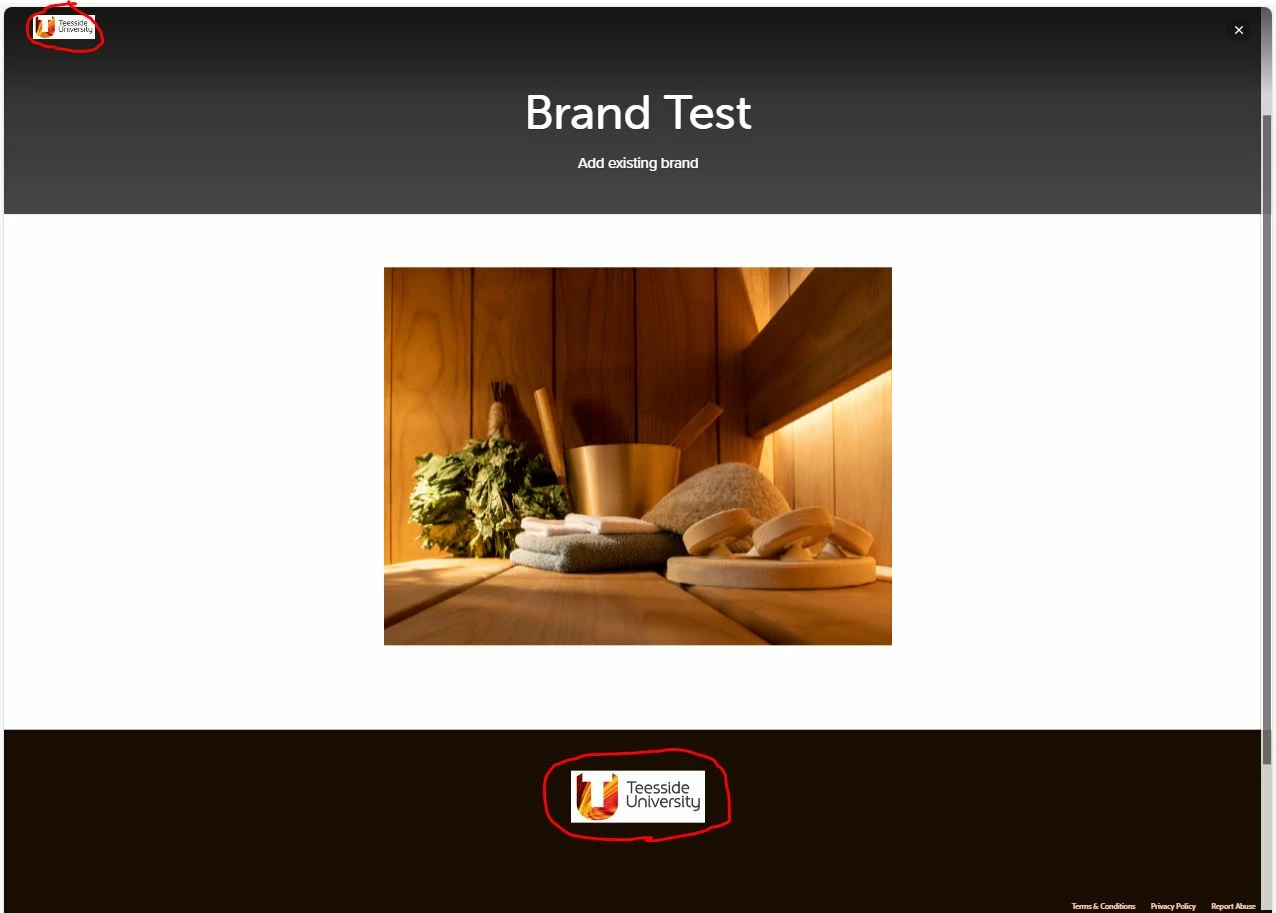
Just to add to the confusion, I noticed that even though I can't set a default brand (I currently have two) when I create a webpage and preview it, it does add the company logos I set in one of the brands to the project. What is the workflow that has been followed to allow this to happen?
 AdChoices