Leak Fix Experts
Participant
October 17, 2026
Answered

Best approach for a one-page service flyer for a local home-services business?

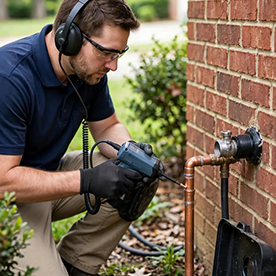
Hi everyone! I run a small 24/7 leak detection company in Columbia, TN, and I'm designing a one-page service flyer in Adobe Express to leave with customers after a job. The flyer will list our residential and commercial leak detection services, our phone number, and a photo from a recent job.


A couple of beginner questions:


1. Is there a template collection you'd recommend for home-service businesses, or is it better to start from a blank flyer and build the layout myself?


2. When I export as PDF, do the phone number and website links stay clickable? I'd like customers to tap through to our site — https://leakdetectioncolumbiatn.us/?utm_source=adobecommunity&utm_medium=citation — to read more about our acoustic and thermal imaging leak detection services.


Any pointers appreciated — thanks!

    justlearnskills
    justlearnskillsCorrect answer
    Community Expert
    October 17, 2026

    ​@Leak Fix Experts 

    1. Is there a template collection you'd recommend for home-service businesses, or is it better to start from a blank flyer and build the layout myself? 

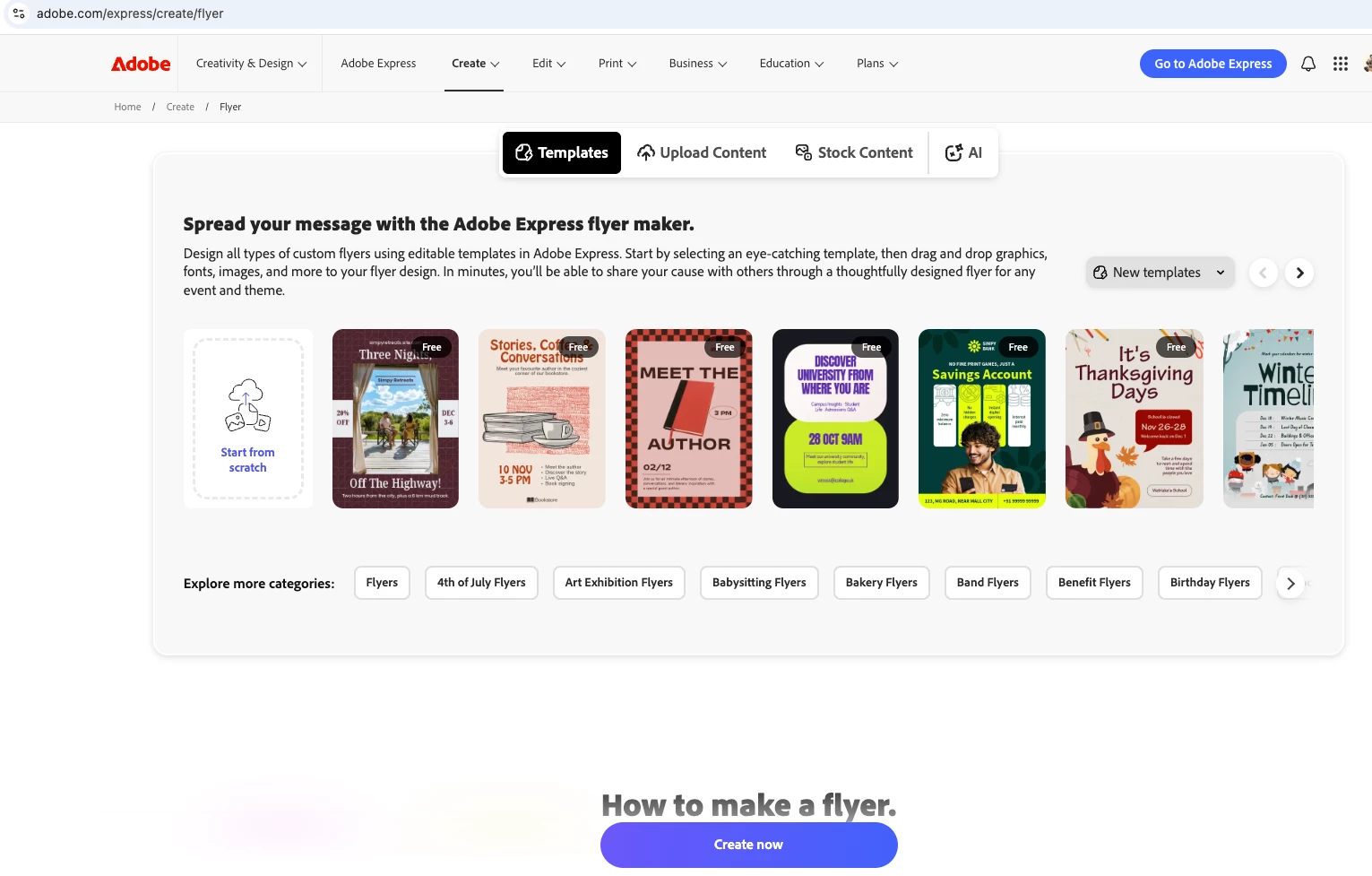
      Question? Do you have the skills or time to build from scratch? I would just use a template for the time being (https://www.adobe.com/express/create/flyer) or hire a freelancer
       
      1. Yes, if you add the website as a hyperlink in Adobe Express and export to PDF, the link can remain clickable in the PDF. The phone number to be a clickable, use a tel:


    m

    2 replies

    Participant
    October 21, 2026

    Hi! I’d recommend starting with an Adobe Express flyer template designed for home services or plumbing businesses. It will save you time and give you a professional layout that you can customize with your company logo, services, contact details, and a photo from a recent job. Keep the design clean and easy to read, especially the phone number and 24/7 availability.

    For the PDF, phone numbers and website links can remain clickable if you add them as hyperlinks before exporting. After downloading the PDF, open it and test the links to make sure everything works correctly. You can also make your phone number clickable so customers can tap to call you on their phones.

    Good luck with your flyer!

    Translate
    justlearnskills
    Community Expert
    justlearnskillsCommunity ExpertCorrect answer
    Community Expert
    October 17, 2026

    ​@Leak Fix Experts 

    1. Is there a template collection you'd recommend for home-service businesses, or is it better to start from a blank flyer and build the layout myself? 

      Question? Do you have the skills or time to build from scratch? I would just use a template for the time being (https://www.adobe.com/express/create/flyer) or hire a freelancer
       
      1. Yes, if you add the website as a hyperlink in Adobe Express and export to PDF, the link can remain clickable in the PDF. The phone number to be a clickable, use a tel:


    Translate
    m