Participant
February 11, 2025
Answered

Bleed in Adobe Express not showing up

  • February 11, 2025
  • 1 reply
  • 279 views

Hello,

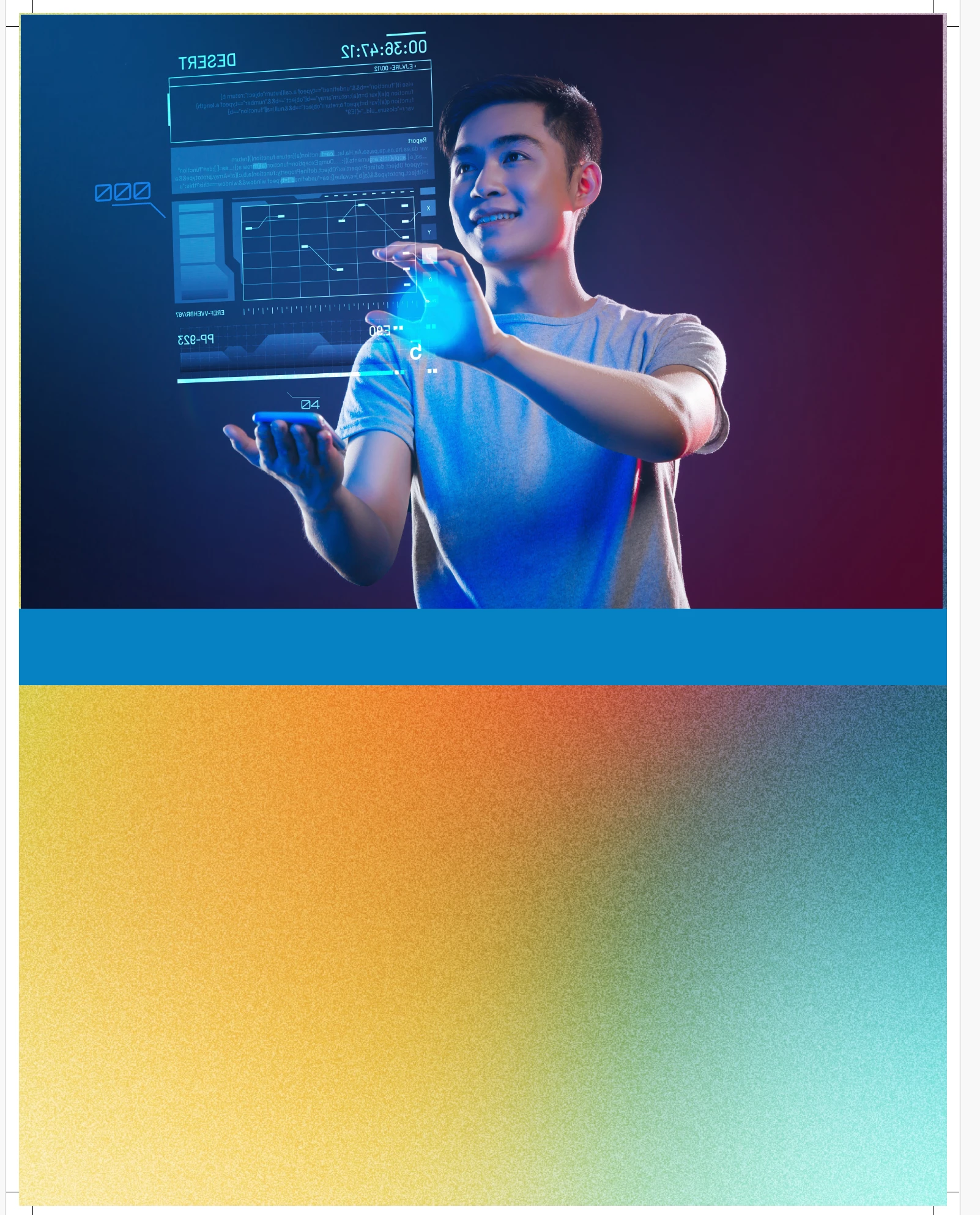
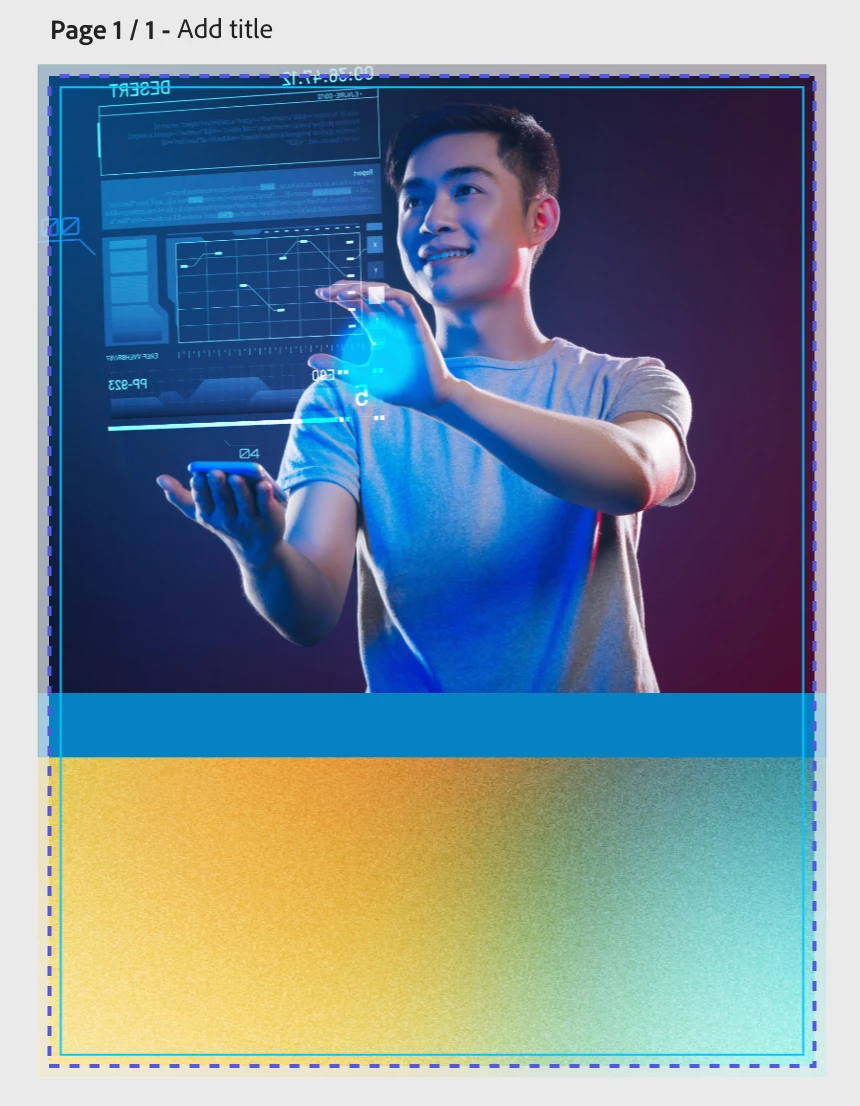
I am working on creating a system of templates for my marketing partners at work. On occasion bleed will be necessary. I've been testing how to do this and so far I've not been successful. I've turned on margins and bleed and have ensured all elements extend beyond the bleed. However, when I download the pdf for print the bleed doesnt show up. What am I doing wrong or how can I resolve this? 
Correct answer Amitej S

Hi ​@powerful_Flamingo8884, That’s awesome to hear, so glad it helped! 

You can also refer to this article for more details on Bleeds and Margins: Set custom margins

Bleed would appear essentialy for template sizes that are widely used for printing. For social media designs, set safe zones would show up to help you design within the visible display areas specific to each social media platform.


If you run into anything else while setting things up, feel free to share, happy to help!

Best!


1 reply

David__B
Adobe Employee
Adobe Employee
February 11, 2025

Hi @katie_3960

Based on your screenshots it looks like you've done it correctly. The bleeds and margins within Express are pretty simplistic, the bleed will appear as a white area around the outside image with crop marks that are approximately 1/4 inch from the edge (1/8 inch for the white bleed & 1/8 inch into the outer edge of the image). This help page may be helpful too https://adobe.ly/4jMRnGl

If you require more versatile or specific bleed designations, you might need to resort to an add-on. I found a few in the add-on section by searching for "bleed". I'll include a screenshot for reference

Hope that helps,
Dave

Participant
April 13, 2026

This was super helpful!  Thank you!  I had NO idea that add on would help to build in and save bleed mark areas!  My PRINTER guy thanks you too!

Amitej S
Community Manager
Amitej SCommunity ManagerCorrect answer
Community Manager
April 13, 2026

Hi ​@powerful_Flamingo8884, That’s awesome to hear, so glad it helped! 

You can also refer to this article for more details on Bleeds and Margins: Set custom margins

Bleed would appear essentialy for template sizes that are widely used for printing. For social media designs, set safe zones would show up to help you design within the visible display areas specific to each social media platform.


If you run into anything else while setting things up, feel free to share, happy to help!

Best!