

Participant
August 20, 2026

Bulk Create Not working

  • August 20, 2026
  • 2 replies
  • 11 views

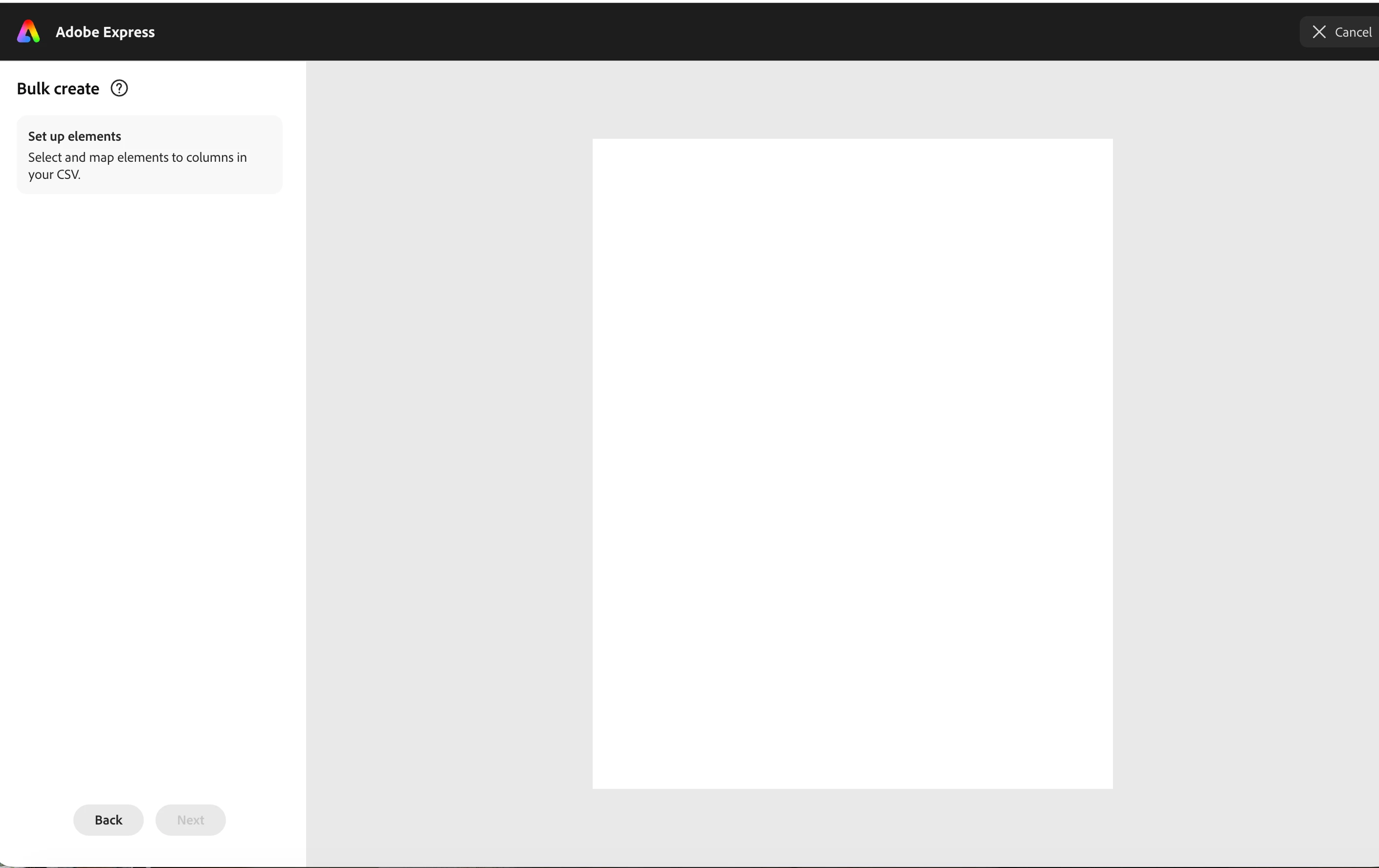
The bulk create feature does not work, it specifically does not go past the page where you upload it. I can not get to “next” 
 

    2 replies

    Amitej S
    Community Manager
    Community Manager
    August 20, 2026

    Hi ​@itsgigirobinson! Thanks for reporting this. Since you're getting stuck on the upload step and can't select “Next,” could you let us know:

    • What type of file are you uploading (CSV, XLSX, etc.)?
    • Does the file upload successfully but the Next button remain disabled, or does the upload itself fail?
    • Are you using the Adobe Express web app or mobile app?
    • What device, OS, and browser are you using?

    In the meantime, please try a CSV file with a simple set of data in an Incognito/Private window or a different browser to see if that makes any difference.

    If possible, also share a screenshot or screen recording of the upload step. That will help us investigate further.


    Thanks!

    Participant
    August 20, 2026

    Screen recording attached! 

    CSV because it wouldnt accept anything else.

    Gigi
