Participant
November 30, 2024
Question

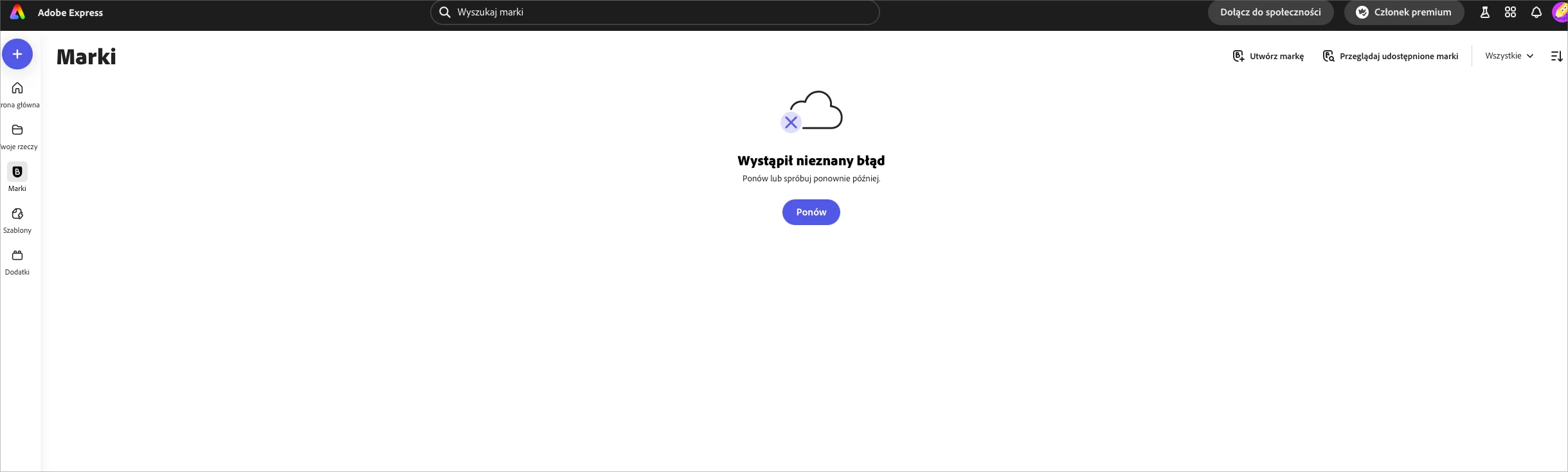
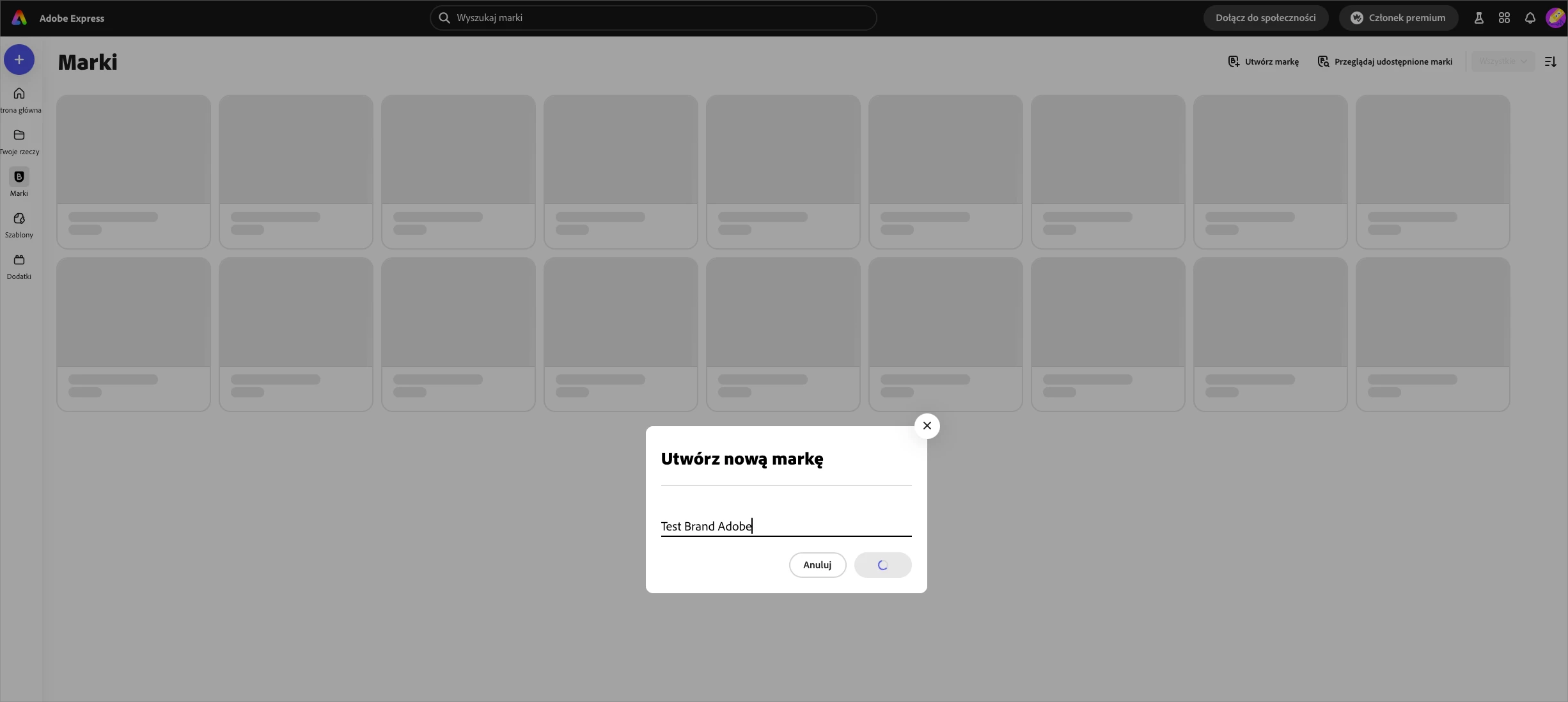
Can't create brand in Adobe Express

  • November 30, 2024
  • 2 replies
  • 248 views

Hello!

I cannot create brand from my account, also I can't see any data buffered in the background.

Tried Chrome and Safari, also incognito and another computer. Please do not tell me to clear cache, I know the drill. 


This topic has been closed for replies.

2 replies

Participant
December 3, 2024

Alright. 

So no one in support knew what happend. 

I found a solution myslef. 
I was on my one and only account - admin account with licencse assigned to it. 

What I had to do is creating another user, unassigning licence from admin account and assign it to user account. 

Everything started to work. 

It is a bug on Adobe side. 

Participant
December 2, 2024

A small update - I tried to save anything to Adobe Express - was able to create a new post for Instagram but when I try to save a diffrent name or save any asset change at all - it fails. Mobile and desktop, different internet connections, cleared caches etc. 

David__B
Adobe Employee
Adobe Employee
December 2, 2024

Hi @MIKOŁAJ_8473


Thanks for trying the troubleshooting steps you have. I'd also try these:

- Reset Windows Firewall to the default settings and test
- If you're using any kind of firewall or security software that might be restricting access, that could be the cause. You might need to disable it temporarily and this article lists all the domains you need to whitelist https://adobe.ly/4eUdCWV 
- You might try temporarily switching to public DNS to see if that makes any difference too. This kind of thing https://adobe.ly/3D5E1Up


If you try these and are still having issues I'd recommend reaching out to and working with our support directly. They can be reached here https://adobe.ly/3ZytUjO


Best,
Dave