
Participant
April 20, 2023
Question

Canvas on edit mode doesn't show design objects on Firefox for Mac

  • April 20, 2023
  • 1 reply
  • 432 views

Hello.

I've been having problems with Express on Firefox for Mac for a while. A few months back (when it was still Spark Post) I could make and edit projects using the web interface but since the update I haven't.


1. When opening a project it shows a blurry preview, but then it turns white and disappears.
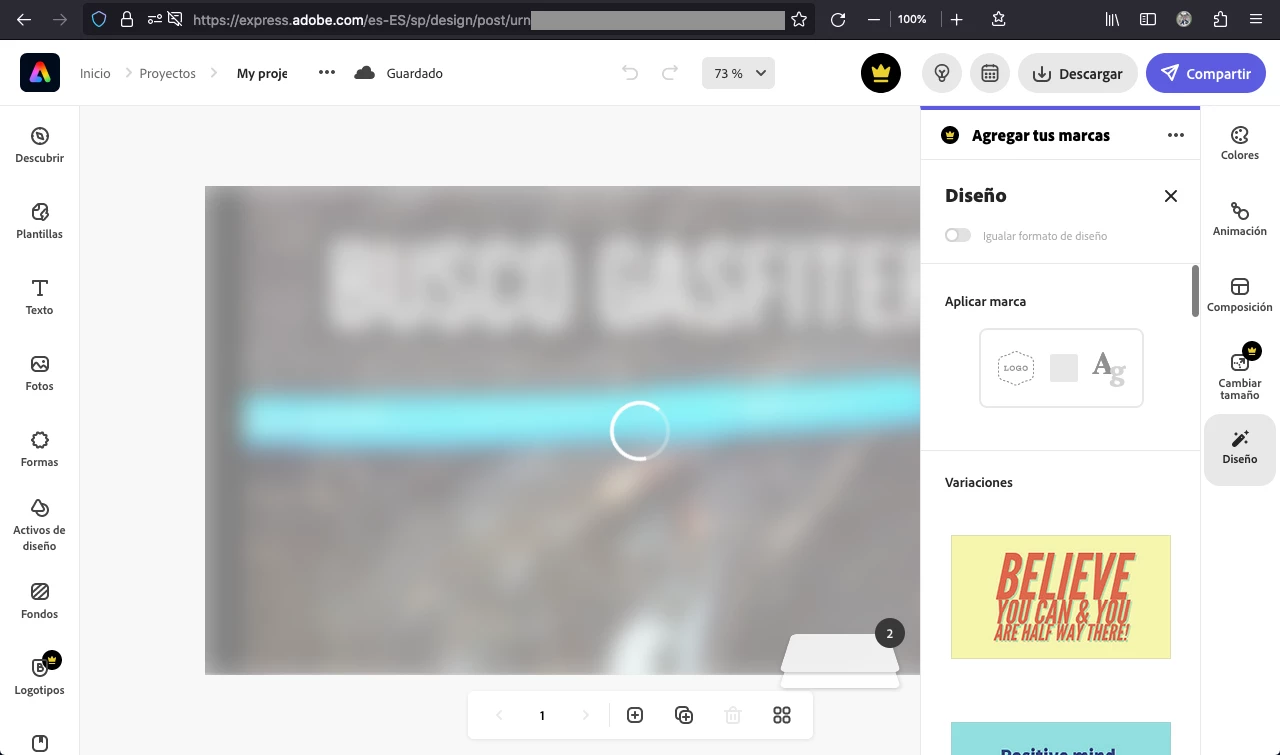
 

2. While the canvas looks white/empty you can still interact with the elements you placed, yet the design and changes still doesn't show.
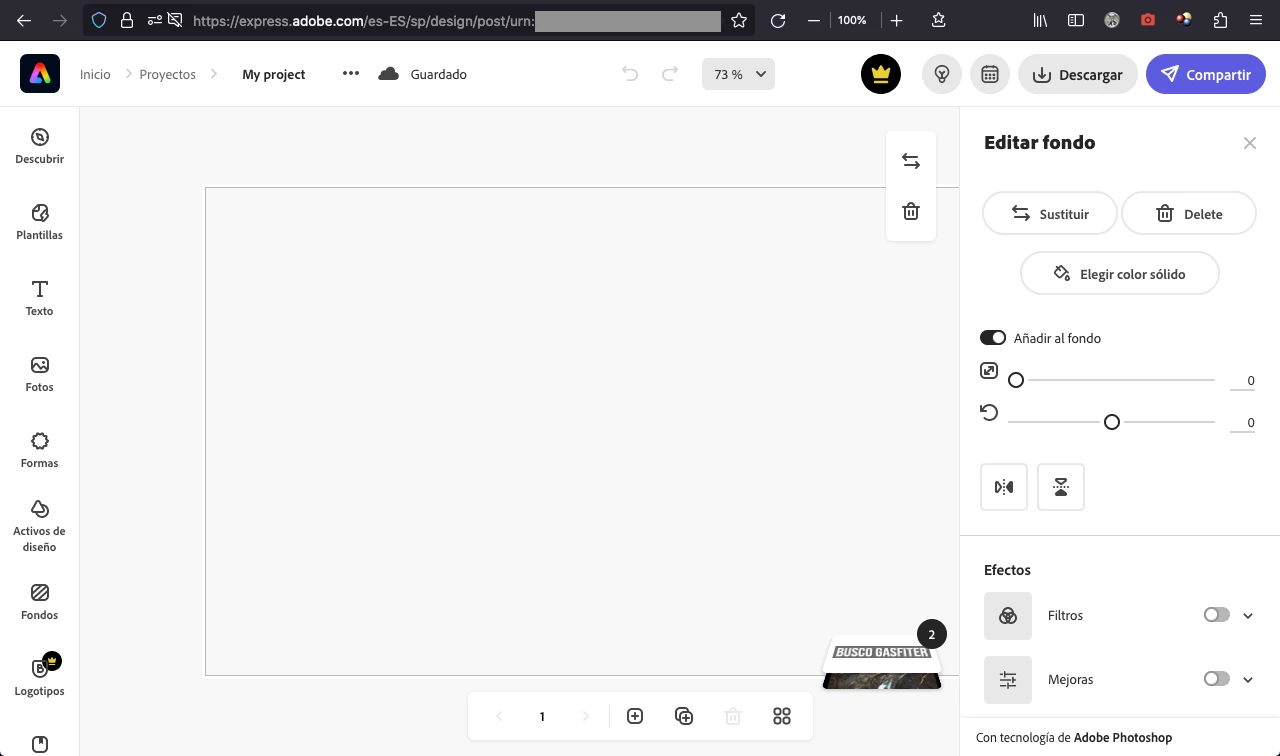


What would it be? I've encountered this problem on both regular and incognito mode, even without addons. Using Chrome for Mac works properly.


Thanks in advance.

This topic has been closed for replies.

1 reply

Winnie_M
Inspiring
April 27, 2023

Hi @ProfMozz,


Thank you for your message and sorry for the issue. 

I opened a project on Firefox as you did but the preview wasn't blurry. Have you tried to update Firefox and Mac OS? What is the current version of your browser? Have you tried to sign out and then sign in again without being signed in on Chrome?


Regards,

Winnie

ProfMozzAuthor
Participant
May 16, 2023

Hello @Winnie_M,


Sorry for the (very) late reply. I'm using the latest version of Firefox on macOS 10.15.7 (Catalina) and I can't update it further than that because it's an old one.

I don't know what may be causing the problem. I just restored browser defaults and reinstalled Firefox but the problem persists.

Regards,

Javier

Winnie_M
Inspiring
May 16, 2023

Hi @ProfMozz,


Thank you for getting back to us. Sorry to hear the problem persists. 


The minimum requirement to use Adobe Express on Mac is MacOS 10.13. Can you clear the cache and cookies?

Try also removing any installed plugins/extensions. If the issue persists, can you try to use Firefox on another device? 


Let us know how it goes.


Thanks,

Winnie