



Ram Noureddine
Participant
February 7, 2026
Question

Content Credentials Not Showing

  • February 7, 2026
  • 3 replies
  • 16 views

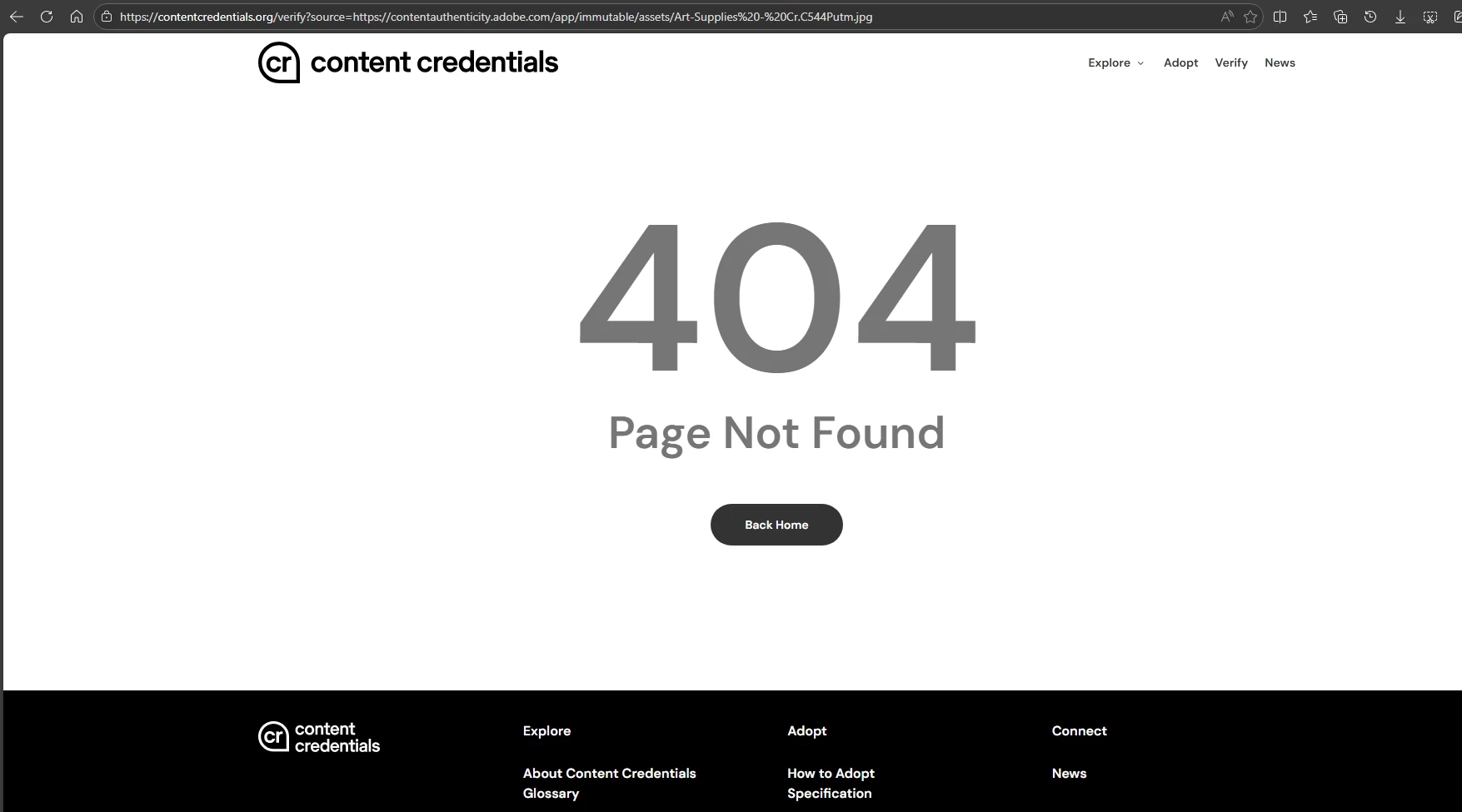
Extracted from the coursera course → https://contentcredentials.org/verify?source=https://contentauthenticity.adobe.com/app/immutable/assets/Art-Supplies%20-%20Cr.C544Putm.jpg

It says not found: (see attachment)


verify files works fine but url... it doesn’t seem to work. Is it just me? I tried Edge (Version 144.0.3719.115 (Official build) (64-bit)) and Firefox (147.0.3) and got the same result.

Help!
 

    3 replies

    Amitej S
    Community Manager
    Community Manager
    February 11, 2026
    Amitej S
    Community Manager
    Community Manager
    February 11, 2026

    Hi ​@Ram Noureddine, thanks for reaching out! 


    Please share your observations on the steps mentioned by ​@Franciszek67! It might help other community members looking for similar information.


    If you require any more info or assistance regarding this, I recommend you reach out to our support team directly. They can be reached here: https://helpx.adobe.com/contact.html?rghtup=autoOpen


    Best!

    Franciszek67
    Participating Frequently
    February 8, 2026

    Content Credentials not appearing in the file info panel is usually down to one of these:

    • The feature is turned off in Preferences > Technology Previews > Content Credentials (Beta). Toggle it on, restart Photoshop.
    • You're on an older build – update to the latest version via Creative Cloud desktop app, as early 2025 releases had bugs with credential visibility.
    • Export settings override: when saving as PSD, JPEG or PNG, make sure "Attach Content Credentials" is checked in the export dialog (or in File > Export > Export As). It doesn't attach automatically on regular Save.

    Try attaching them explicitly on a test file and check again in File > File Info > Advanced tab – they should show up there even if the badge icon is missing in the UI. If still nothing, reset preferences (hold Alt+Ctrl+Shift on launch) and test on a fresh document. That sorted it for a few people with similar reports.