winterludes
Inspiring
February 12, 2026
Question

Exporting in the image size I set my project to

  • February 12, 2026
  • 1 reply
  • 0 views

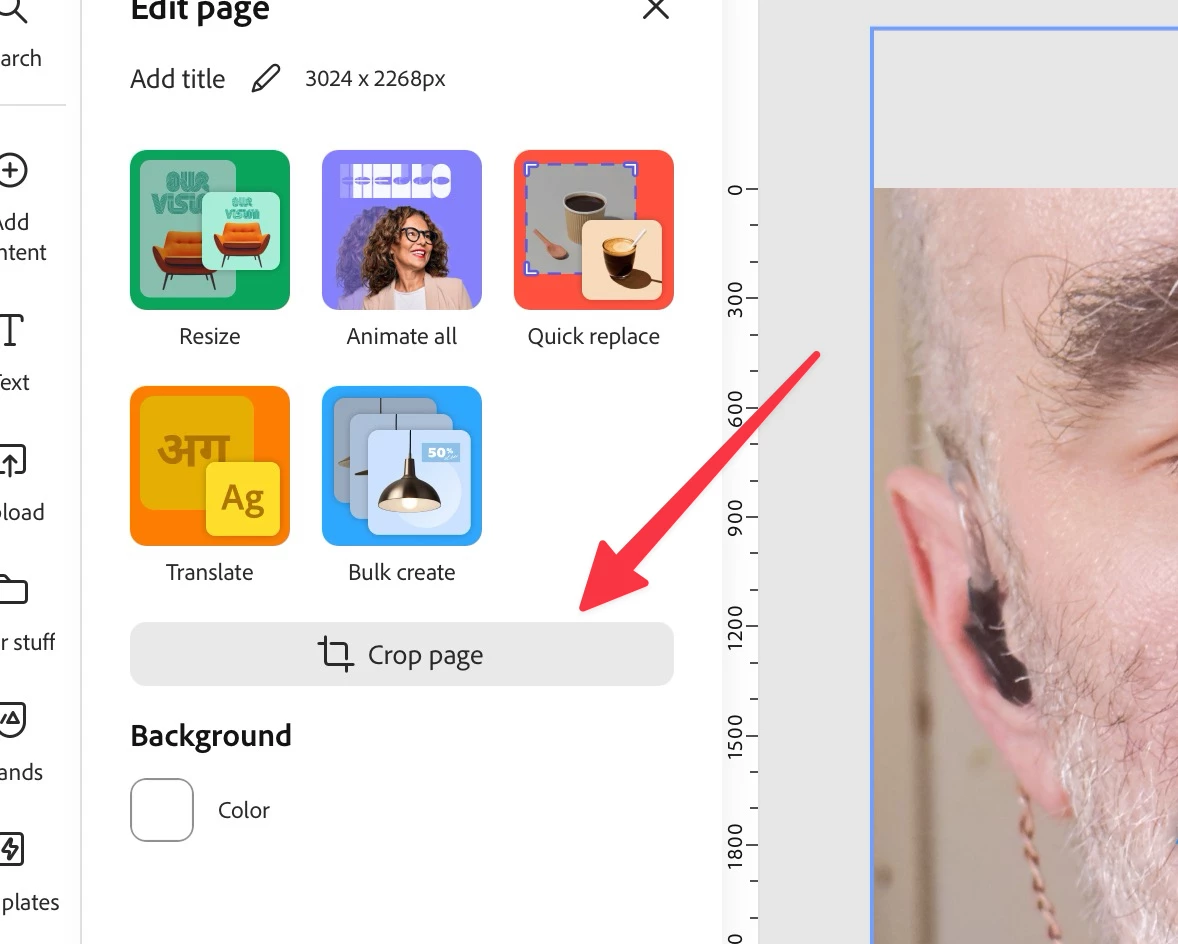
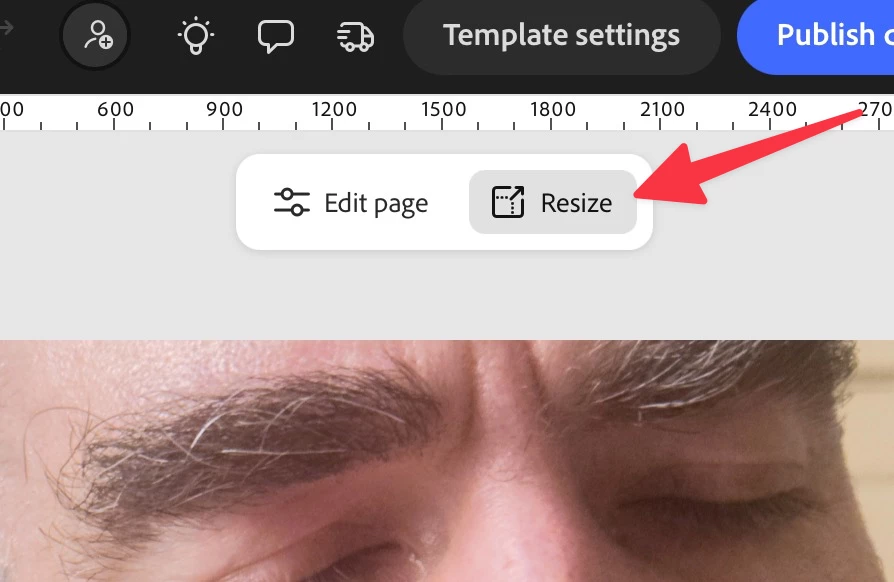
I have treid both ways (shown in screenshots) of resizing a project.  It seems to resize, down form the native iphone camera size to 825px wide (with height aspect ratio locked)

It says it’s that size after I change it.  

But when I export the image, it exports in the iPhone 2,000 something px dimensions of the original.  

i need to be able to resize these images in Adobe Express for this project because i’ve added a graphic that needs to always be the same size in every image I make.  

thank you!


    1 reply

    winterludes
    Inspiring
    February 13, 2026

    I guess I can resize the image before importing into Adobe Express.  But man, this is so basic.  I have an ios shortcut that will let me resize an image.  AE has to be able to do it

    rosedv
    Community Manager
    Community Manager
    February 13, 2026

    Hey ​@winterludes - when you download on your iPhone - do you see the option to make sure the size of the file? It should default to “1” which would be the size you resized your canvas to, but please share screenshots or a screen recording if this isn’t happening!


    ~ Rose