


Participant
October 24, 2024
Question

Express not opening in Chrome

  • October 24, 2024
  • 4 replies
  • 1134 views

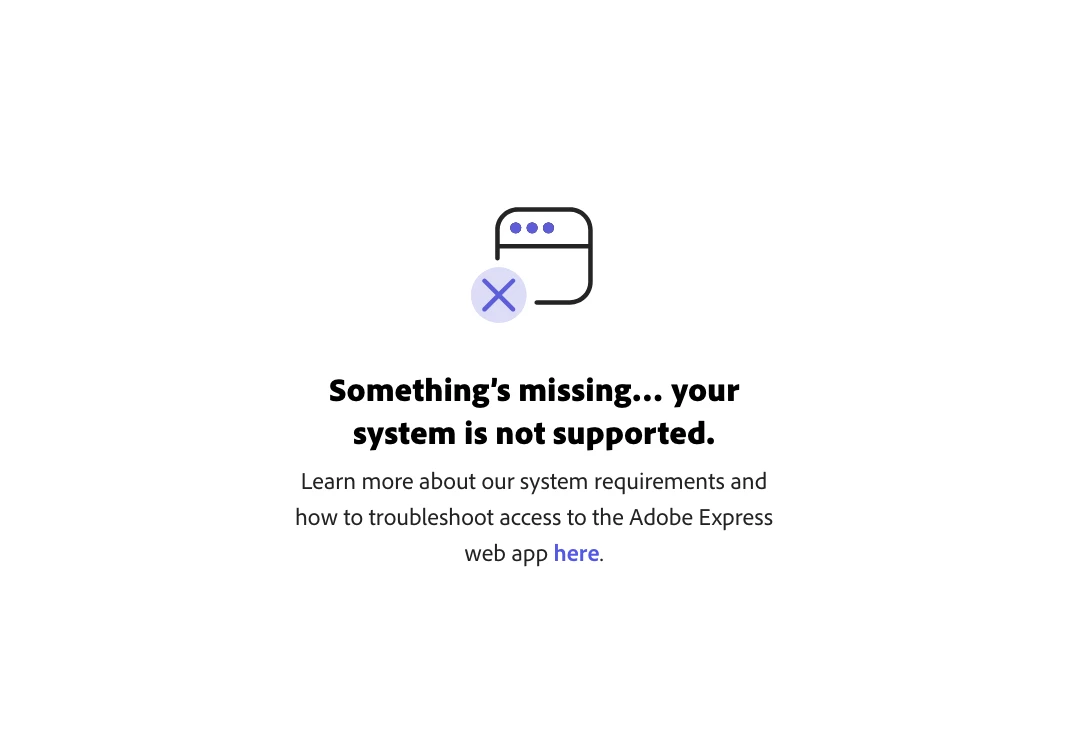
My Adobe Express is locked out of opening in Chrome. I'm not sure how or why but it seems to think I'm viewing on a mobile device even though i'm on a MacBook Pro. It opens perfectly in Firefox but not in Chrome and I'm not sure how to reset it. I've cleared my cache etc but no luck so far. Any suggestions any one?

I'm using Version 130.0.6723.60 (Official Build) (arm64) of Chrome on MacBook Pro 14.6.1 (23G93). 
4 replies

Participating Frequently
February 15, 2026

Still getting this in February 2026. Hardware acceleration is on, Express won’t load on Chrome.

Participant
March 27, 2025

It's fixed! Yessssssssss!

The problem was casued by a Google Chrome update. After the update, the option within my Google System Settings, USE GRAPHICS ACCELERATION WHEN AVAILABLE, was switched off. As soon as it was switched back on, Adobe Express sprung to life.


Community Manager
March 27, 2025

Hi @Chris26679022510l,


I'm glad to hear that the issue was resolved! It sounds like the recent Chrome update affected the graphics acceleration settings, which caused Adobe Express to not load properly. Thanks for sharing that insight—it could help others experiencing the same issue.

If you run into any more challenges, feel free to reach out. I'm here to help! 😊


Best regards,


^MM

Lilapng
Participating Frequently
November 6, 2024

I have the same problem with opening it Firefox though...and I am using windwos pc. I don't have problem in my phone app...any suggestions?

chaimaa.7
Community Manager
Community Manager
November 12, 2024

Hi @Lila35291965316a. Can you please try the steps that Tarun mentioned above? 

Let us know if any of these steps help, or if the issue persists, we can guide you further! Thanks^CA

Tarun Saini
Community Manager
Community Manager
October 25, 2024

Hi 

@Chris26679022510l

,


Thanks for your patience. If you've recently installed any pop-up blocker or third-party plugins/Extensions, try disabling them and check again after restarting the browser. Also, try disabling the firewall to check if that works; if disabling the firewall works, try updating the firewall.


Regards,

Tarun

Participant
November 6, 2024

Hi there. It's still not working. I now think it might be a Chrome issue rather than Express. I can't work out a way of resetting it so that it doesn't think Chrome on my laptop is my mobile device.