

FAQ - How do I get started with Adobe Creative Cloud Express?
FAQ - How do I get started with Adobe Creative Cloud Express?
Get up and running with Adobe Creative Cloud Express.
Download and install Adobe Creative Cloud Express

Click Web below to sign in to the Creative Cloud Express web app on desktop. Don’t worry if you start with the free trial. You can upgrade to a paid version from within the app.
On mobile? Download the app and sign in to get started using Creative Cloud Express on mobile.
Helpful links
- User manual
- Common questions
- System requirements
- Creative Cloud Learn & Support
- Manage your Adobe ID
Need help downloading or installing? See Download and install help.
Start using Creative Cloud Express
Adobe Creative Cloud Express Overview
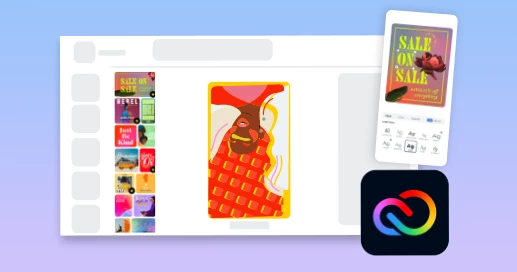
Getting started with Creative Cloud Express templates
Adobe Creative Cloud Express for iOS
Adobe Creative Cloud Express for Android
SEE MORE TUTORIALS
Help with your Creative Cloud Express subscription
Forgot your Adobe ID and password?
Your Adobe ID is the email address you used when you first started a trial or purchased an Adobe app or subscription. Find solutions to common Adobe ID and sign-in issues.
Why do I have to sign in to use Creative Cloud Express?
You need to sign in periodically for licensing validation -- every 30 days for monthly members and every 99 days for annual members. For more information, see Sign in and sign out to activate or deactivate Creative Cloud apps.
How can I get my invoice?
You can print an invoice from your account on Adobe.com. For details, see Print a payment receipt or invoice.
Documentation is here: https://helpx.adobe.com/express/get-started.html
 AdChoices